This post contains affiliate links. As an Amazon Associate we earn from qualifying purchases, at no extra cost to you. Read our disclosure.
Safety first: This is general money education, not personalised financial advice. Please read our financial disclaimer before you start.
Key takeaways
- Give every planner page one job: what is coming, what is left or how am I doing.
- Start with 6 pages in the first week and add one more each month.
- Paydays, bills and sinking funds matter more than decoration.
- A weekly 5-minute check-in does more than a long monthly session.
- Plan the Christmas and no-spend pages before the season starts.
In this post23 sections
- What Pages Does a Budget Planner Need?
- Start-of-Year Planner Pages
- 1. A year-at-a-glance page
- 2. A January money reset page
- Monthly Budget Planner Pages
- 3. A monthly budget page with a mini calendar
- 4. A budget categories page
- 5. A weekly spending check-in
- 6. An end-of-month review
- Planner Pages for Paydays and Bills
- 7. A payday calendar
- 8. A paycheck budget page
- 9. A bill tracker grid
- Planner Pages for Goals, Savings and Debt
- 10. A sinking funds page
- 11. Savings goal jars
- 12. A debt balance tracker
- Planner Pages for Spending Less and Seasonal Plans
- 13. A no-spend days grid
- 14. A Christmas budget and gift list
- 15. A color key with washi tape and stickers
- Build Your Starter Set in One Evening
- FAQ
| You want to see | Add this page |
|---|---|
| Where the year is going | Year at a glance, January money reset |
| What you can spend this month | Monthly budget page, categories page |
| Which paycheck pays which bill | Payday calendar, paycheck budget, bill tracker |
| Progress on goals | Sinking funds, savings jars, debt balances |
| A calmer December | Christmas budget and gift list, no-spend days |
What Pages Does a Budget Planner Need?
A budget planner is easiest to keep when every page answers one question: what is coming, what is left, or how am I doing. The 15 planner ideas below are grouped in the order you will use them in 2027, from the first January page to the look-back in December. Pick the ones that fit your pay schedule, print or draw them, and skip the rest.
You do not need to fill a planner to benefit from one. Most people do best with 6 pages in the first week and adding one more each month. The budget binder ideas guide covers the binder side if you prefer loose sheets.
Start-of-Year Planner Pages
Set these up once in January. They are the pages you will flip back to when the year gets busy.
1A year-at-a-glance page

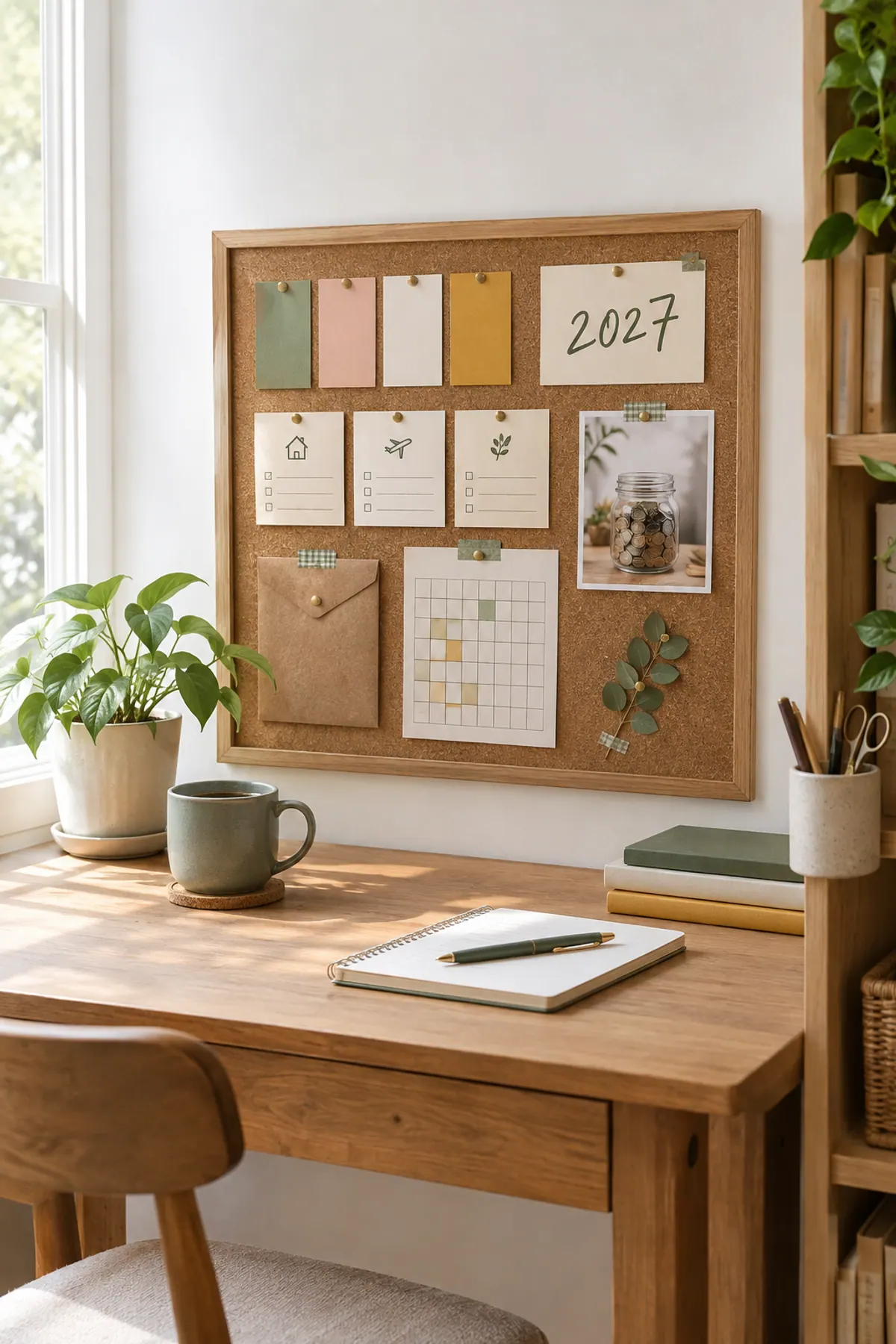
One page with all 12 months in view where you mark paydays, big bills, birthdays and trips. It shows the months that need extra planning, like the two months a year with three paychecks or the month your car insurance renews.
- Circle any month that has a bill over a month of normal spending.
2A January money reset page

A short list of your income, your bills, your accounts and up to three goals. Doing it once at the start of the year gives every other page its numbers. The 30-day money reset walks through a month-long version, and the financial goals for 2027 guide helps you choose goals.
- Write each goal with a number and a date, like $500 saved by April.
Monthly Budget Planner Pages
These are the pages you open every month. If you only add one section, add this one.
3A monthly budget page with a mini calendar

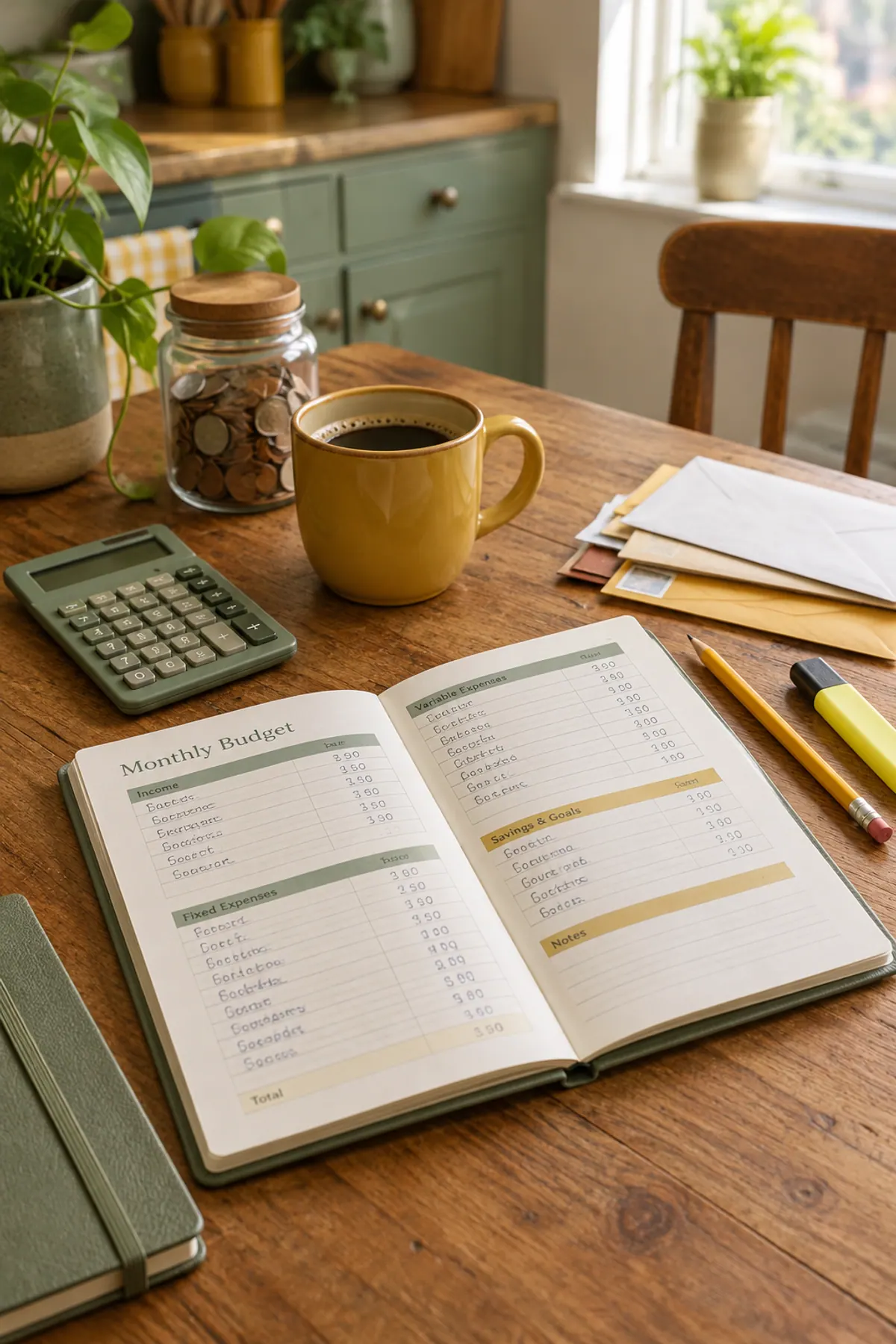
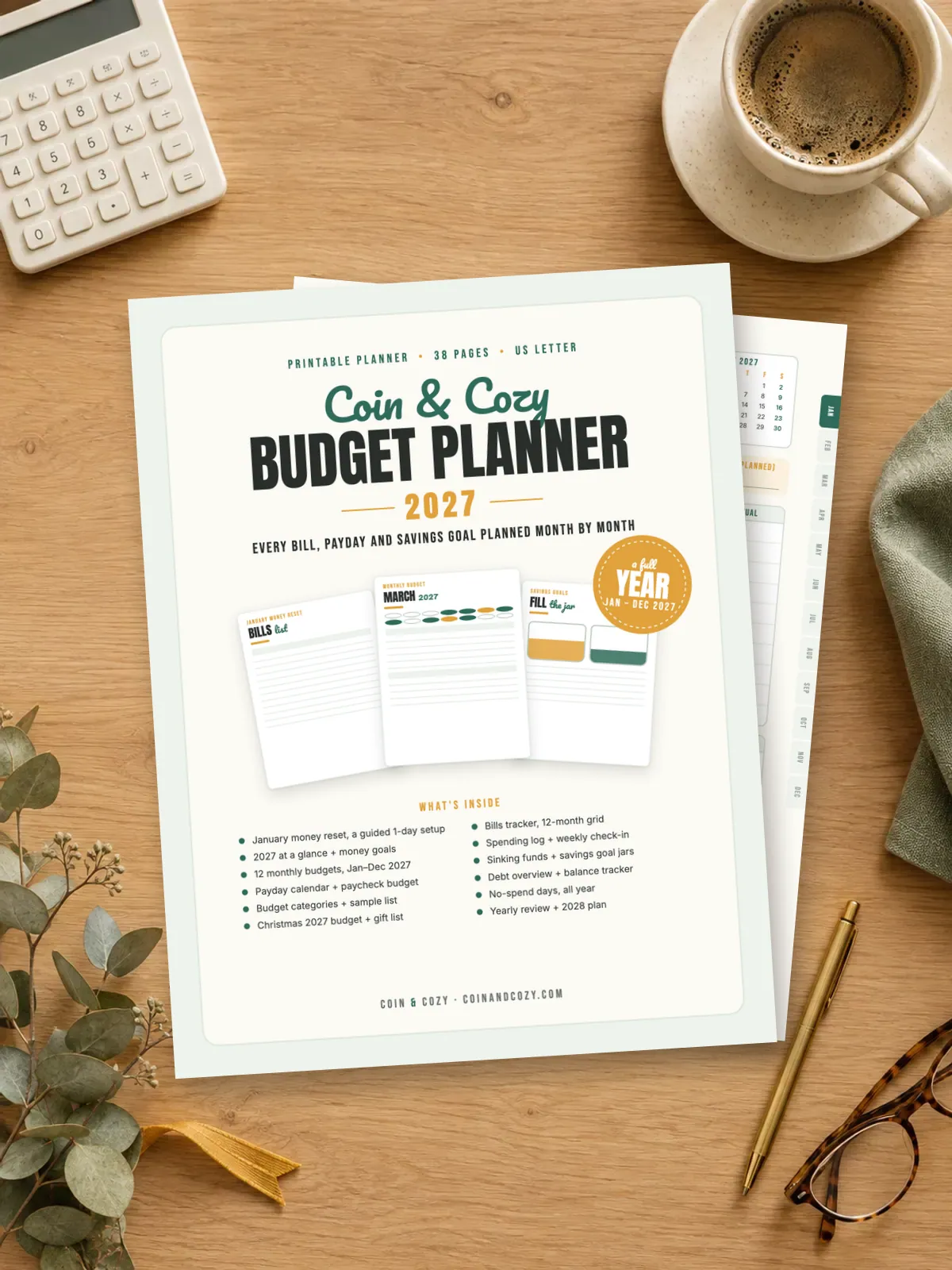
Income at the top, bills with checkboxes, everyday spending, saving and debt lines, and a small calendar so you can see paydays and due dates together. The Cozy Budget Planner 2027 has one for each month. The free monthly budget sheet is a no-cost version.
- Draw a star on paydays so they stand out on the calendar.
4A budget categories page

One page listing your categories and what belongs in each, so you decide once whether a gym fee is health or fun. Start with 8 and grow. See the full budget categories list.
- Keep a short note on each category so a new household member can use it too.
5A weekly spending check-in

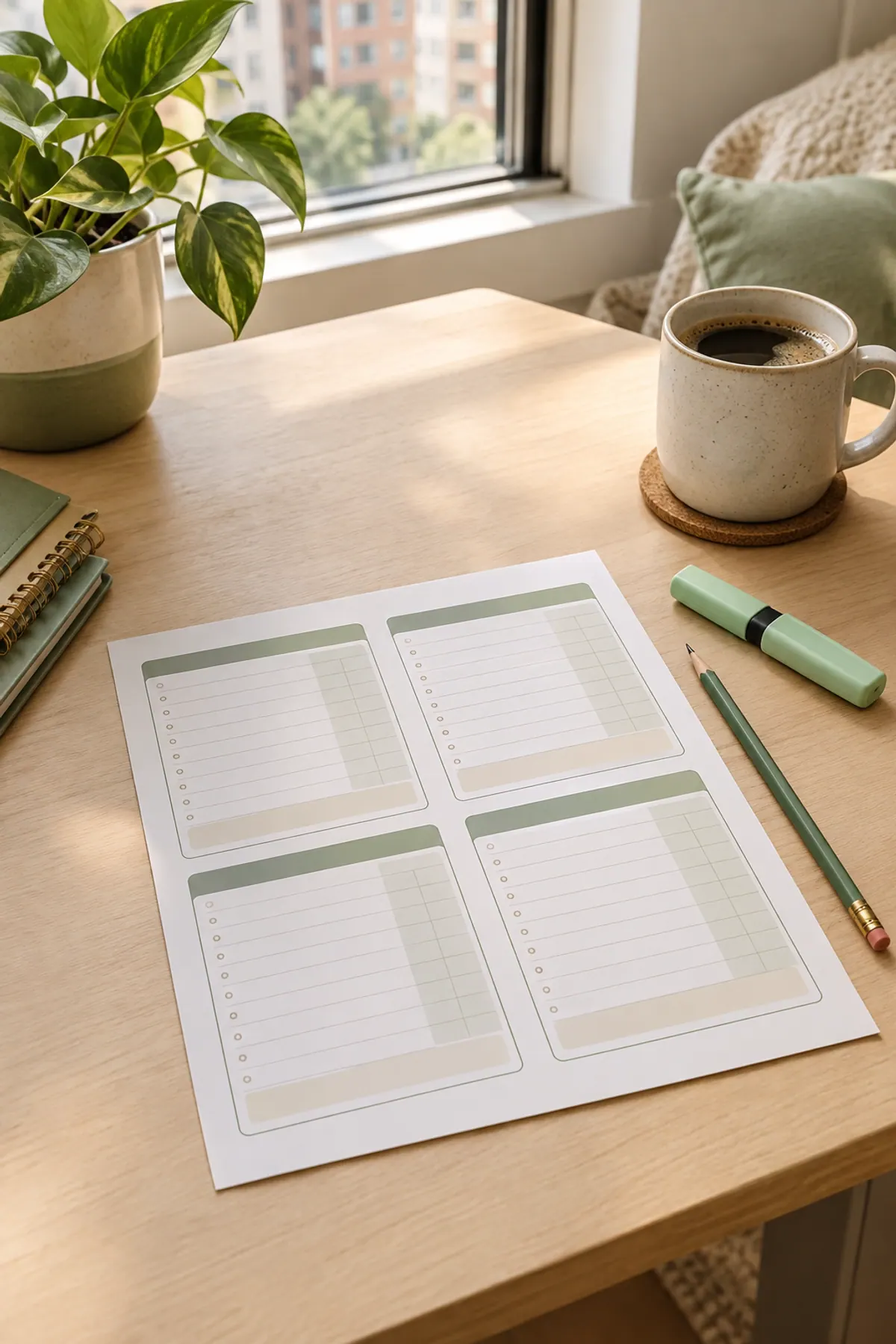
Seven stacked boxes for the days of the week and a line for what is left. Five minutes on Sunday keeps small spending from surprising you on the 25th.
- Pick the same day and time every week, like Sunday after breakfast.
6An end-of-month review

Three boxes: what worked, what did not, and one change for next month. It turns a budget into a habit by making you look back before you plan forward.
- Keep it to three lines; a short review is a review you will do.
Planner Pages for Paydays and Bills
These match your money to the checks that pay it. They matter most if you are paid every two weeks or have irregular pay.
7A payday calendar
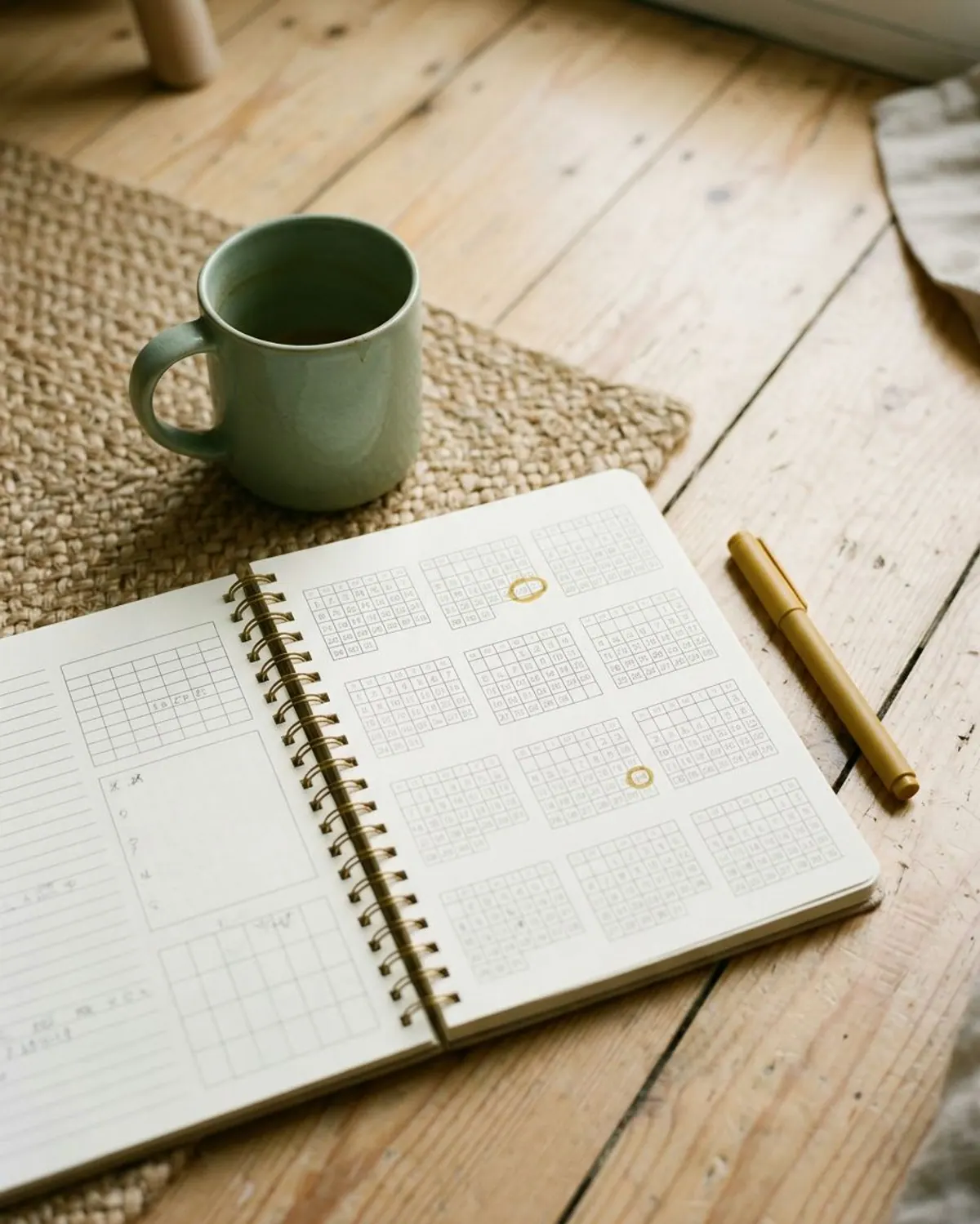
A grid of all 12 months with your paydays marked, so bills line up with the check that lands before them. The biweekly budget guide shows the method.
- Highlight the months with three paychecks; plan that extra check on purpose.
8A paycheck budget page

Two columns, one for each paycheck of the month, listing what each check pays. It is a simple way to avoid shortfalls when rent lands before your second check.
- Put the big bill on the larger check and small bills on the smaller one.
9A bill tracker grid

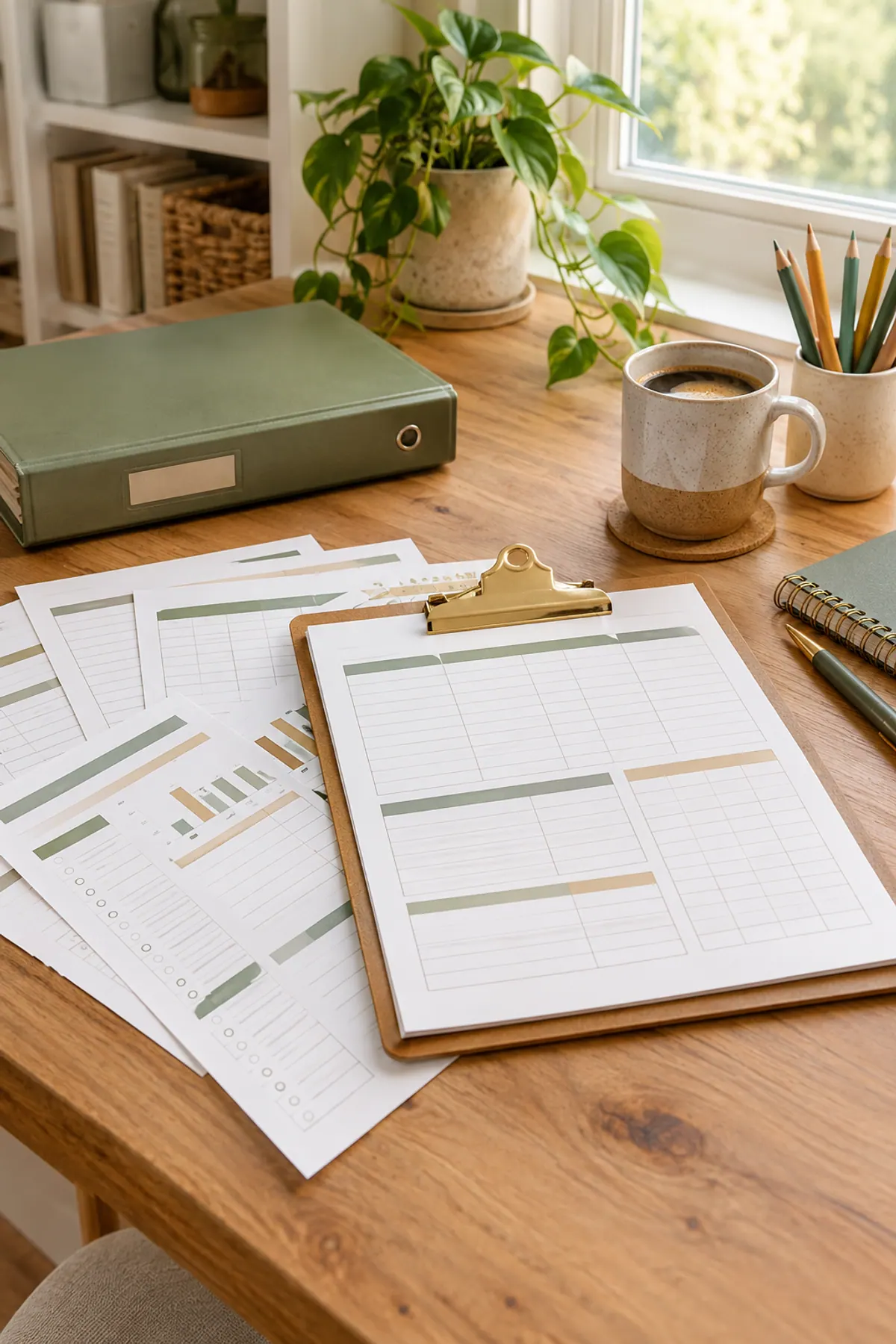
A 12-month grid with a row per bill and a box for each month, ticked when paid. You can see at a glance whether every bill was covered and which ones are due soon.
- Use a different color for autopay bills so you know which ones still need you.
Planner Pages for Goals, Savings and Debt
Pages that show progress are what keep people going in February, when the January energy is gone.
10A sinking funds page

A list of the bills that only show up once or twice a year, with a monthly amount for each. See sinking funds categories and monthly amounts for ideas.
- Start with three: car repairs, gifts and annual fees.
11Savings goal jars

Three large jar outlines to color in as a goal grows. It is a small thing that makes saving visible. If you are building a first cushion, start an emergency fund on a low income.
- Label one jar emergency, one for a goal you want and one for a goal you need.
12A debt balance tracker

Rows for each debt with the balance and a long thin bar to color in as it shrinks. The debt payoff tracker guide compares the snowball and avalanche methods.
- Write the starting balance on the first row so you can see how far you have come.
Planner Pages for Spending Less and Seasonal Plans
Add these when you are ready for something extra, or when a season is near.
13A no-spend days grid

A year of small circles to fill in on the days you spent nothing extra. Even a few filled circles a month show how many ordinary days cost nothing. The no-spend challenge guide has rules and a tracker.
- Define in advance what counts as a no-spend day, like no purchases beyond bills and groceries.
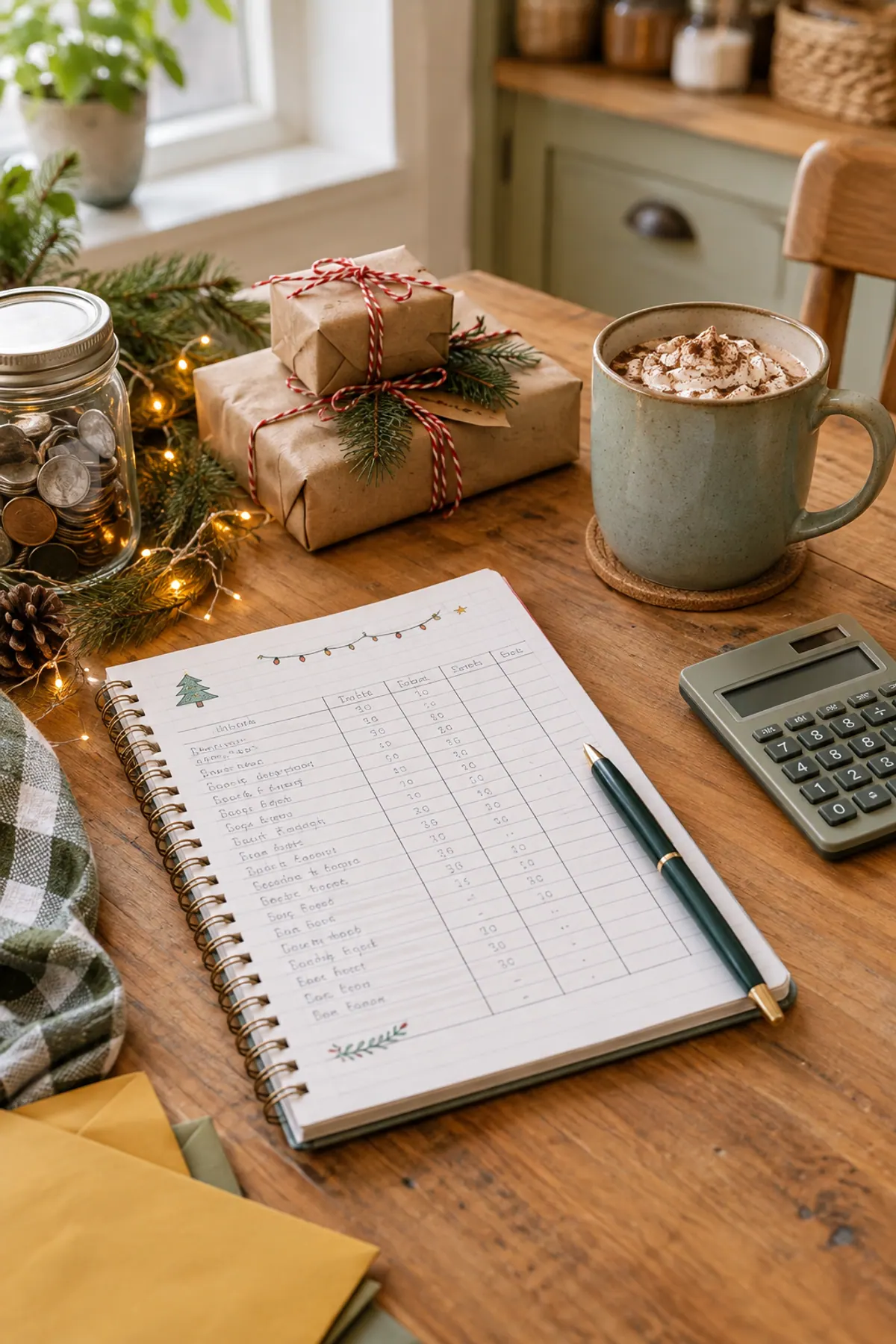
14A Christmas budget and gift list

A page for the total, a list of people and a space for what you spend on each. The Christmas budget planner shows how to set the total first.
- Open this page in October, not December.
15A color key with washi tape and stickers
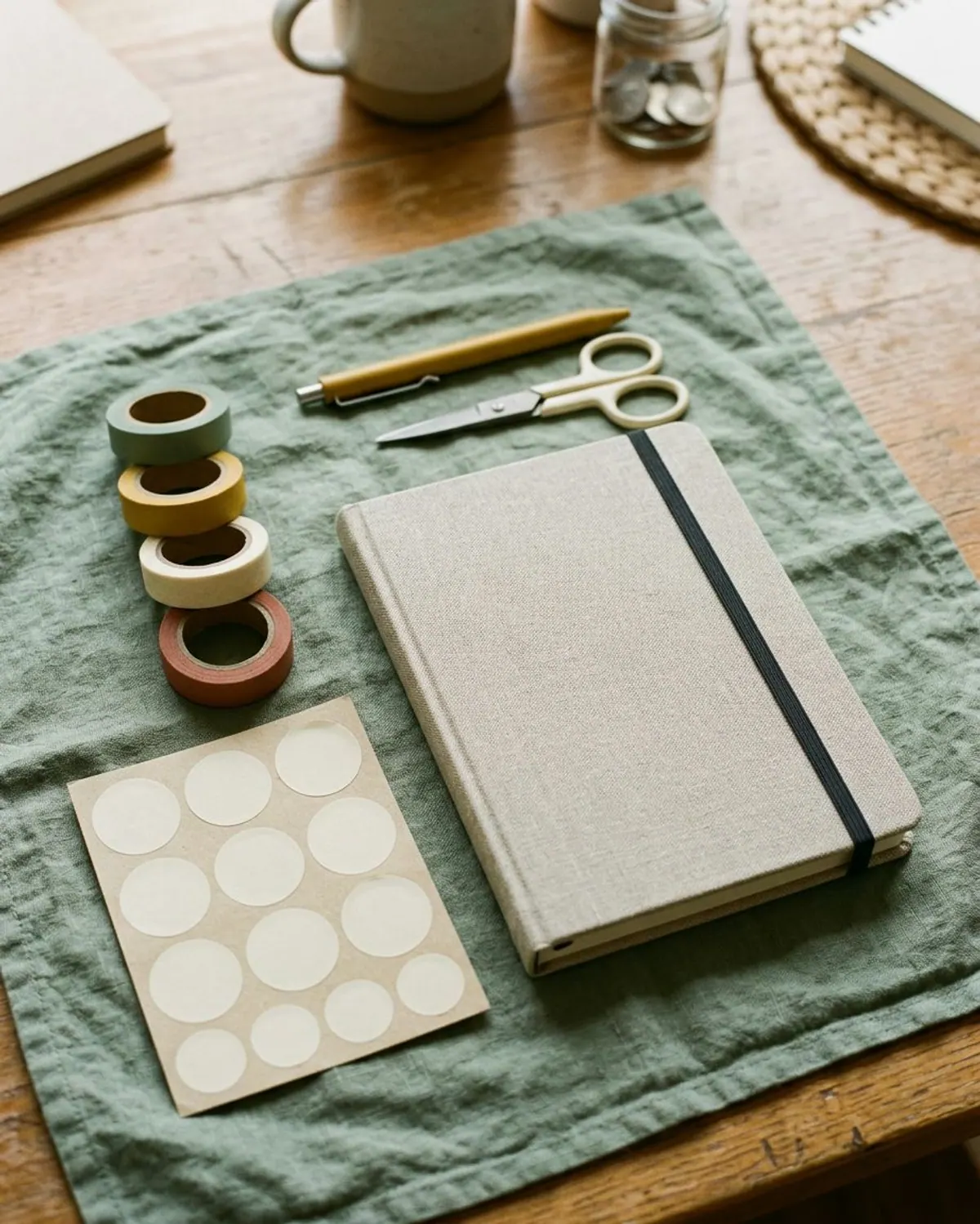
A tiny legend on the first page: one color for bills, one for savings, one for fun. Stickers or tape on the monthly page then make the page readable at a glance.
- Keep the key to 3 or 4 colors so you can remember it without looking.
One roll per color in your key marks bills, savings and fun without a pen.
Build Your Starter Set in One Evening
Pick 6 pages and set them up in one sitting. This is an example plan, not a rule.
-
Step 1: Choose your 6 pages
Start with the monthly budget page, categories page, payday calendar, bill tracker, sinking funds and one goal page. Leave the seasonal and extra pages for later.
-
Step 2: Fill in the year-at-a-glance first
Mark all paydays, big bills and trips for the year so you can see the busy months before you plan them.
-
Step 3: Write your 8 categories
Use the budget categories list to pick 8 broad lines and note what goes in each.
-
Step 4: Add this month's numbers
Fill the first monthly budget with your real income and bills. Use last month's statements, not guesses.
-
Step 5: Set a weekly check-in
Put a repeating 5-minute reminder in your phone for the same day each week.
A planner that gets used beats a beautiful one that stays closed. Start with six pages and let it grow.
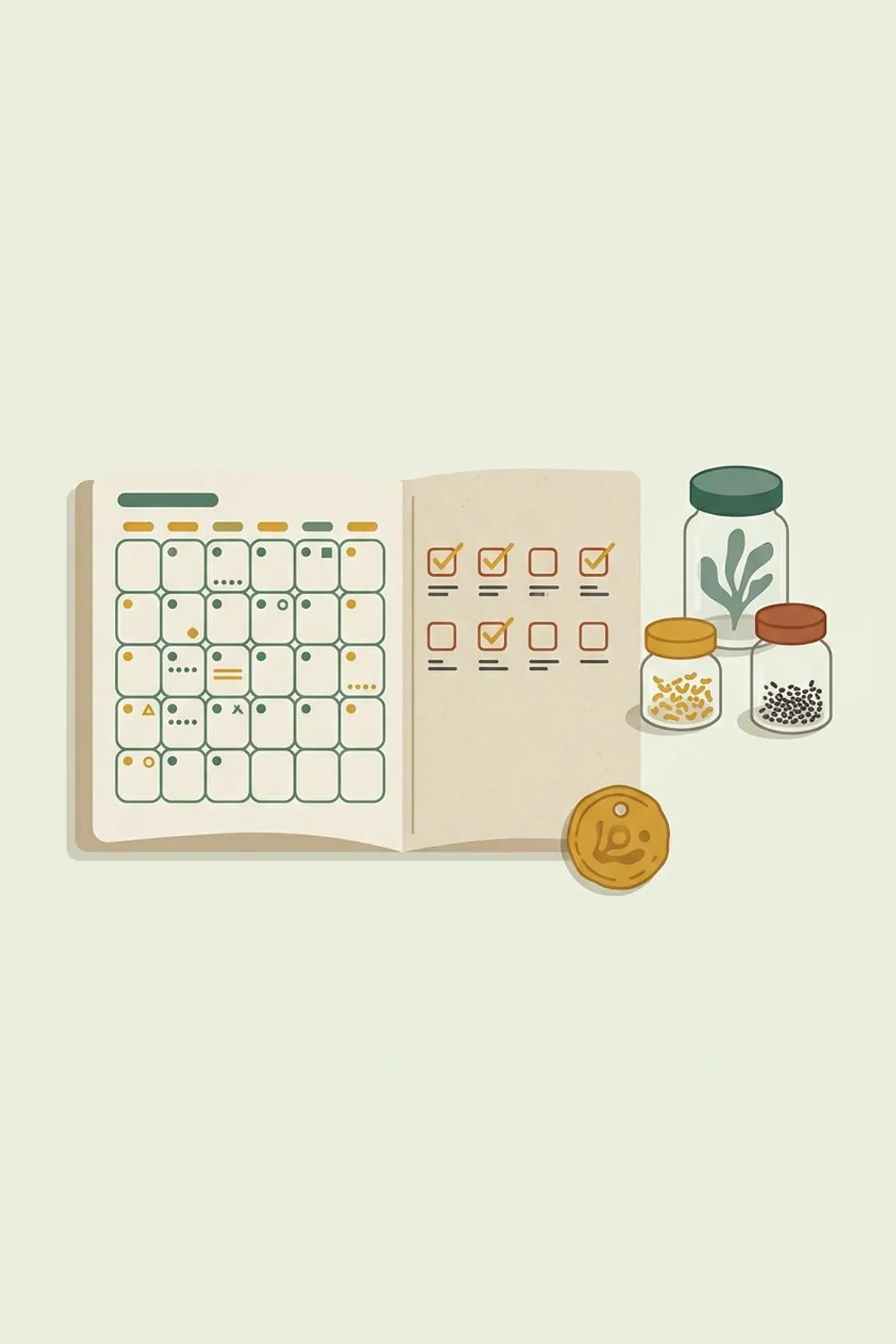
Supplies for your planner pages
-
A5 ring binder planner
Typically $12 to $25
Lets you add, remove and reorder your budget pages as you go.
Check price on Amazon for A5 ring binder planner -
Washi tape set for planners
Typically $5 to $12
Color-codes bills, savings and fun without extra pens.
Check price on Amazon for Washi tape set for planners -
Planner stickers for budgeting
Typically $5 to $10
Marks paydays, bills and no-spend days at a glance.
Check price on Amazon for Planner stickers for budgeting -
Fine gel pens in assorted colors
Typically $6 to $14
Thin lines that fit small boxes and calendars.
Check price on Amazon for Fine gel pens in assorted colors
Frequently asked questions
What pages should a budget planner have?
At minimum: a monthly budget page, a bill tracker, a payday calendar and one goal page. Add sinking funds, savings jars, a debt tracker and a yearly review as you go.
How do I plan my budget in a planner?
Write your income and bills on the monthly page, assign every dollar to a category, check in weekly and review at the end of the month. A calendar helps you match paydays to bills.
What should I put in a monthly planner?
Paydays, due dates, spending categories, savings goals and a short end-of-month review. Keep it to the pages you will use.
Can I make budget planner pages myself?
Yes. A ruled page with income, bills and a total is enough to start. Printables save the layout time.
When should I start a 2027 budget planner?
Late autumn is a good time to choose and set up your pages, so January starts with a plan instead of a blank page.
Save it for later
Pin this to your Budget Printables board so it's there when you need it.
Save to Pinterest