This post contains affiliate links. As an Amazon Associate we earn from qualifying purchases, at no extra cost to you. Read our disclosure.
Safety first: This is general money education, not personalised financial advice. Please read our financial disclaimer before you start.
Key takeaways
- List every bill by due date, not by importance.
- Assign each bill to the paycheck that arrives before it is due.
- Add a paid grid so you can see the whole year on one page.
- Use autopay or reminders, with a small buffer in checking.
- Plan yearly bills with a sinking fund of the cost divided by 12.
In this post10 sections
- How to Set Up a Bills Tracker in 20 Minutes
- Step 1: List Every Bill and Its Due Date
- Step 2: Put the Bills in Date Order
- Step 3: Assign Each Bill to a Paycheck
- Step 4: Add a Paid Column and a Check Mark
- Step 5: Turn On Reminders or Autopay, With a Buffer
- Bonus: The Bills Hiding From Your Monthly Tracker
- Bills Tracker Formats: Which One to Use
- The 10-Minute Weekly Bills Check
- FAQ
How to Set Up a Bills Tracker in 20 Minutes
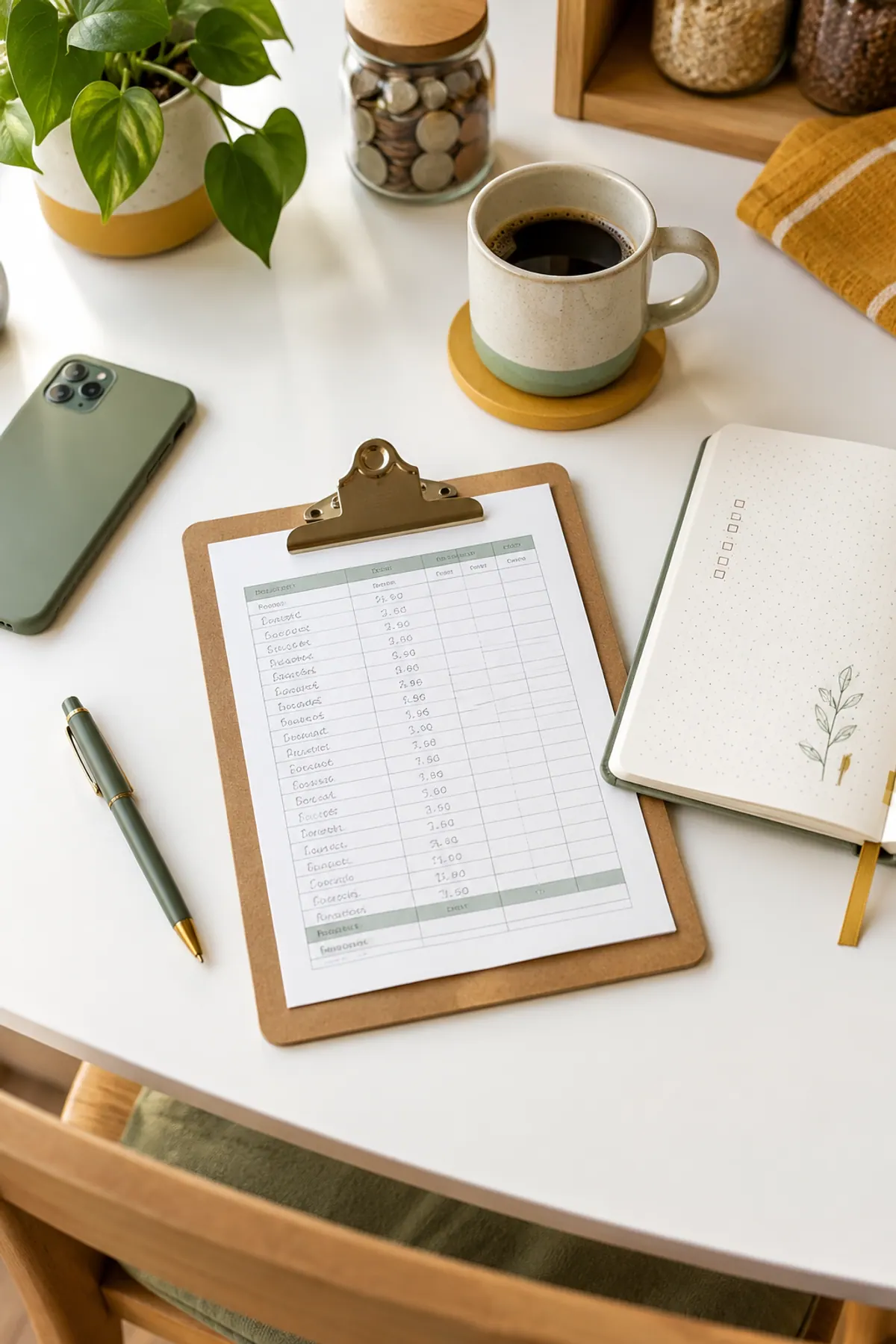
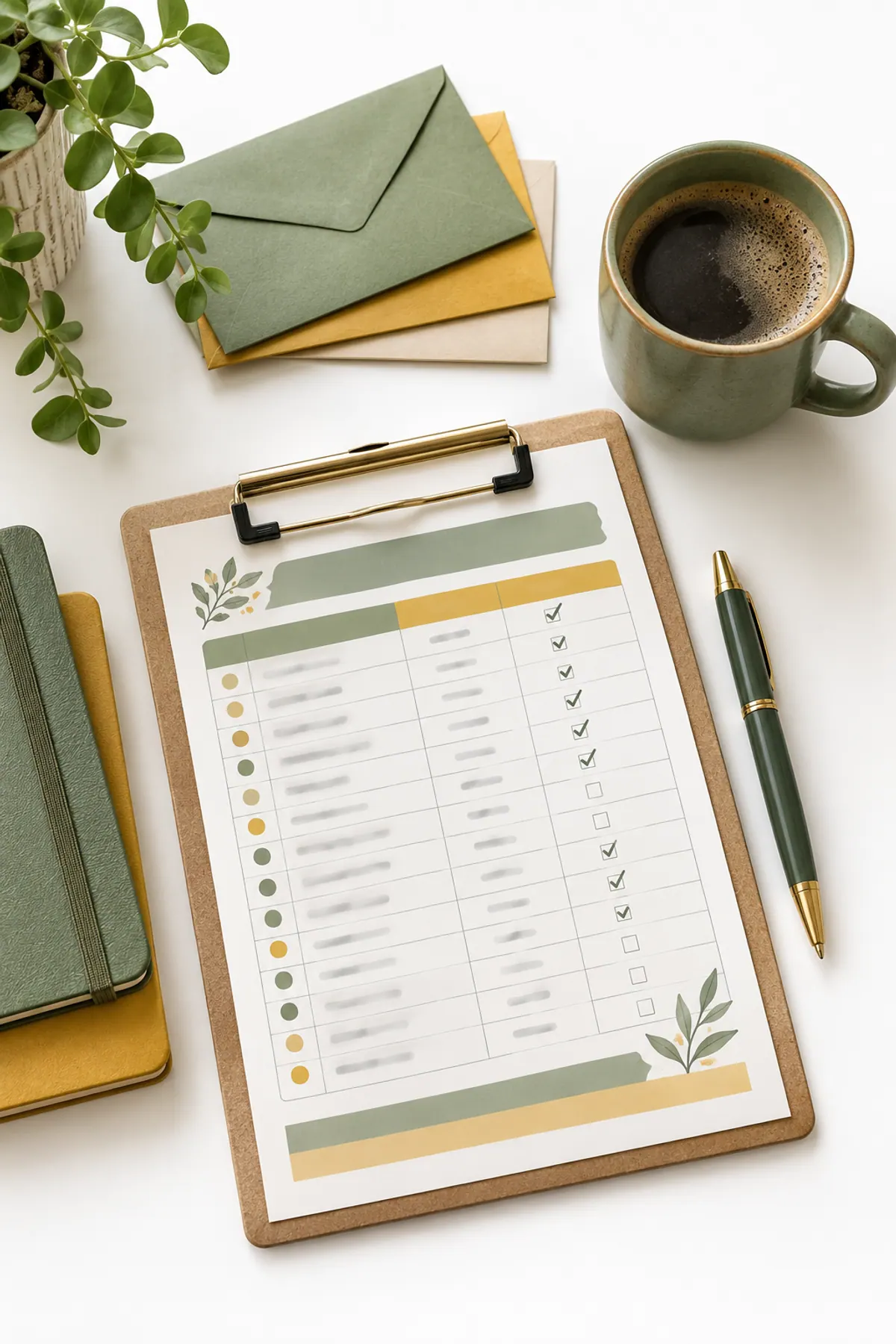
A bills tracker is one page that lists every bill, its due date, its amount and whether you have paid it this month. The version that works best is organized by paycheck, so each bill is assigned to the paycheck that pays it. You can build one on paper in about 20 minutes, and the steps below use an example you can copy.
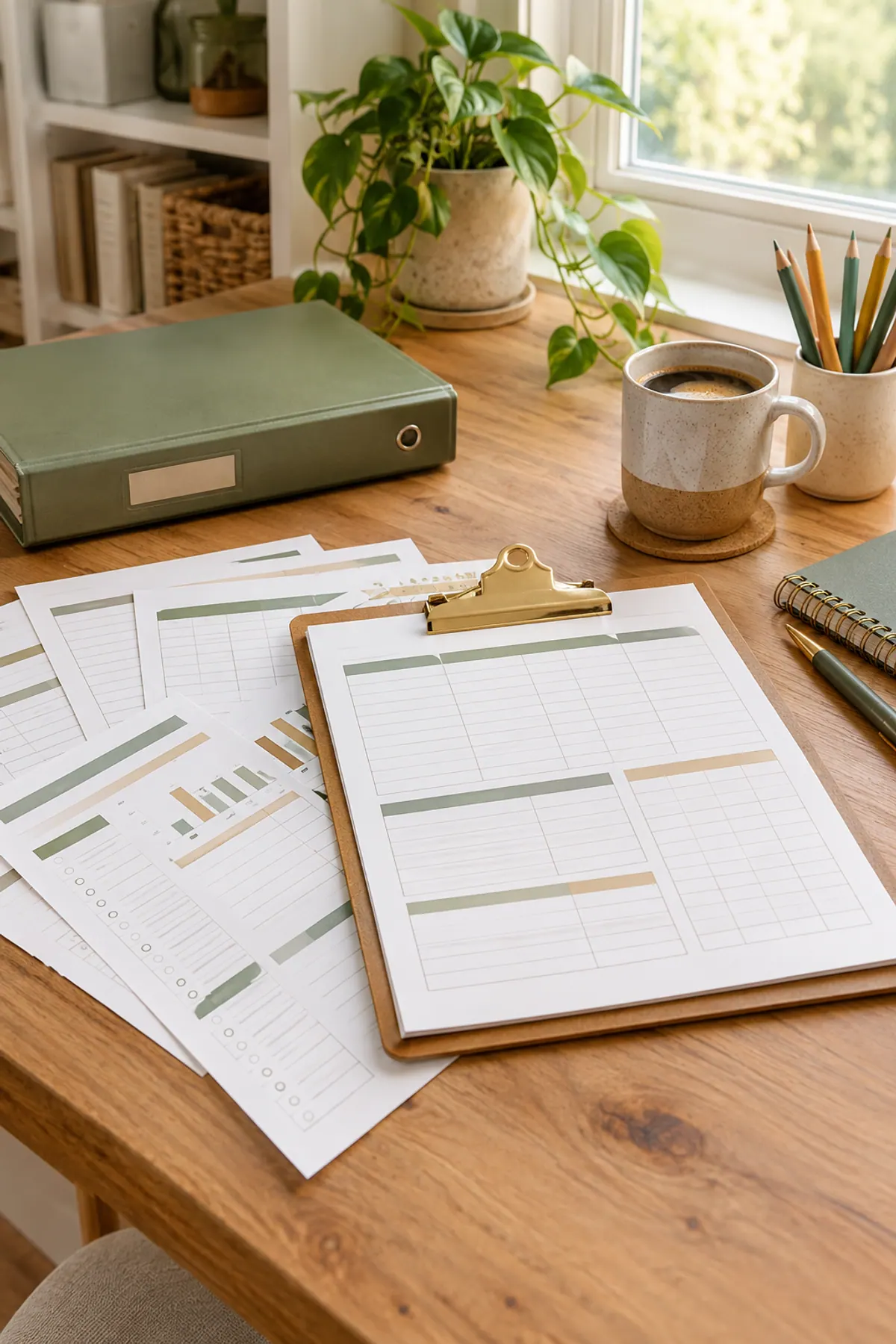
Pick a format first: a printable page, a bullet journal spread, a spreadsheet or a binder insert all work. The spending tracker comparison shows how to choose, and the setup below is the same for each. Numbers are examples, not financial advice.

Step 1: List Every Bill and Its Due Date
Open your last two months of bank and card statements and write down every bill that repeats. Include the small ones, because a forgotten $15 subscription is how a month goes sideways.
Bills people forget to list
Step 2: Put the Bills in Date Order
Write the bills in order of due date, not importance. A bills tracker is a calendar, and the date is what makes it work. Here is one example month with nine bills.
| Due | Bill | Amount |
|---|---|---|
| 1st | Rent | $1,150 |
| 5th | Car insurance | $120 |
| 8th | Phone | $45 |
| 12th | Internet | $60 |
| 14th | Credit card minimum | $35 |
| 18th | Electric | $95 |
| 22nd | Streaming | $15 |
| 25th | Car payment | $310 |
| 28th | Student loan | $140 |

Step 3: Assign Each Bill to a Paycheck
Now match each bill to the paycheck that arrives before it is due. In this example, you are paid on the 1st and the 15th. The first paycheck covers everything due from the 1st to the 14th, and the second covers the 15th to the end of the month.
| Paycheck | Bills it covers | Total |
|---|---|---|
| Paycheck 1 (1st) | Rent, car insurance, phone, internet, credit card minimum | $1,410 |
| Paycheck 2 (15th) | Electric, streaming, car payment, student loan | $560 |
The split is lopsided: $1,410 against $560. That is common, and seeing it is the point. If both checks are the same size, the first one is stretched thin and the second has room. If you are paid every two weeks, the same method works, and the biweekly budget guide shows how to handle the two months a year with three checks.
Step 4: Add a Paid Column and a Check Mark
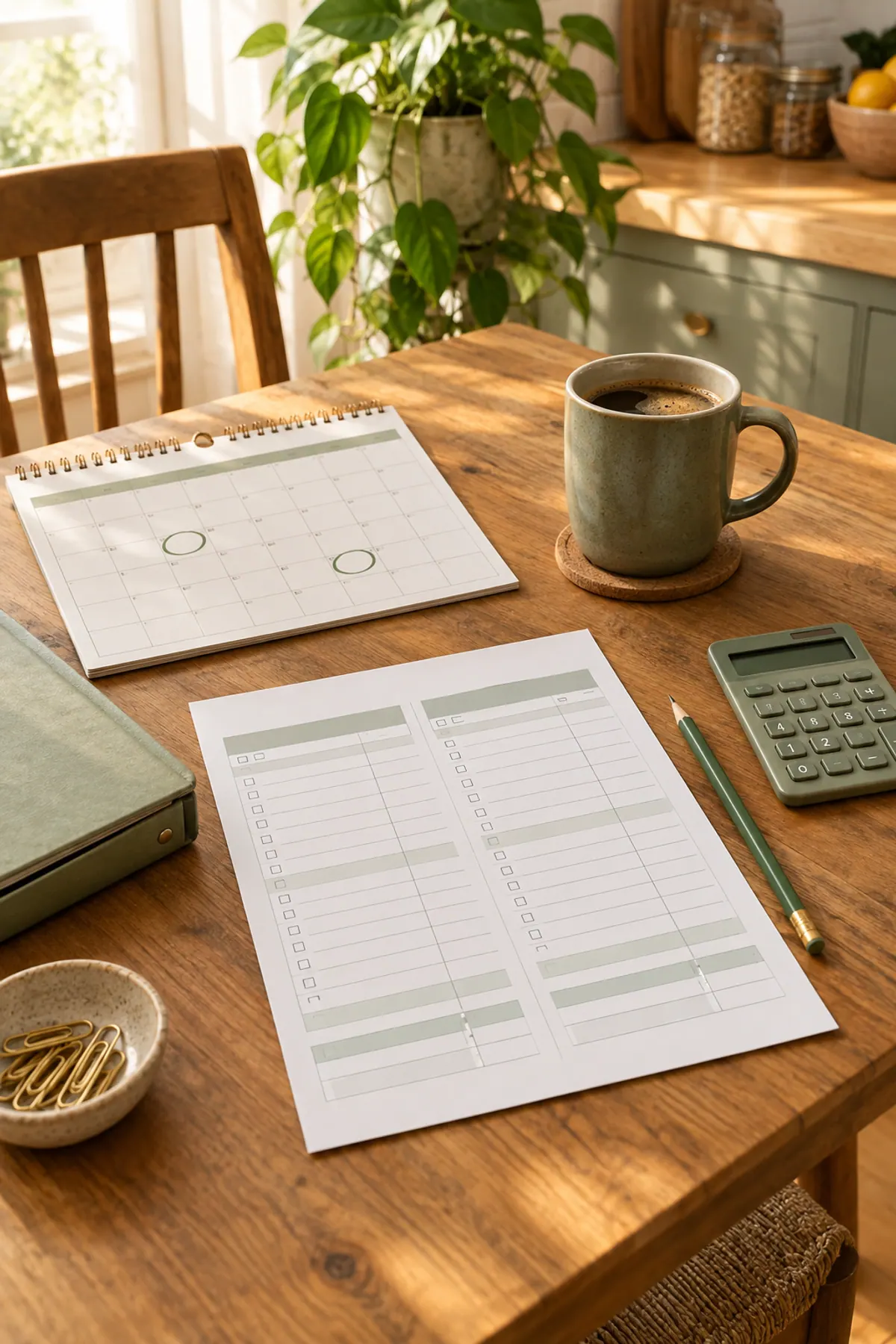
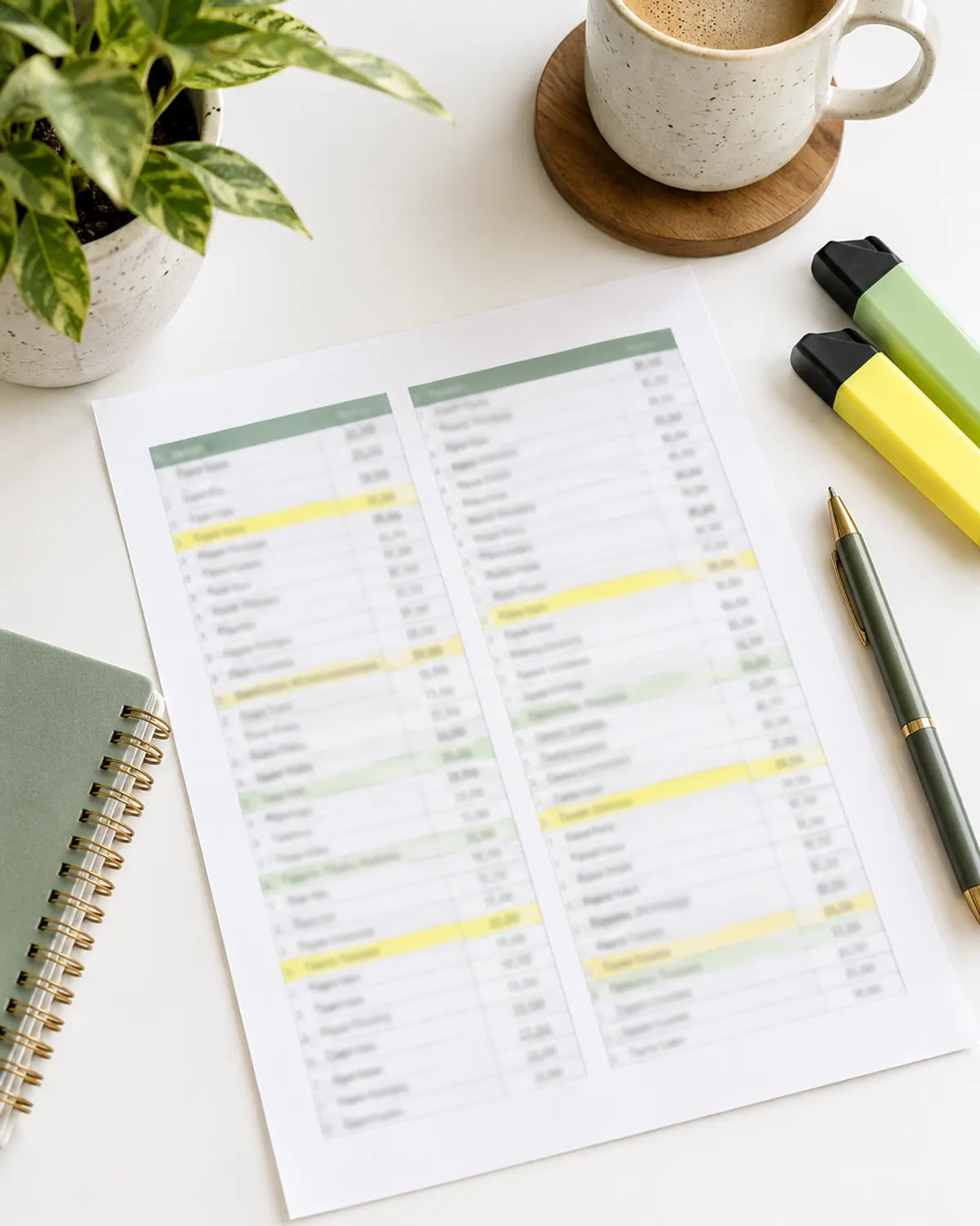
Give each bill a box for every month and tick it when it is paid. A 12-month grid on one page lets you see at a glance that rent, insurance and the phone have been paid in March, and which one you still owe in April. Use a green pen for paid, and a circled amount for anything late or short.

Step 5: Turn On Reminders or Autopay, With a Buffer
Autopay and phone reminders prevent most late payments. Many accounts let you choose whether autopay pays the minimum, the statement balance or a fixed amount, so choose the one that fits your budget. Keep a small cushion in checking so autopay does not overdraw the account, and still check the tracker once a week.

Bonus: The Bills Hiding From Your Monthly Tracker
A monthly tracker misses bills that come once or twice a year, such as car registration, annual subscriptions, vet visits and holiday spending. Those are the bills that blow up a month. The fix is a sinking fund: divide the yearly cost by 12 and set that amount aside every month, or split it by paycheck.
| Yearly bill | Yearly cost | Set aside per month |
|---|---|---|
| Car registration | $180 | $15 |
| Annual app subscription | $96 | $8 |
| Vet checkup and shots | $240 | $20 |
| Gifts and birthdays | $480 | $40 |
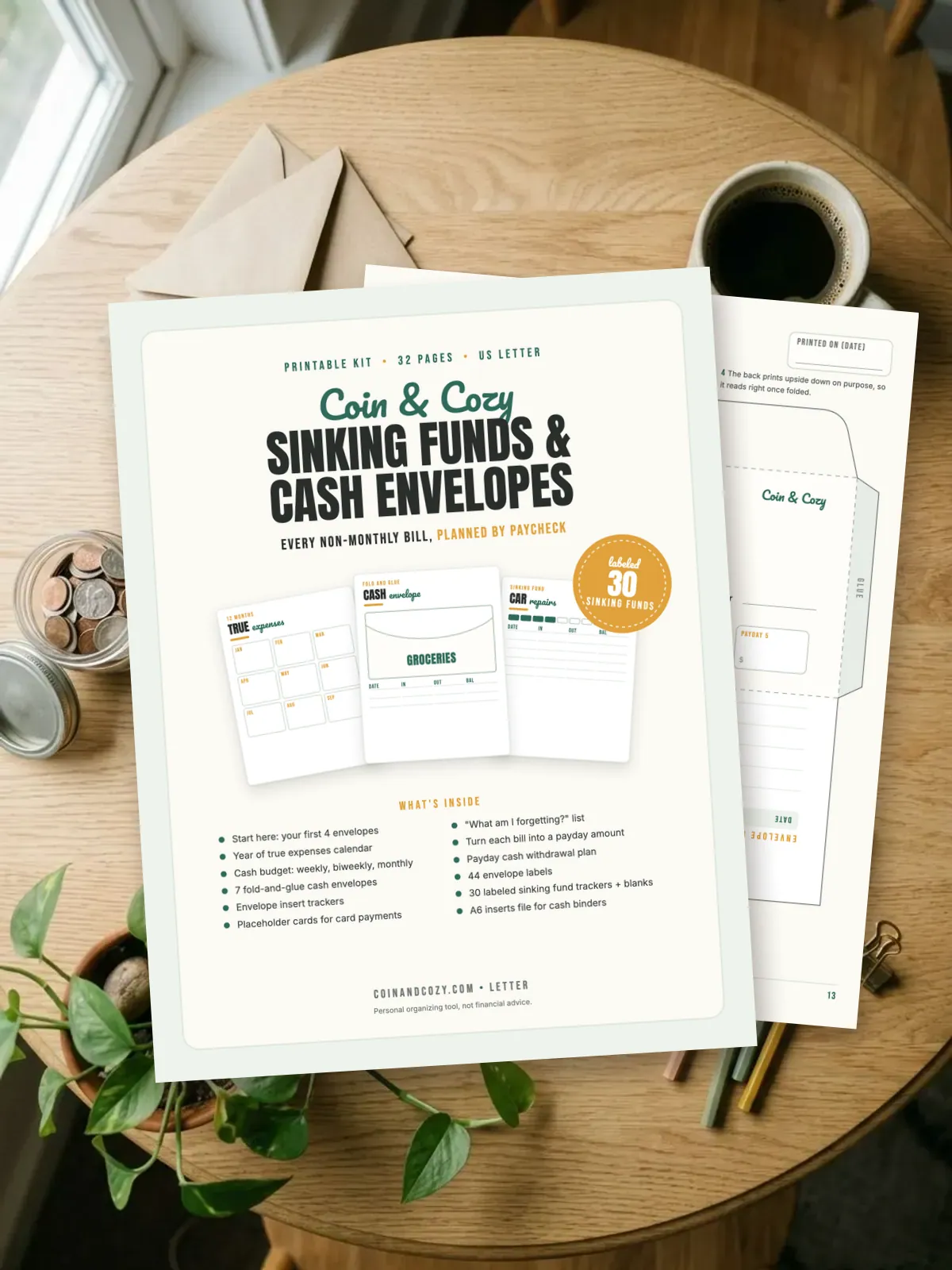
The sinking fund categories guide lists more categories to consider. If you like paper envelopes, the Cash Stuffing & Sinking Funds Kit ($9) has a year-of-bills calendar and fund trackers, and the Cozy Money Binder ($14) holds the planner, savings charts and sinking funds in one binder.

Bills Tracker Formats: Which One to Use
| Format | Best for | Watch out for |
|---|---|---|
| Printable page | People who like a fridge or binder page | Needs reprinting each month |
| Bullet journal spread | People who like to draw and plan | Takes time to draw |
| Spreadsheet | People who like totals done for them | Needs a device habit |
| Binder insert | People who keep a household binder | Only works if the binder is easy to reach |

The 10-Minute Weekly Bills Check
-
Step 1: Open the tracker
Check which bills are due in the next seven days.
-
Step 2: Match them to your checking balance
Make sure the money to cover them is there, including anything on autopay.
-
Step 3: Tick what is paid
Mark the paid column so nothing is double paid or missed.
-
Step 4: Note any change
Write down price increases, new bills or due dates you want to move.

If money is stretched even with a tracker, the stop living paycheck to paycheck guide and the zero-based budget guide are the next steps. A missed payment is worth a quick call to the company, because many will waive a first late fee on request. This guide is general information, not financial advice.
Supplies for a paper bills tracker
-
Letter-size binder with dividers
Typically $8 to $20
Holds your tracker, statements and bill copies in one place.
Check price on Amazon for Letter-size binder with dividers -
Highlighters in 3 colors
Typically $5 to $12
Color-code paycheck 1, paycheck 2 and yearly bills.
Check price on Amazon for Highlighters in 3 colors -
Small desk calculator
Typically $6 to $15
Quick totals for each paycheck column.
Check price on Amazon for Small desk calculator
Frequently asked questions
How do I make a bills tracker?
List every recurring bill with its due date and amount, put them in date order, assign each to the paycheck that arrives before it is due, and add a box to tick when paid.
What should a monthly bill tracker include?
The bill name, due date, amount, which paycheck pays it, a paid check box and a note for changes. Add a section for yearly bills too.
How do I keep track of bills when I am paid biweekly?
Assign each bill to the paycheck that comes before its due date. Twice a year you will get three checks in a month, which is a good time to build your sinking funds.
Is autopay a good idea for bills?
Autopay prevents most late payments, but keep a small cushion in checking and review the tracker weekly. Choose whether it pays the minimum, the statement balance or a set amount.
How do I remember yearly bills?
Put them in a sinking fund. Divide the yearly cost by 12, set that aside each month and write the due date on your tracker.
Save it for later
Pin this to your Budget Printables board so it's there when you need it.
Save to Pinterest