This post contains affiliate links. As an Amazon Associate we earn from qualifying purchases, at no extra cost to you. Read our disclosure.
Safety first: This is general money education, not personalised financial advice. Please read our financial disclaimer before you start.
Key takeaways
- Pick by habit: printable for paper lovers, bullet journal for drawers, app for low effort, spreadsheet for totals.
- Every tracker needs five things: date, item, category, amount and payment method.
- Keep categories to 5 to 8 so the tracker survives past week two.
- A three-minute weekly review is what turns a log into a change.
- Try one type for 30 days before you switch.
In this post9 sections
- Spending Tracker Ideas: Which Type Fits You
- Printable Spending Tracker: Simple and Visible
- Bullet Journal Spending Tracker: Draw It Once, Use It All Month
- Spending Tracker App: Almost No Typing
- Spending Tracker Spreadsheet: Totals Done for You
- What Every Spending Tracker Needs
- An Example Week of Spending
- The Three-Minute Weekly Review
- FAQ
Spending Tracker Ideas: Which Type Fits You
The best spending tracker is the one you will still open in week four. A printable suits people who like paper and a fixed spot on the fridge, a bullet journal suits people who like to draw, an app suits people who do not want to write anything, and a spreadsheet suits people who like totals done for them.
This guide compares all four side by side, then gives you the five things every tracker needs, an example week with real arithmetic and a three-minute weekly review. Pick one, try it for a month and switch if it does not stick.
| Printable | Bullet journal | App | Spreadsheet | |
|---|---|---|---|---|
| Cost | Free to a few dollars | Notebook and pens, about $10 to $25 | Free or subscription | Free with Google Sheets |
| Daily effort | About 2 minutes | About 3 to 5 minutes | 1 to 2 minutes | About 2 minutes |
| Setup | Print once | Draw once a month | Connect or type | Build or copy a template |
| Best for | Paper lovers and families sharing one sheet | Creative people who enjoy the ritual | People who want it automatic | People who like formulas and charts |
| Weak spot | Easy to forget away from home | Math is by hand | Can feel too hands-off | Needs a laptop or phone habit |
Printable Spending Tracker: Simple and Visible
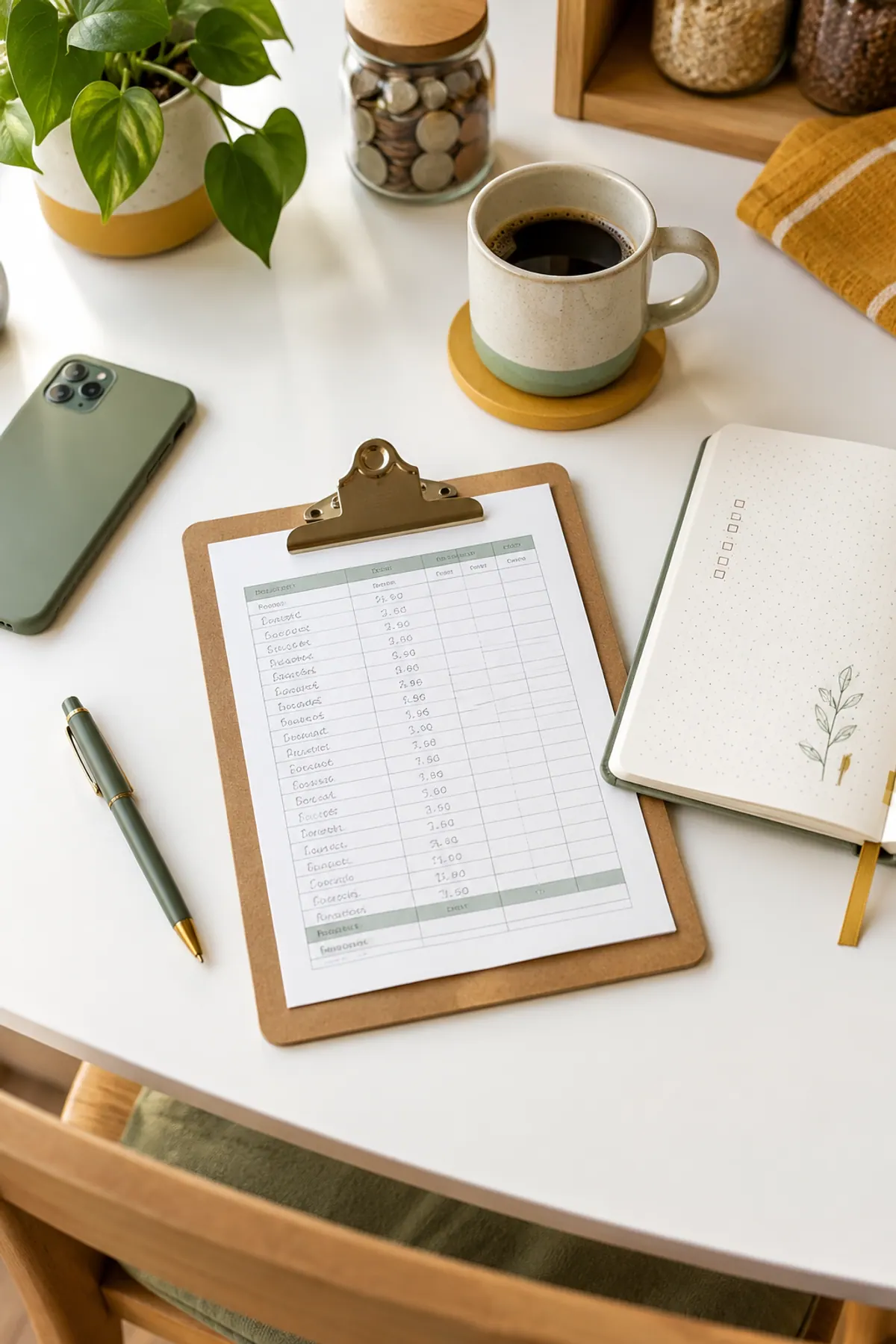
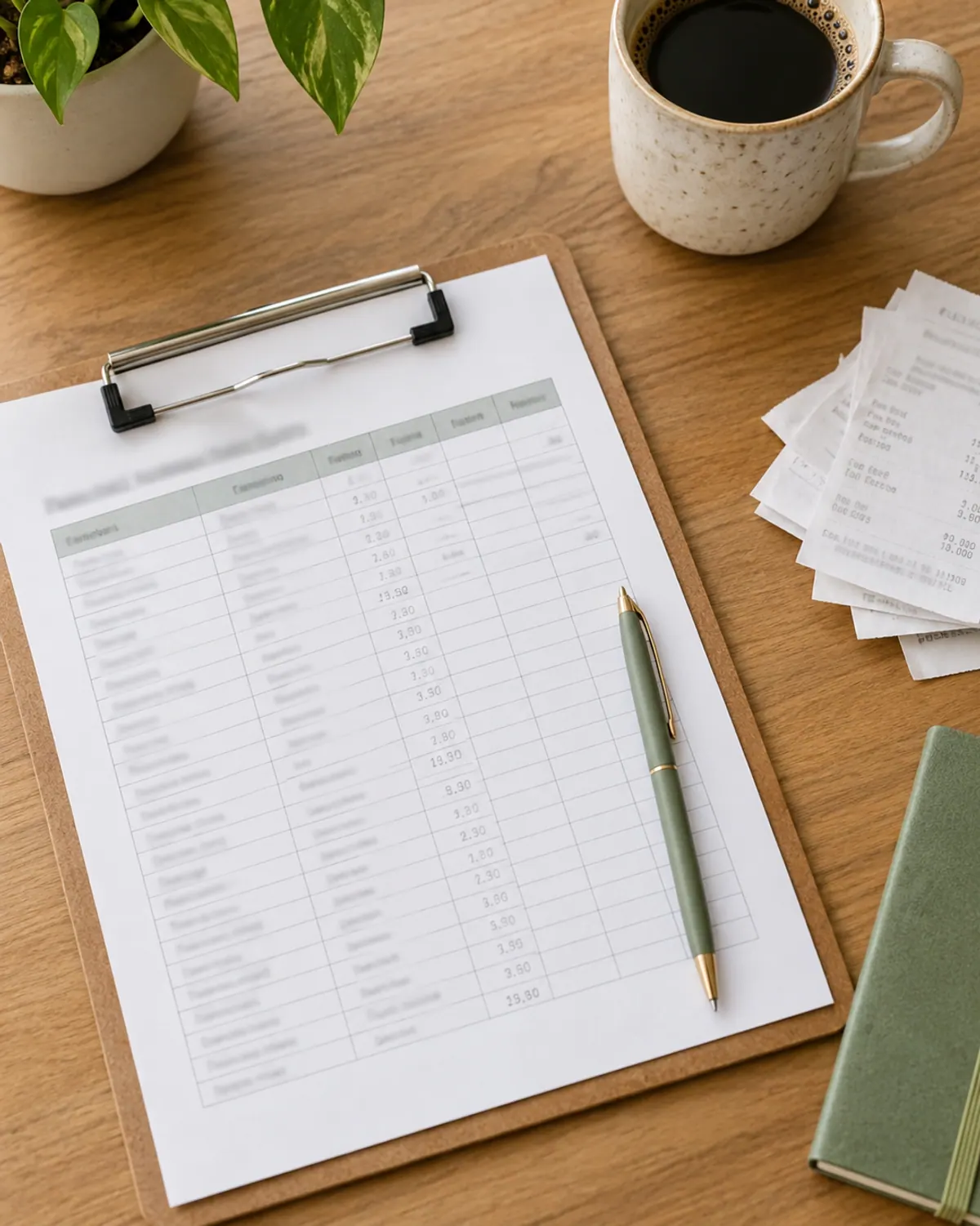
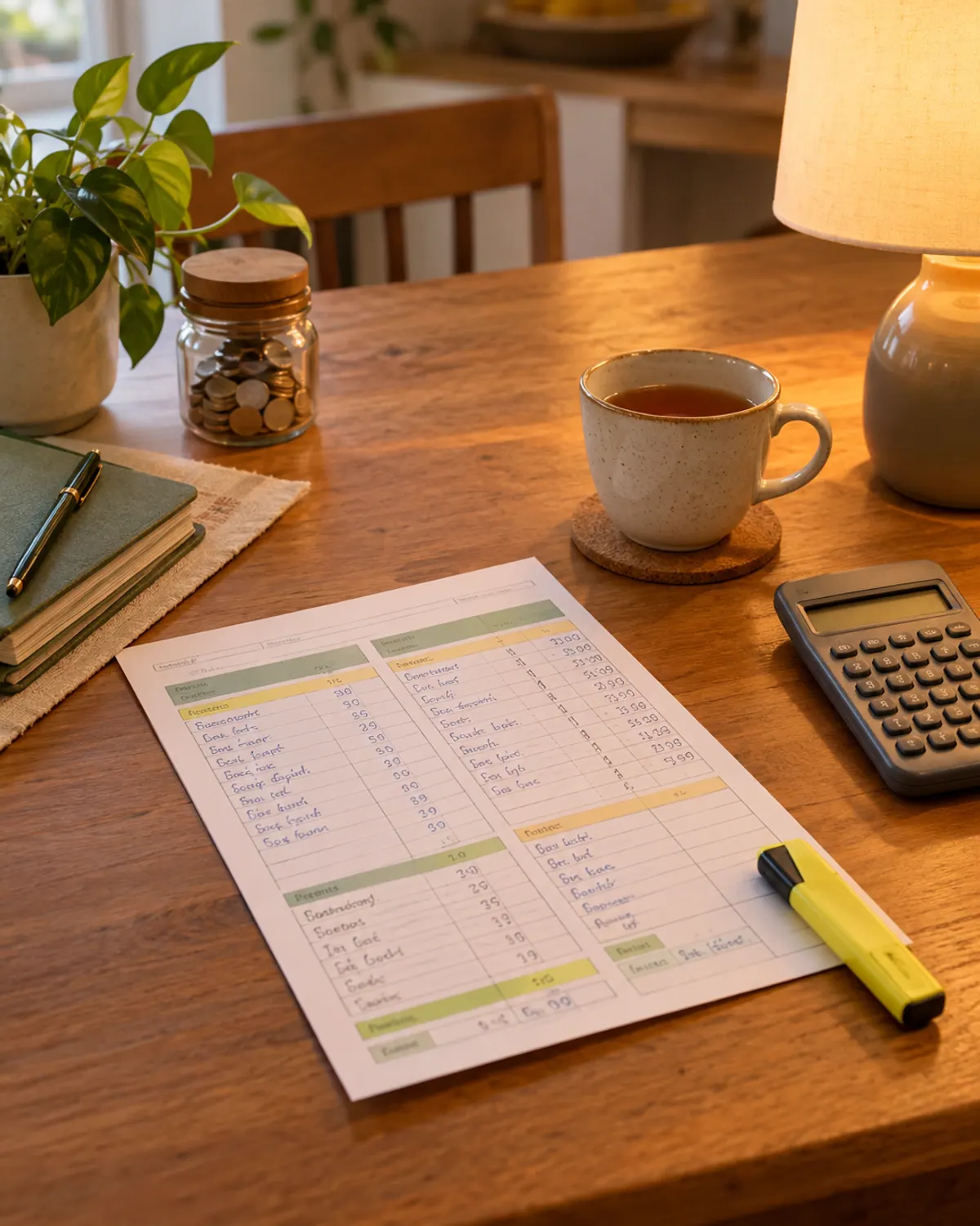
A printable is a grid with columns for date, what you bought, category and amount. Print a month at a time, clip it to a board and keep a pen with it. Seeing the page every day is what makes this one work.
What we like
- No setup beyond printing
- Easy for a partner or kids to use
- No login, no bank link
Keep in mind
- You need to be near the sheet when you buy
- Totals are added by hand
- Paper gets lost
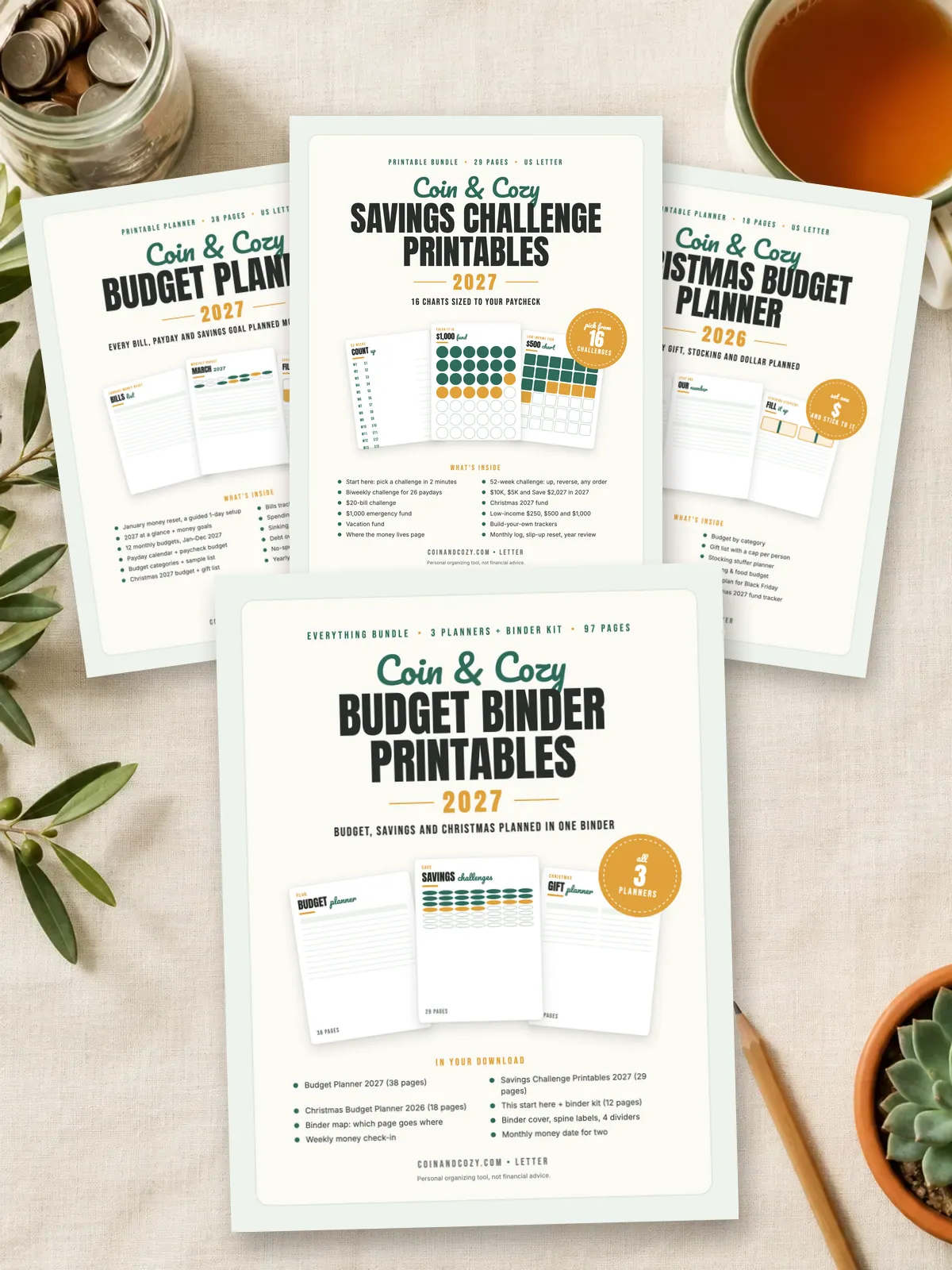
If you want printed pages with a month-by-month budget and a spending tracker already laid out, the Cozy Budget Planner 2027 ($12) has monthly budget pages, a spending tracker, sinking fund pages and a year of no-spend days. For holiday spending, the Christmas Budget Gift Planner ($6) has a spending log that tracks every gift against its cap.
Bullet Journal Spending Tracker: Draw It Once, Use It All Month
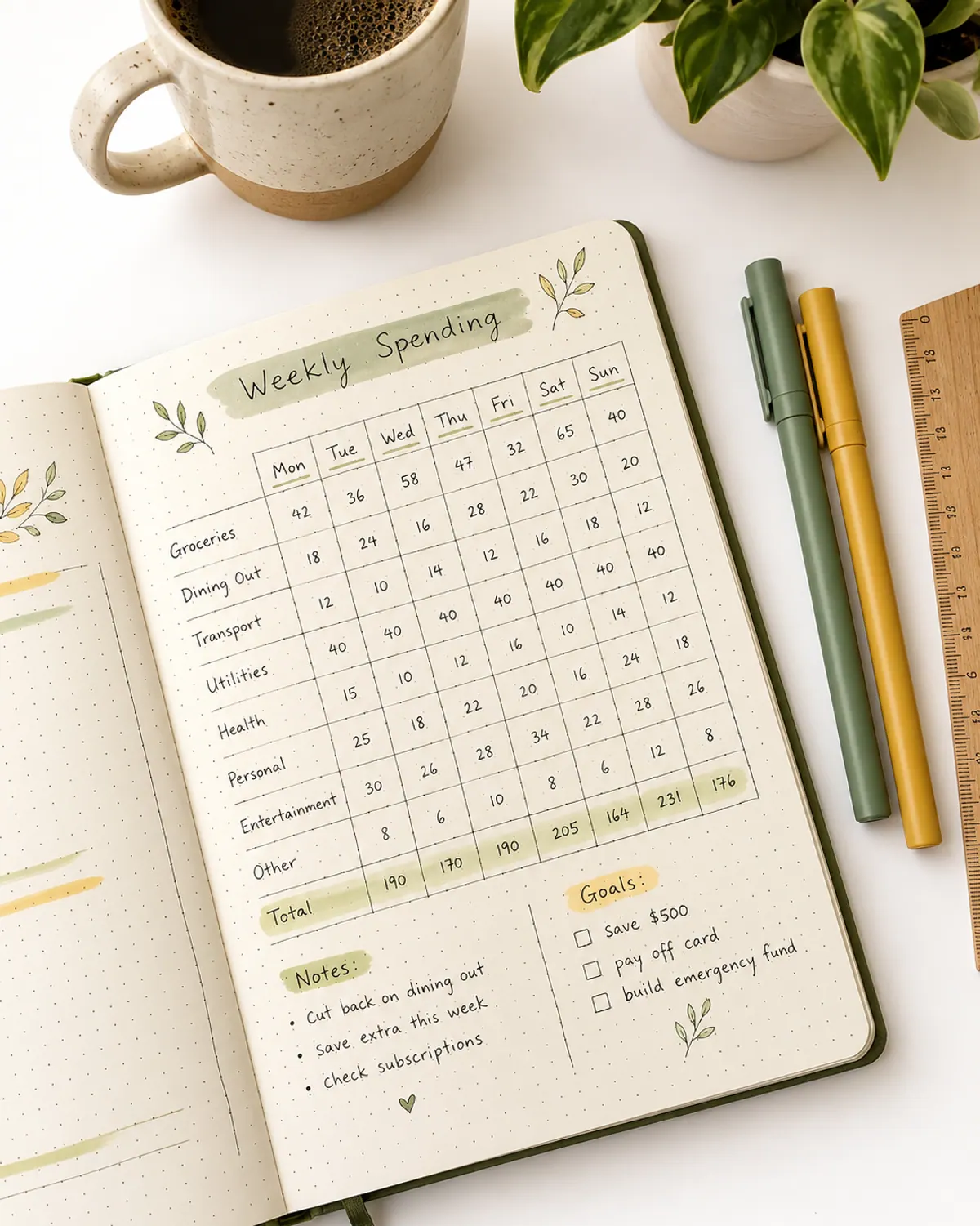
A bullet journal tracker is a hand-drawn spread in a dot-grid notebook. Four layouts work well and take about ten minutes to draw.
-
Step 1: The daily log
One line per day with a few words and an amount. It is the fastest layout to start.
-
Step 2: The weekly grid
Seven columns, one per day, with rows for food, car, kids, fun and other. You see which category is growing.
-
Step 3: The no-spend tally
A row of boxes for the month. Color a box for every day you spend nothing outside bills.
-
Step 4: The category bars
A bar for each category with a limit. Color in the bar as you spend, and stop when it is full.
What we like
- Enjoyable if you already journal
- Fully custom categories
- A month on one spread
Keep in mind
- Drawing takes time every month
- Easy to skip when busy
- Totals by hand
Spending Tracker App: Almost No Typing
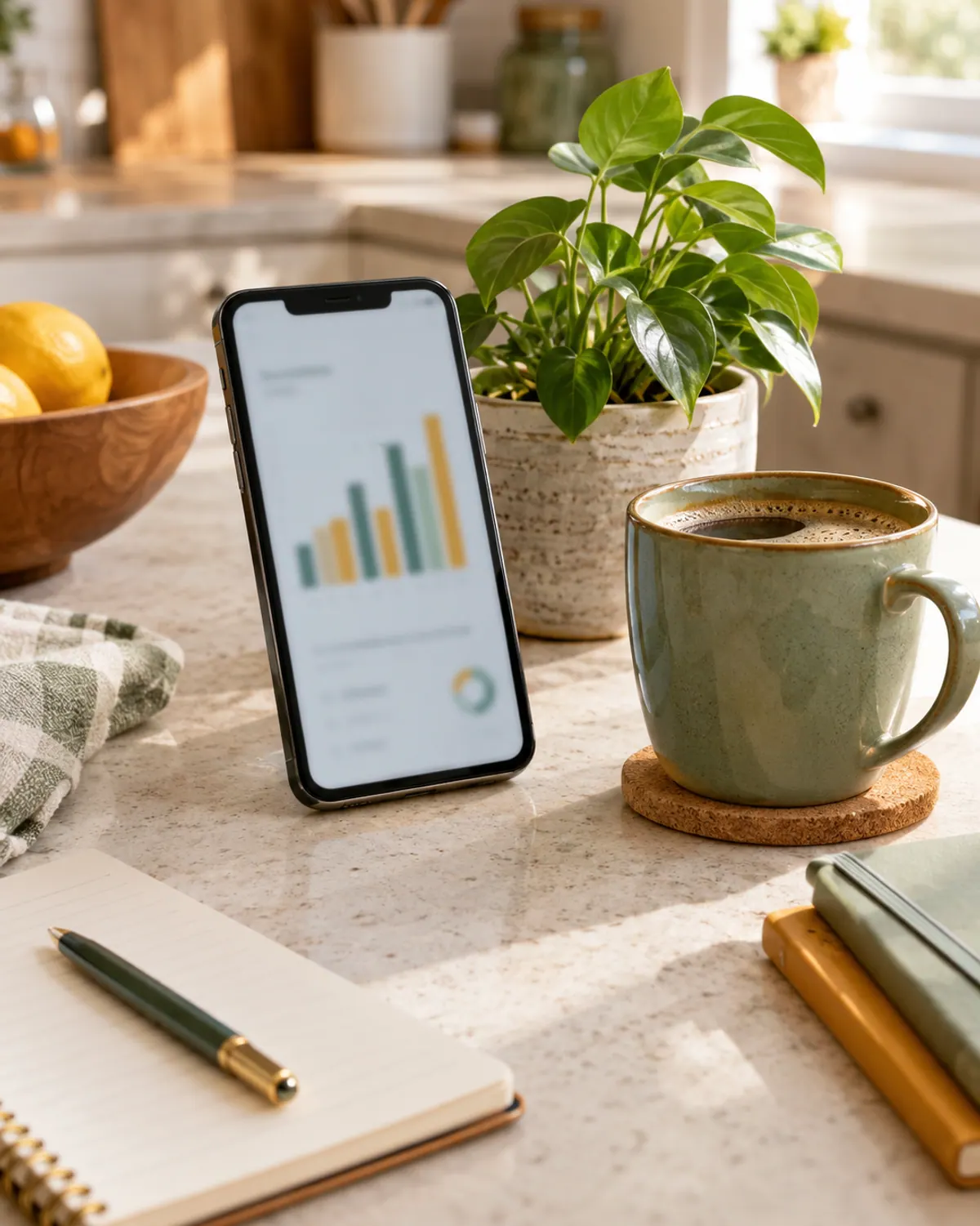
Apps either link to your bank and sort purchases for you, or let you type entries in seconds. The linked type saves time, but you are giving an app your bank login, so read what it collects before you connect. A typed-entry app avoids that.
What we like
- Fast, often works from your phone
- Sorts and totals automatically
- Charts show trends
Keep in mind
- Free versions may limit features
- Linked apps need your bank login
- Easy to ignore the charts

Spending Tracker Spreadsheet: Totals Done for You
A Google Sheets or Excel tracker adds the totals and category subtotals for you. Make one tab per month with columns for date, item, category and amount, then a summary row with a SUM formula for each category.
What we like
- Free in Google Sheets
- Totals and charts update by themselves
- Easy to copy for a new month
Keep in mind
- Setup takes an hour the first time
- Needs a device habit
- Formulas can break if you edit them
What Every Spending Tracker Needs
Five things to record, whatever the format
Keep the category list short. Housing, food, car, kids, fun and other is enough for most families, and the budget categories list shows how to name them. Too many categories is the most common reason a tracker gets abandoned.

An Example Week of Spending
Here is one example week, with example numbers only. It shows how a tracker turns scattered purchases into a clear total.
| Day | What | Category | Amount |
|---|---|---|---|
| Monday | Groceries | Food | $38.40 |
| Tuesday | Coffee | Fun | $4.75 |
| Wednesday | Gas | Car | $32.00 |
| Thursday | School lunch | Kids | $12.00 |
| Friday | Takeout | Food | $26.50 |
| Saturday | Birthday gift | Gifts | $8.00 |
| Sunday | Nothing | None | $0.00 |
| Week total | $121.65 |
By category that is food $64.90, car $32.00, kids $12.00, gifts $8.00 and fun $4.75. The surprise is usually the small items, because the coffee and the takeout were not planned. That is what a tracker is for: showing the pattern without blame.

The Three-Minute Weekly Review
A tracker only changes spending if you look at it. Pick one day a week, such as Sunday evening, and run this review with a calculator.
-
Step 1: Add the total
Add the week's total and write it at the bottom of the page.
-
Step 2: Find the biggest category
Circle the category with the highest total, and the smallest purchase you did not plan.
-
Step 3: Choose one change
Pick one small change for next week, such as one fewer takeout night.
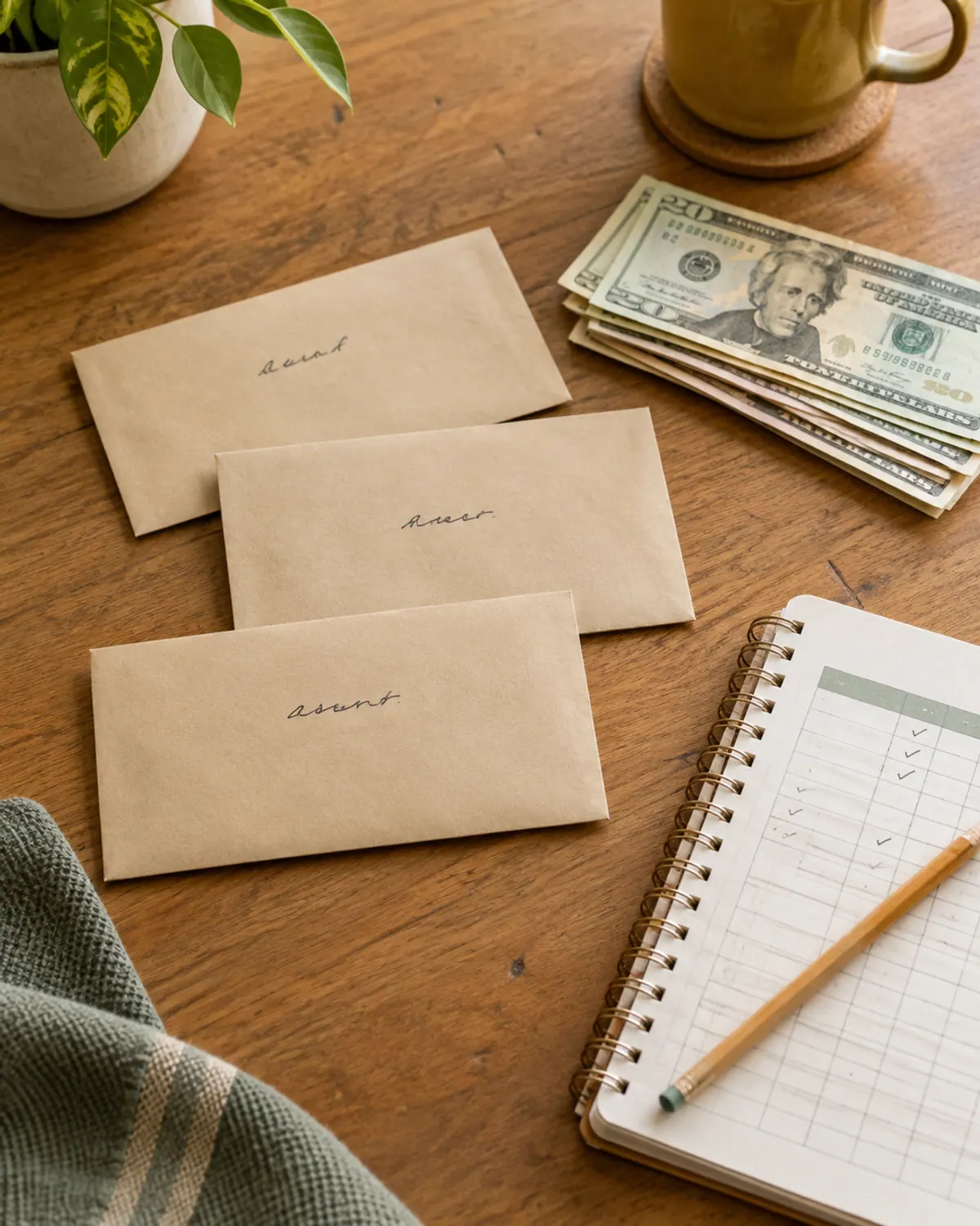
If you want a harder reset, a no-spend challenge pairs well with a tracker, and a zero-based budget gives every dollar a plan before you spend it. If you use cash, the cash envelope system tracks spending for you.
Quick quiz
Which spending tracker should you try first?
Try a printable for 30 days. It is the lowest-effort way to start.
Try a bullet journal weekly grid. The ritual helps you keep it up.
Try an app with typed entries or a bank link, and read its privacy details first.
Try a Google Sheets tracker with one tab per month and a summary row.
Whichever type you choose, set a start date and a review day before you begin. All numbers in this guide are examples, and nothing here is financial advice.
Supplies for a paper tracker
-
Dot-grid bullet journal notebook
Typically $10 to $25
A dot grid makes weekly spending grids easy to draw.
Check price on Amazon for Dot-grid bullet journal notebook -
Fine-tip pens in assorted colors
Typically $8 to $15
Color-coded categories make a page quick to scan.
Check price on Amazon for Fine-tip pens in assorted colors -
Clipboard with storage
Typically $8 to $14
Keeps a printed tracker and a pen together by the door or on the fridge.
Check price on Amazon for Clipboard with storage
Frequently asked questions
What is the easiest way to track spending?
The easiest way is the one you will actually do. A printable sheet or a typed-entry app takes about 1 to 2 minutes a day, and a weekly review keeps it useful.
How do I make a spending tracker in a bullet journal?
Draw a weekly grid with seven columns for the days and rows for categories such as food, car, kids and fun, then write each purchase in the right box and add the totals each week.
Is a spending tracker the same as a budget?
No. A budget is a plan for what you will spend, and a tracker records what you did spend. Comparing the two each week shows where the plan needs to change.
How often should I check my spending tracker?
Add purchases daily or every few days, then run a short review once a week. A weekly total is enough to notice patterns without it taking over.
Are spending tracker apps safe?
It depends on the app. Linked apps need your bank login, so read what data they collect and share before you connect. A typed-entry app or a printable avoids linking an account.
Save it for later
Pin this to your No-Spend Challenges board so it's there when you need it.
Save to Pinterest