This post contains affiliate links. As an Amazon Associate we earn from qualifying purchases, at no extra cost to you. Read our disclosure.
Safety first: This is general money education, not personalised financial advice. Please read our financial disclaimer before you start.
Key takeaways
- Best free picks: EveryDollar (zero-based), Goodbudget (envelopes) and Rocket Money (subscriptions).
- Best for learning to budget: YNAB, with a 34-day free trial.
- Best for couples: Monarch, which shows both partners one shared budget.
- Lowest-cost paid app with bank sync: Quicken Simplifi, with a first-year offer through November 13, 2026.
- Skip the subscription if you won't check it weekly; paper works too.
In this post18 sections
- How We Picked These Budgeting Apps
- Best Free Budgeting Apps
- 1. EveryDollar: Best Free Zero-Based Budget App
- 2. Goodbudget: Best Free Envelope Budget App
- 3. Rocket Money: Best Free App for Finding Subscriptions
- Best Paid Budgeting Apps for Beginners
- 4. YNAB: Best for Learning to Budget
- 5. Quicken Simplifi: Best Low-Cost Paid App
- 6. PocketGuard: Best for Seeing What's Left to Spend
- Best Budgeting Apps for Couples
- 7. Monarch: Best for Couples Sharing One Budget
- 8. Copilot: Best for Apple Users
- 9. Actual Budget: Best Free Open-Source Option
- Budgeting Apps Compared
- Which Budgeting App Fits Your Style?
- Skip a Budgeting App If...
- Bonus: Pair Your App With a Paper Planner
- FAQ
Prices below come from each app's own pricing page or, where marked, from published reviews, checked in October 2026. Apps change prices often, so check the current price before you sign up. This is general information, not financial advice. App links are plain links with no affiliate deal; product links go to Amazon search results, and we may earn a small commission if you buy.
How We Picked These Budgeting Apps
We didn't run a lab test. We compared each app's published price, free plan, budgeting method and bank sync, then matched them to the questions beginners ask most: is there a free version, does it work for couples, and will it help me give every dollar a job?
What a beginner budgeting app should have
If you're brand new to budgeting, read our budget planner for beginners guide first. An app is only a tool; the method is what makes it work.
Best Free Budgeting Apps
1EveryDollar: Best Free Zero-Based Budget App
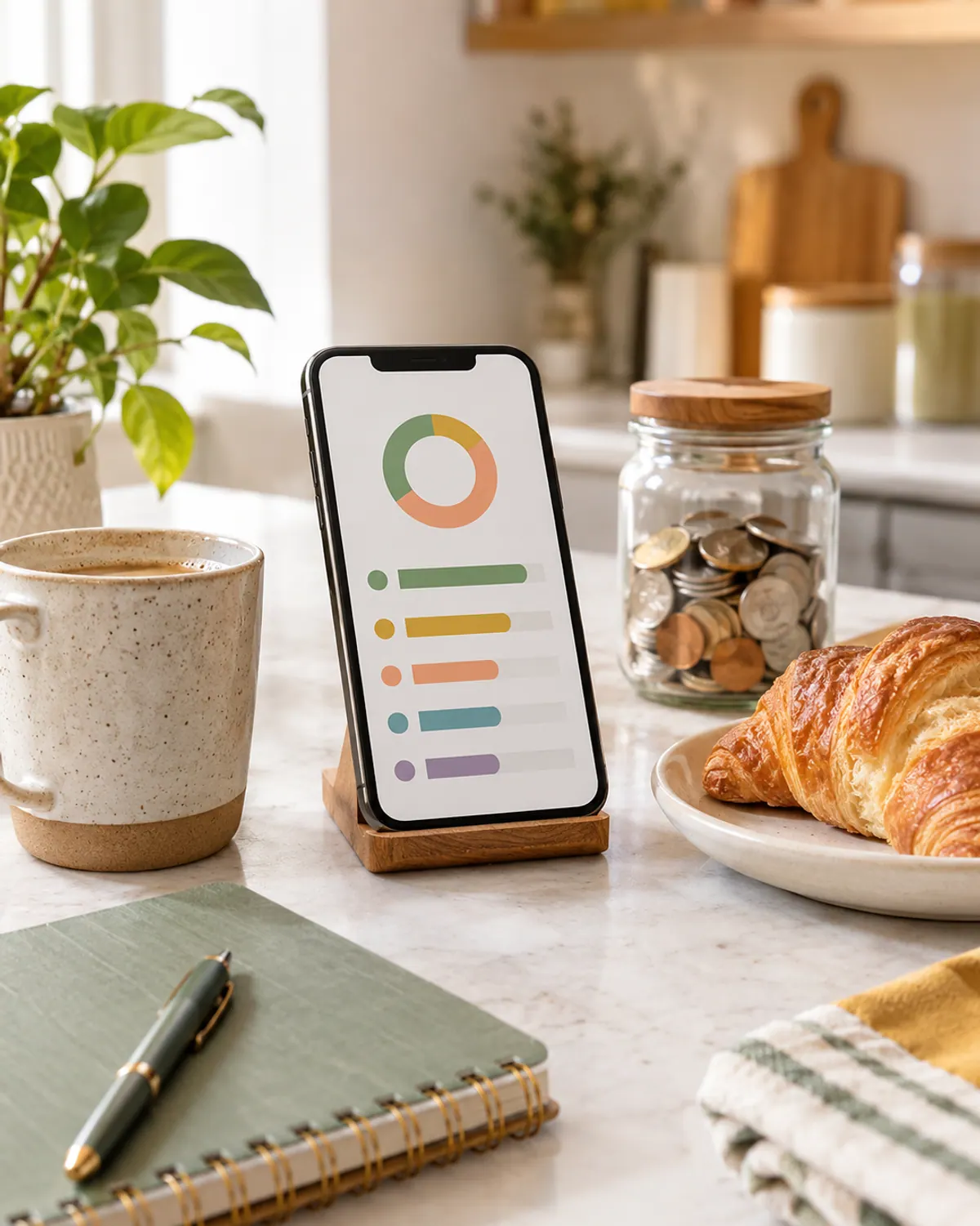
EveryDollar uses zero-based budgeting: income minus every planned expense equals zero. The free version lets you build a monthly budget and enter spending by hand. Connecting your bank is part of Premium, listed at $17.99 a month or $79.99 a year with a 14-day trial.
Best for: Beginners who want a simple monthly budget and don't mind typing in transactions.
- Use the free version for a month before you decide Premium is worth it.
- Pair it with our zero-based budget template to learn the method on paper.
Free zero-based budget; bank sync costs extra.
2Goodbudget: Best Free Envelope Budget App
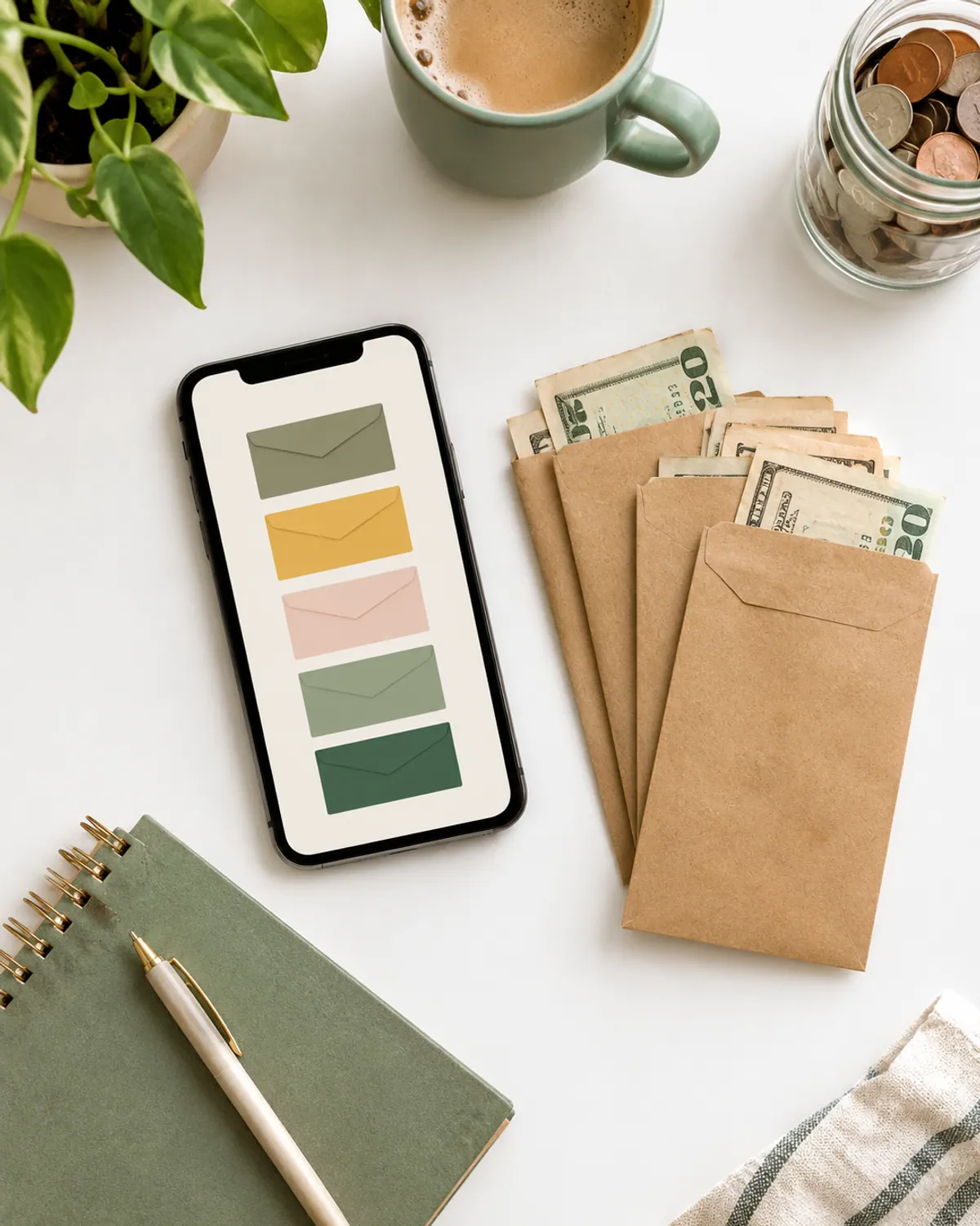
Goodbudget is a digital version of the cash envelope system. Published reviews describe the free plan as 20 envelopes, one account and two devices, with Premium at about $10 a month or $80 a year. There's no bank sync; you enter spending yourself, which some people like because it keeps them paying attention.
Best for: Cash stuffers and couples who want to share envelopes without connecting bank accounts.
- Read is cash stuffing worth it if you're deciding between real envelopes and an app.
Envelope budgeting with a usable free plan.
3Rocket Money: Best Free App for Finding Subscriptions
Rocket Money is known for finding recurring charges and subscriptions you forgot about. There's a free tier, and published reviews describe Premium as choose your price, about $7 to $14 a month. It's more of a spending tracker than a zero-based budget.
Best for: Anyone who suspects a pile of small subscriptions is eating the budget.
- List every subscription it finds, cancel what you don't use, then decide if you need Premium at all.
Finds forgotten subscriptions; free tier available.
Best Paid Budgeting Apps for Beginners
4YNAB: Best for Learning to Budget
YNAB (You Need A Budget) teaches a zero-based method: give every dollar a job before you spend it. Its pricing page lists $14.99 a month or $109 a year after a 34-day free trial, and college students can get a year free.
Best for: Beginners who want the app to teach the habit, not just track spending.
- Use the 34 days to set up your categories and run one full month before the trial ends.
Teaches zero-based budgeting; long free trial.
5Quicken Simplifi: Best Low-Cost Paid App
Simplifi shows a spending plan built from your income, bills and savings goals. In October 2026 its site listed $3.99 a month billed annually as a first-year offer (through November 13, 2026), with $6.99 a month as the regular price shown and renewal at the then-current price.
Best for: Beginners who want bank sync and a simple spending plan at a lower price.
- Set a reminder for the renewal date so the price change isn't a surprise.
Bank sync and a spending plan for less.
6PocketGuard: Best for Seeing What's Left to Spend
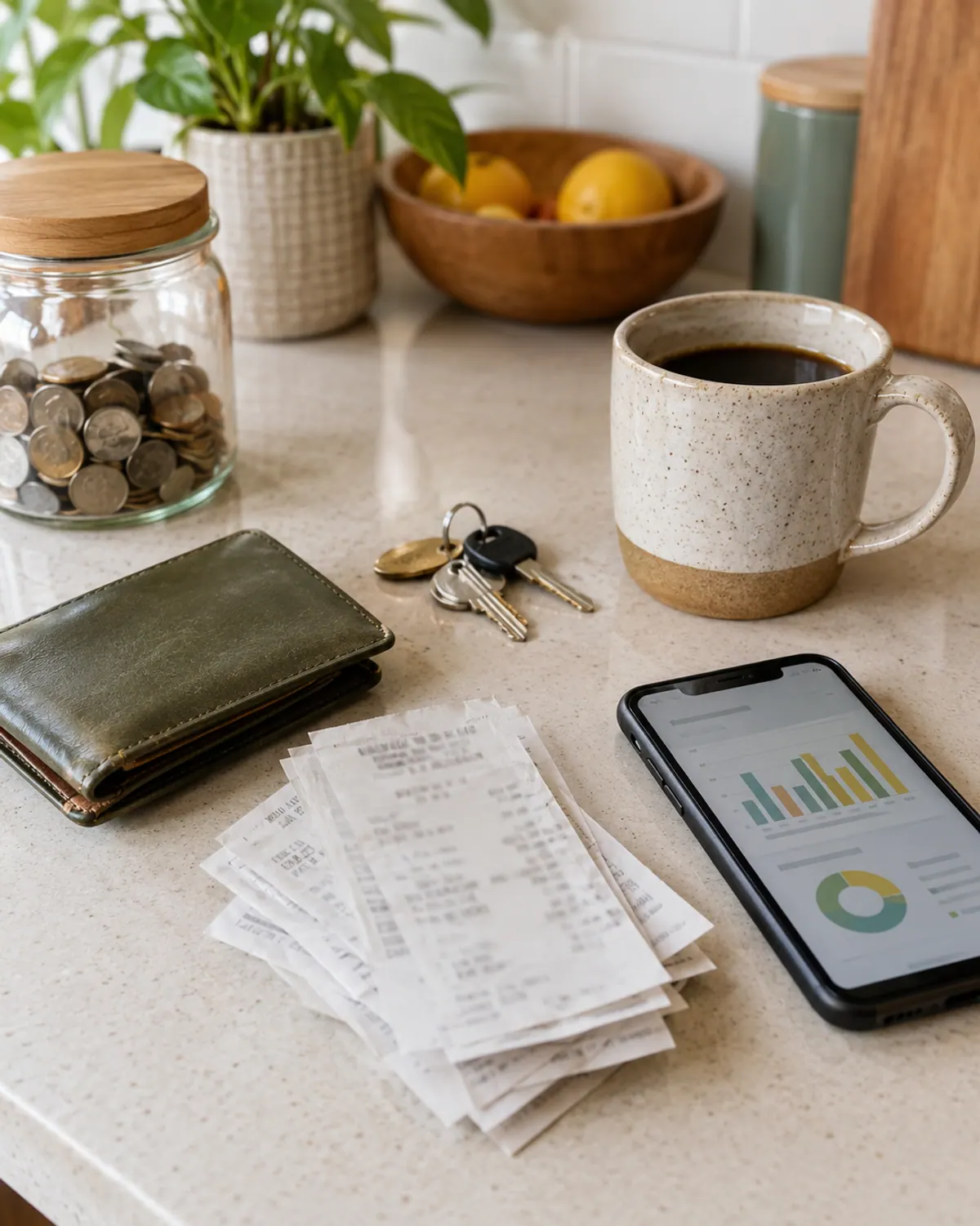
PocketGuard's main number is how much you have left to spend after bills, goals and savings. Published reviews list it at about $12.99 a month or $74.99 a year.
Best for: People who want one simple number instead of a full category budget.
- Add your bills first, or the left-to-spend number will look bigger than it is.
One left-to-spend number for simple budgeting.
Best Budgeting Apps for Couples
7Monarch: Best for Couples Sharing One Budget
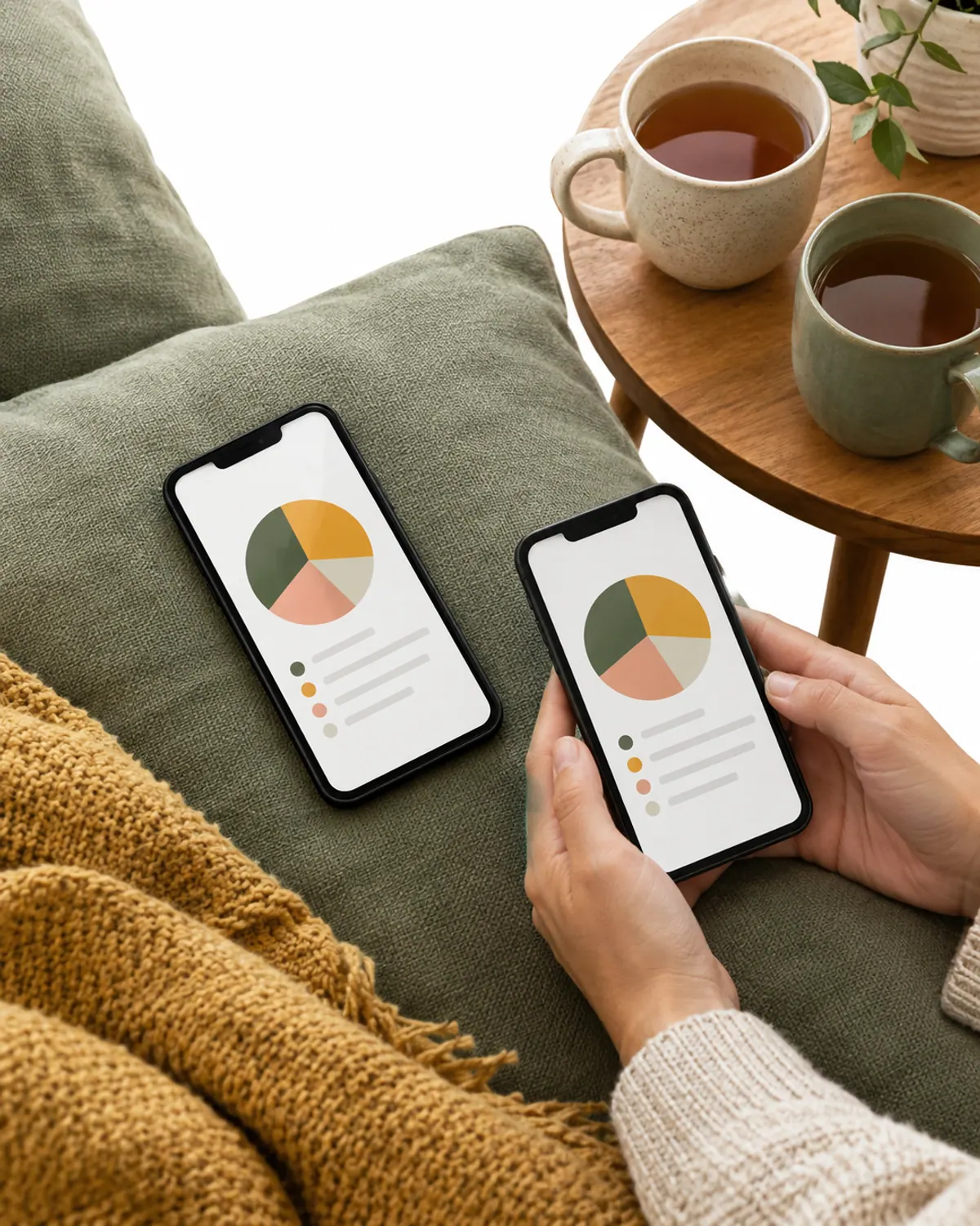
Monarch lets you share one account with a partner and see shared accounts, budgets and goals in one place. Its pricing page lists $14.99 a month or $99.99 a year, with the first week free.
Best for: Couples who want one shared view of every account.
- Agree on categories together before you connect accounts, so the first month isn't an argument.
Shared budgets and goals for two.
8Copilot: Best for Apple Users
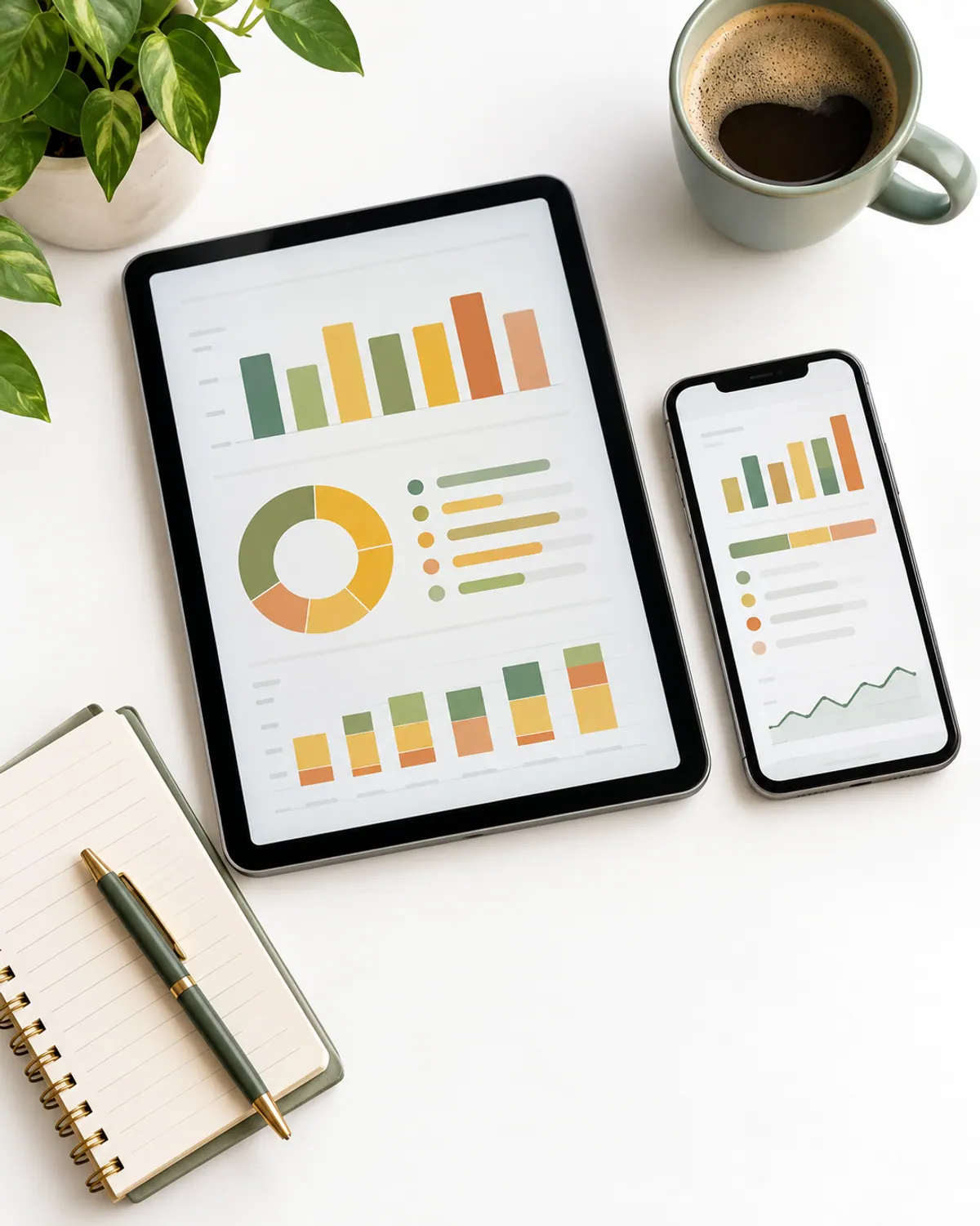
Copilot is built for iPhone, iPad and Mac, with a web version. Published reviews list it at about $13 a month or $95 a year. It's a spending tracker with categories and budgets, and it isn't on Android.
Best for: Apple households who want a polished tracker.
- Check that every device in your home can run it before you pay for a year.
A polished tracker for iPhone and Mac.
9Actual Budget: Best Free Open-Source Option
Actual Budget is free, open-source envelope budgeting that keeps your data on your own device or server. US bank sync is available through SimpleFIN, a separate paid service, and you can pay a hosting company if you don't want to run it yourself.
Best for: Tech-comfortable people who want zero-based budgeting with no subscription.
- If setup sounds like a weekend project you don't want, pick EveryDollar or Goodbudget instead.
Free, private envelope budgeting.
Budgeting Apps Compared
| App | Free option | Paid price | Method | Bank sync |
|---|---|---|---|---|
| EveryDollar | Yes | $17.99/mo or $79.99/yr | Zero-based | Premium only |
| Goodbudget | Yes (20 envelopes) | About $10/mo or $80/yr* | Envelopes | No |
| Rocket Money | Yes | About $7 to $14/mo* | Tracker | Yes |
| YNAB | 34-day trial | $14.99/mo or $109/yr | Zero-based | Yes |
| Quicken Simplifi | No | $3.99/mo first year (annual), $6.99/mo shown | Spending plan | Yes |
| PocketGuard | No | About $12.99/mo or $74.99/yr* | Left to spend | Yes |
| Monarch | 7-day trial | $14.99/mo or $99.99/yr | Categories and goals | Yes |
| Copilot | Trial | About $13/mo or $95/yr* | Tracker | Yes |
| Actual Budget | Yes | Free (optional hosting and sync) | Envelopes | Via SimpleFIN |
*Price from published reviews, not the app's own page.
Which Budgeting App Fits Your Style?
| If you... | Try |
|---|---|
| Want it free and simple | EveryDollar (free) or Goodbudget |
| Use cash envelopes | Goodbudget or Actual Budget |
| Want to learn a method | YNAB |
| Budget with a partner | Monarch or Goodbudget |
| Just want to stop overspending | PocketGuard or Rocket Money |
| Want low cost with bank sync | Quicken Simplifi |
Not sure which method suits you? Our guides to zero-based budgeting, the biweekly paycheck budget and the family budget planner walk through each one with examples.
Skip a Budgeting App If...
What we like
- You'll check it at least once a week
- You want bank transactions pulled in for you
- You share money with a partner on different schedules
Keep in mind
- You won't open it after week two (paper may stick better)
- Connecting your bank account makes you uneasy
- The subscription would cost more than you're trying to save
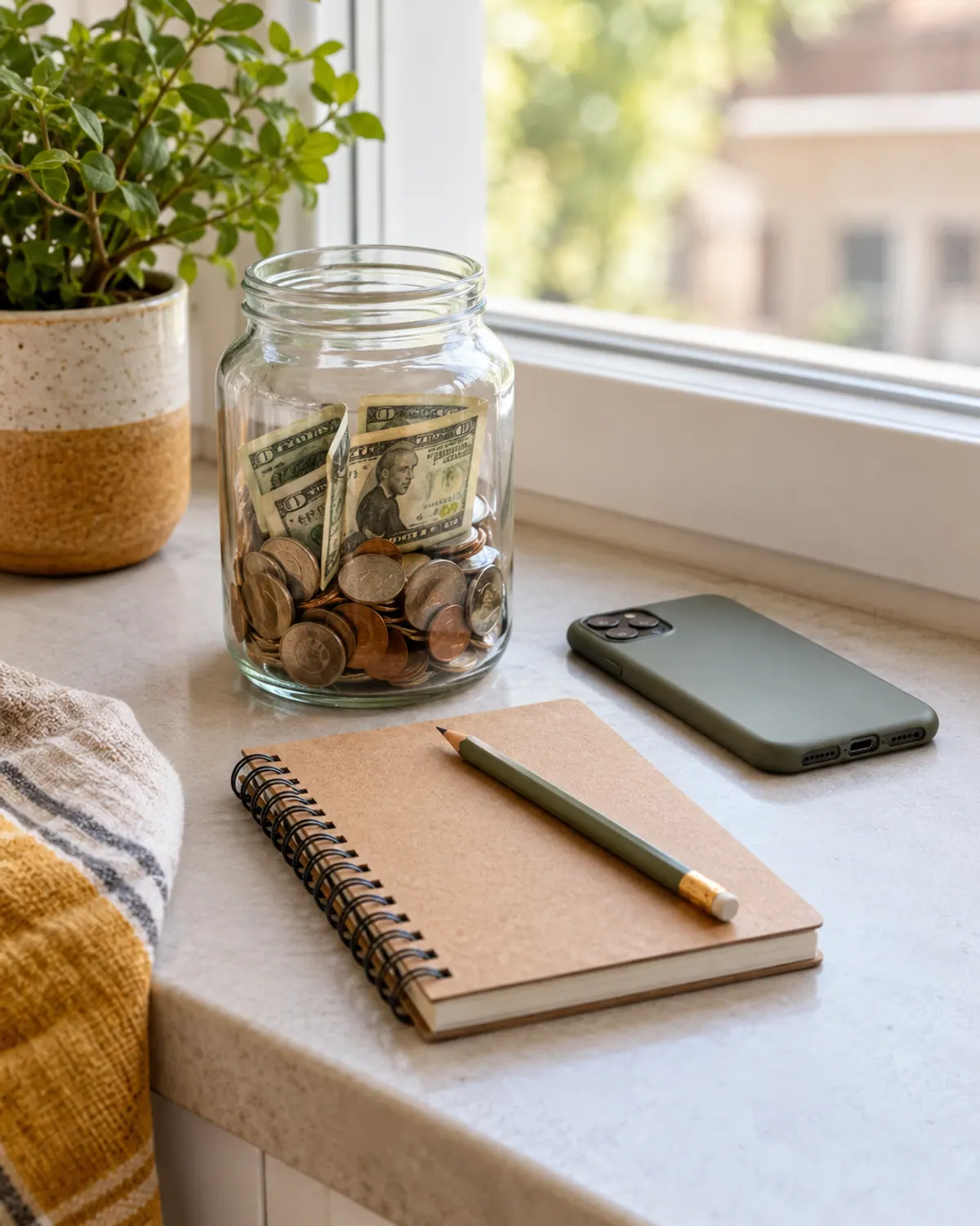
An app you pay $100 a year for and stop using is the most expensive budget there is. If you're on the fence, start on paper with our free budget printables and move to an app once the habit sticks.
Bonus: Pair Your App With a Paper Planner
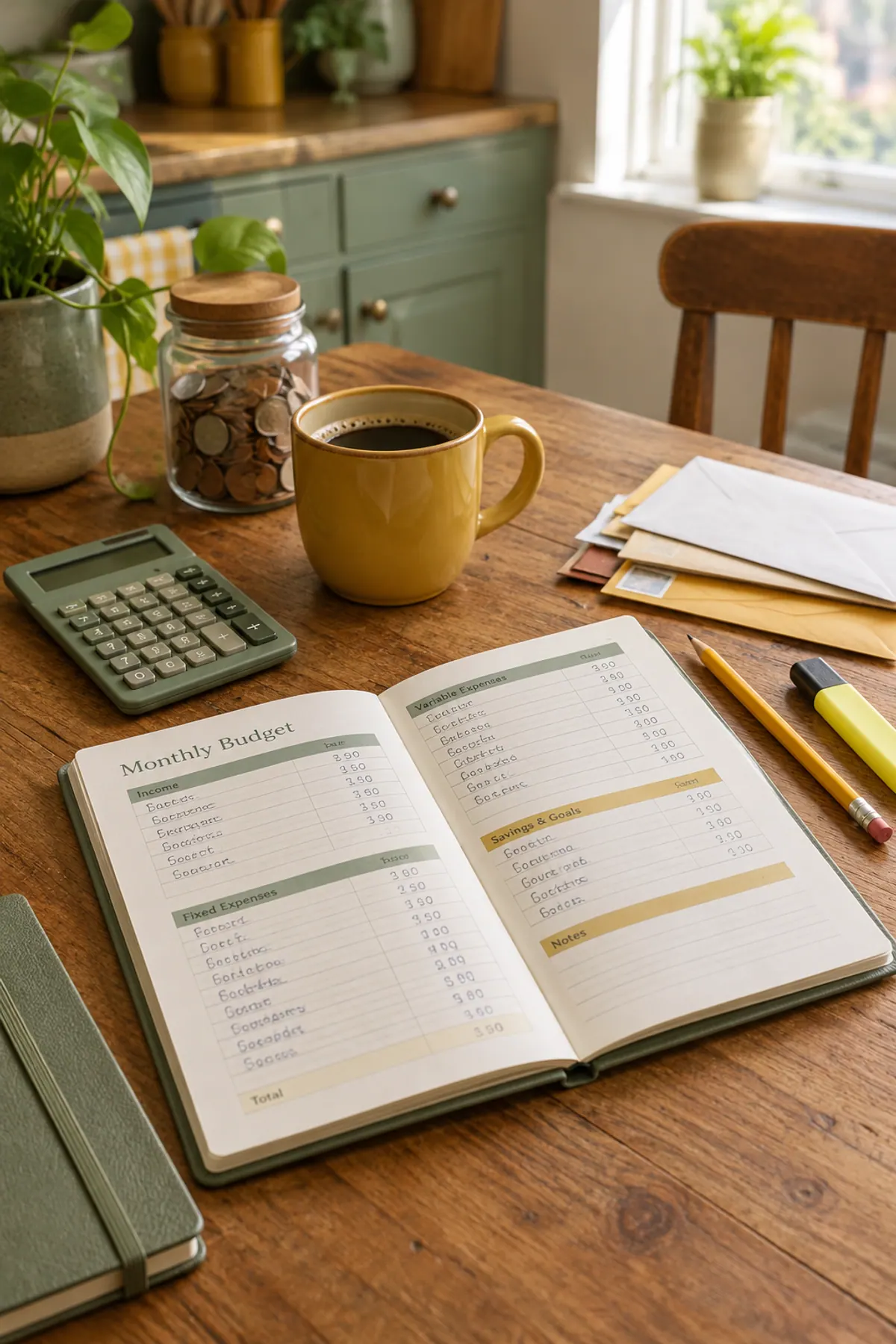
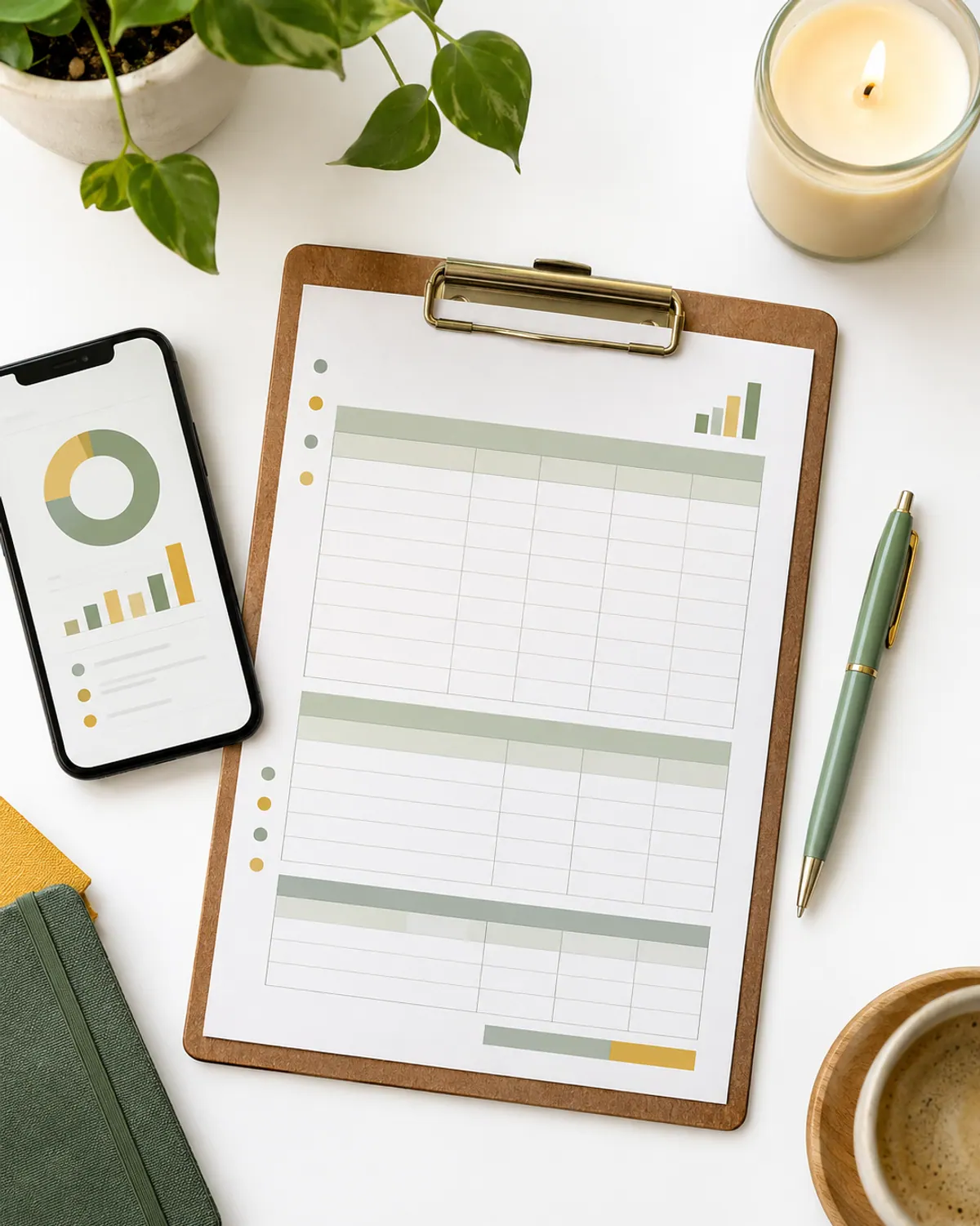
Lots of people use both: the app pulls in transactions, and a paper planner holds the monthly plan, bill dates and goals where they see them every day.
Shop the look
-
Undated monthly budget planner
Typically $10 to $20
A paper home for the monthly plan next to your app.
Check price on Amazon for Undated monthly budget planner -
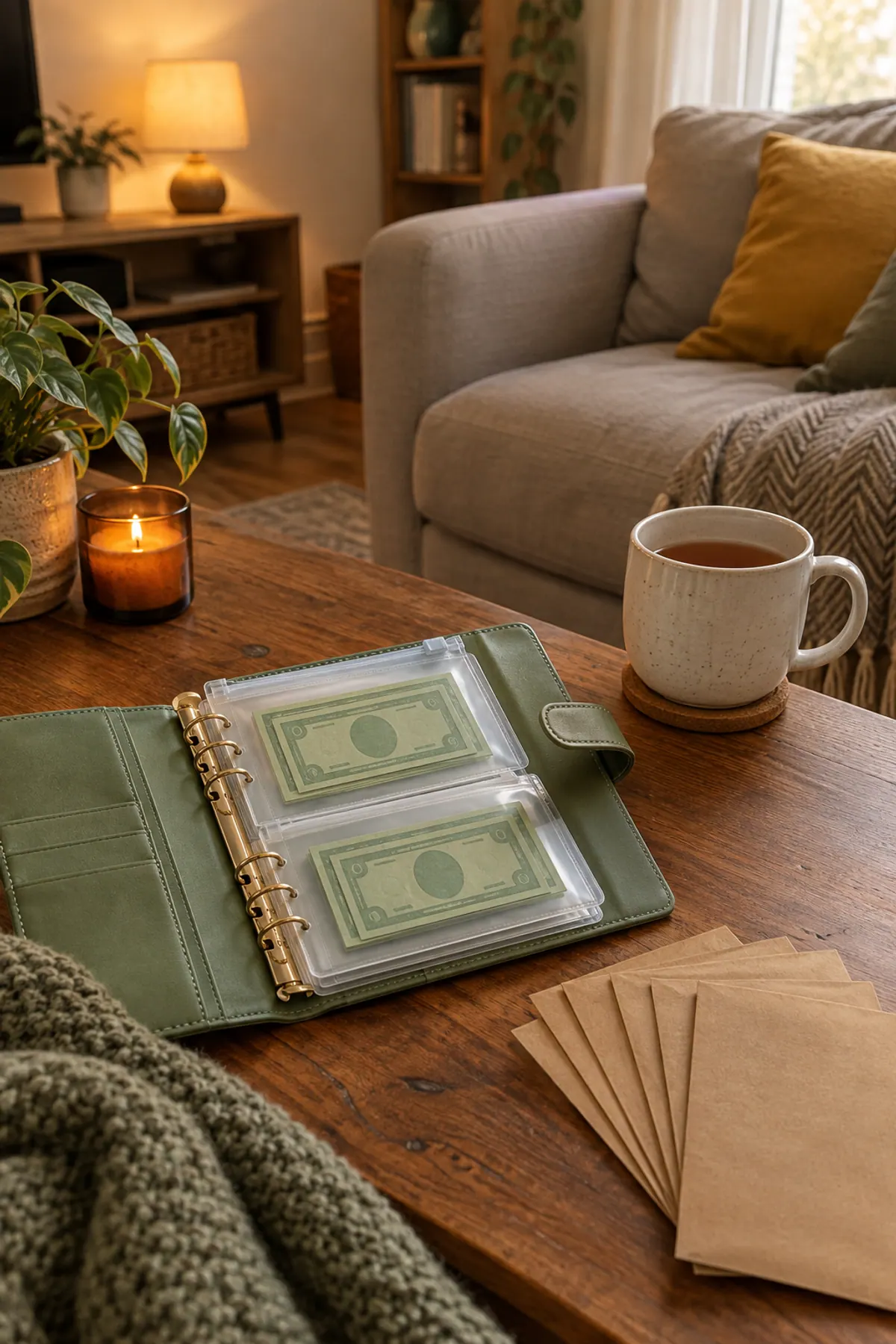
Cash envelope wallet
Typically $8 to $15
For the categories you'd rather keep in cash.
Check price on Amazon for Cash envelope wallet -
Receipt organizer
Typically $8 to $15
Holds receipts until you enter them in the app.
Check price on Amazon for Receipt organizer -
Adjustable phone stand
Typically $8 to $15
Keeps the app open beside your planner on budget night.
Check price on Amazon for Adjustable phone stand
Frequently asked questions
What is the best free budgeting app?
For most beginners, EveryDollar's free version (zero-based budgeting with manual entry) or Goodbudget's free plan (envelope budgeting) are good starting points. Actual Budget is free and open source if you're comfortable setting it up.
Is YNAB worth the price for beginners?
It can be if you want the app to teach you a budgeting method. It lists a 34-day free trial, so you can run one full month before paying $14.99 a month or $109 a year.
Which budgeting app is best for couples?
Monarch lets you share one account with a partner and see shared accounts and goals. Goodbudget also syncs envelopes between partners without connecting bank accounts.
Are budgeting apps safe to connect to my bank?
Most use third-party services to read your transactions without storing your bank password. If you'd rather not connect, choose an app with manual entry like Goodbudget or EveryDollar's free version.
Do I need a budgeting app at all?
No. A paper planner or spreadsheet works if you'll use it every week. An app helps most when you want transactions pulled in automatically or share money with someone.
Save it for later
Pin this to your Budgeting Basics board so it's there when you need it.
Save to Pinterest