This post contains affiliate links. As an Amazon Associate we earn from qualifying purchases, at no extra cost to you. Read our disclosure.
Safety first: This is general money education, not personalised financial advice. Please read our financial disclaimer before you start.
Key takeaways
- The free January budget template is 4 pages: a 16-row bills table with two paycheck columns, a Christmas bill box and a yearly bills table.
- Put each bill on the last paycheck that arrives before its due date, then add up each check and subtract it from the take-home.
- In the example, $2,600 of take-home and $1,314 of bills leaves $1,286, with the heavy bills on the first check.
- A $520 Christmas bill fits over two months ($260 a month) in the example, but one month would mean cutting $134.
- Examples only, not financial advice: your own bills and debts come first.
In this post10 sections
- What Is on the Four Free January Budget Template Pages
- How to Fill In the January Budget Template in About 20 Minutes
- A Filled-In January Budget: Two Paychecks and $1,314 of Bills
- Plan the Christmas Bill Before the Statement Lands
- The Yearly and Quarterly Bills That Land in January
- Add Up Left After Bills Before You Spend Anything
- A Dated January Budget Plan From Nov 15 to Feb 1
- Keep the Sheet Where You Pay Bills
- When One Month Is Not Enough
- FAQ
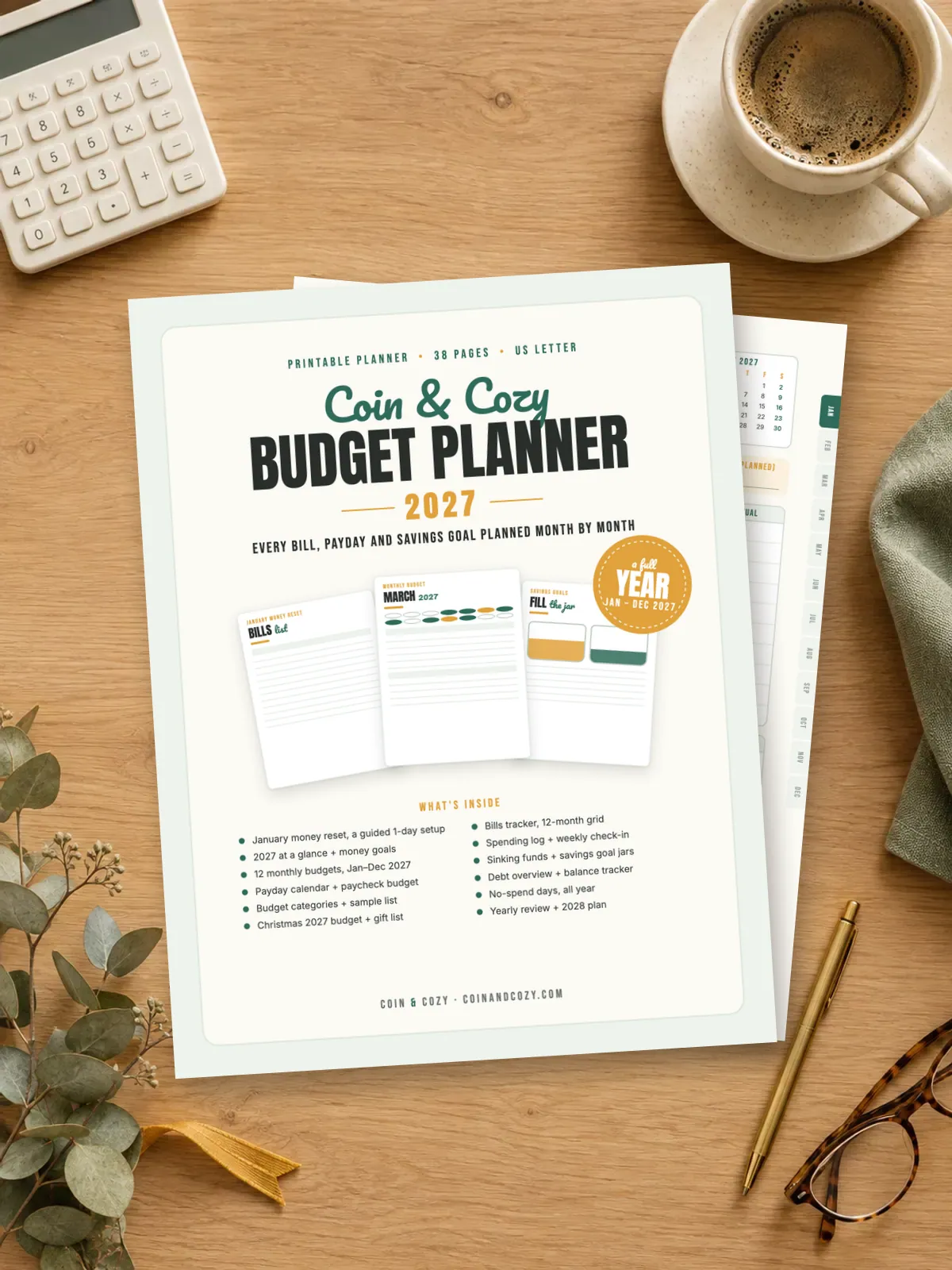
The sheet lists your January bills by due date and splits them across your first two paychecks, so you see what is left before the month starts. If you want every month of 2027 planned the same way, the Budget Planner 2027 ($12) is the next step. It starts with a guided January reset and gives each month its own dated page.
Some links on this page are Amazon affiliate links. If you buy through one, we may earn a small commission at no extra cost to you.
What Is on the Four Free January Budget Template Pages
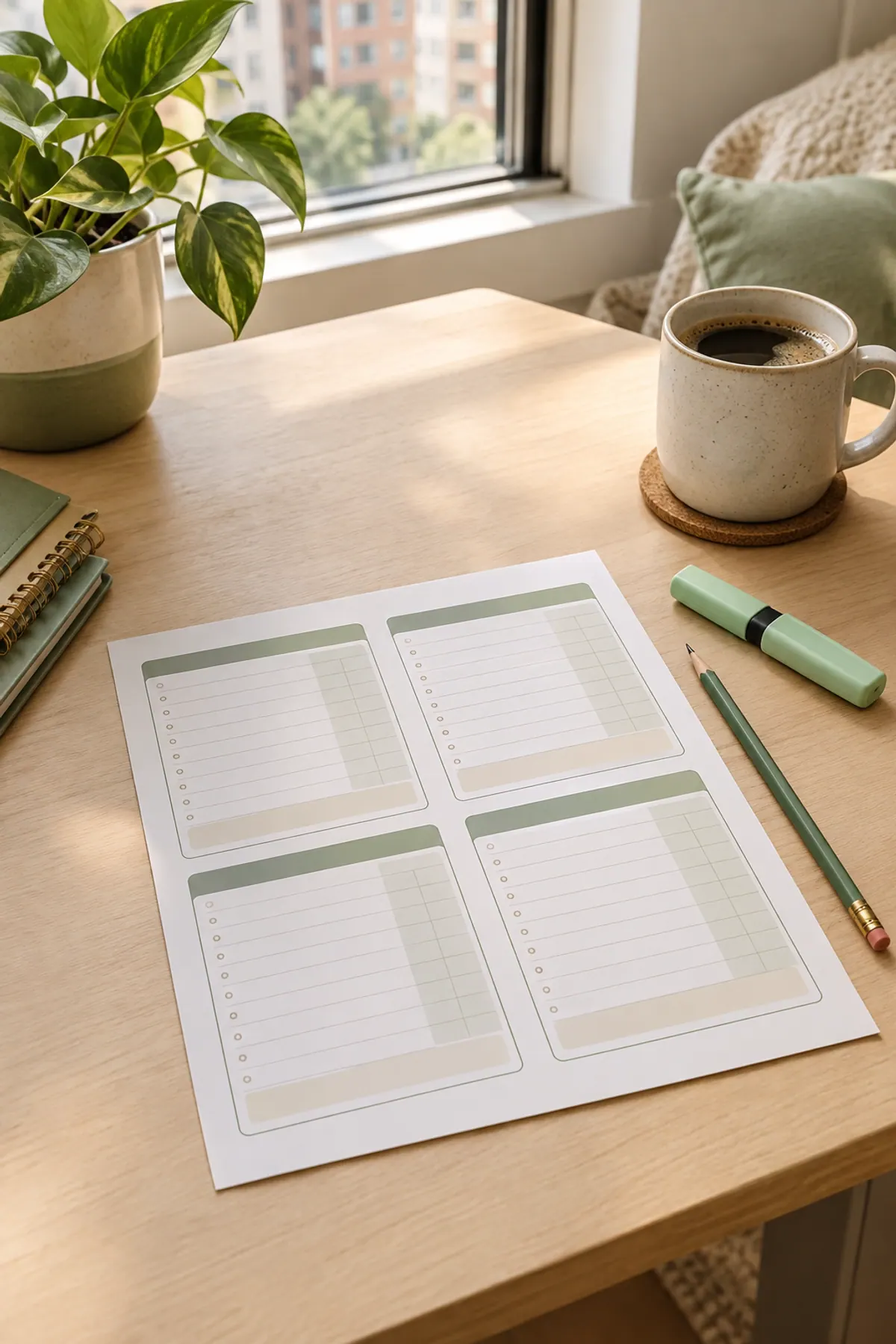
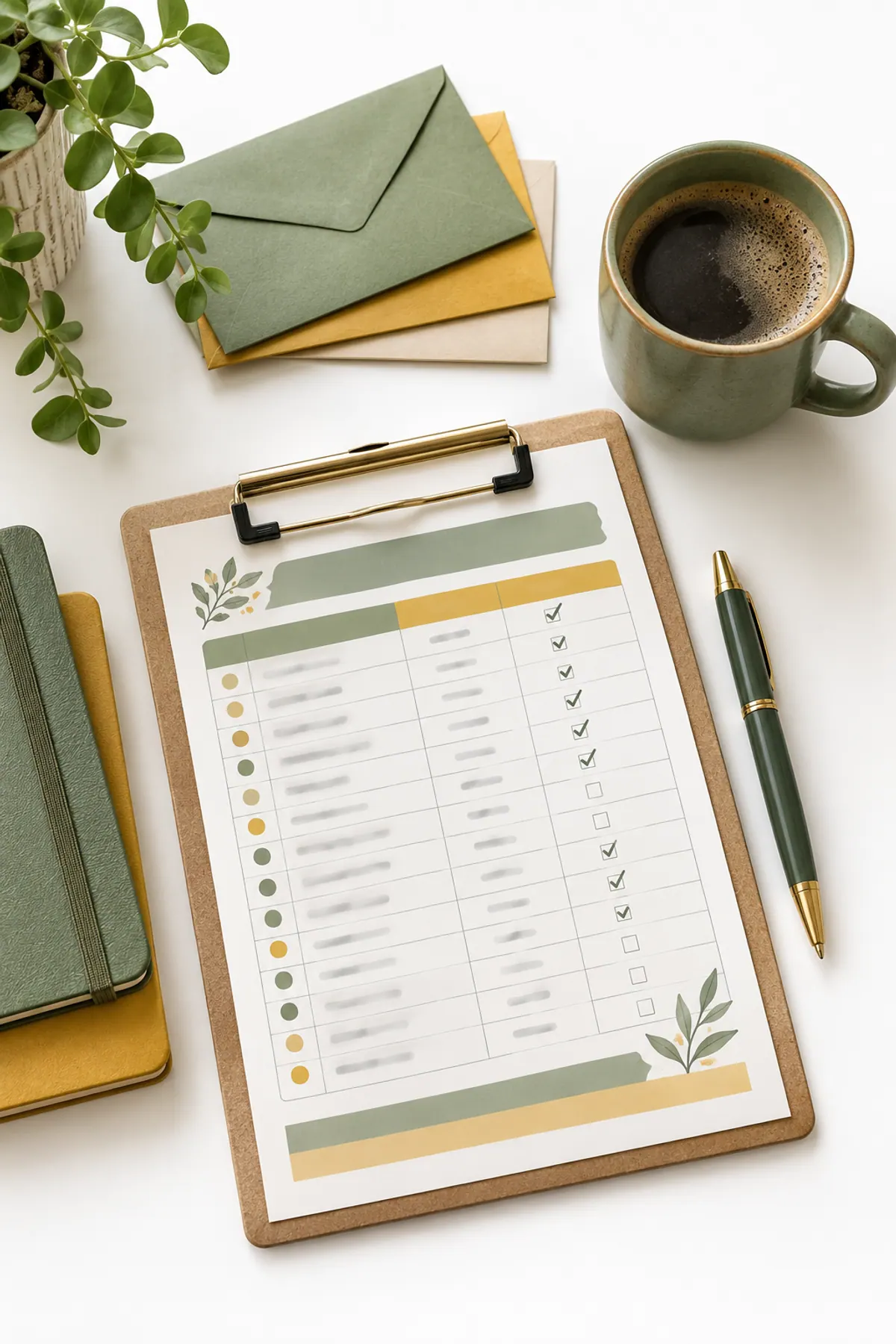
The download is a 4-page PDF in US Letter size. Page 1 is the cover. Page 2 is January bills by due date: two paycheck boxes (date and take-home), a 16-row table with Due, Bill, Amount, Check 1, Check 2 and Paid columns, and two totals at the bottom, Bills on each check and Left after bills.
Page 3 has a Christmas bill box, a Where I will find it box, and an 8-row table for yearly and quarterly bills that land in January. Page 4 shows what the Budget Planner 2027 adds, so you can see it without any pressure to buy.

Print it at home or at a print shop on standard letter paper. Use a pencil, because a due date or an amount will change at least once in the month.
How to Fill In the January Budget Template in About 20 Minutes
Do the bills first and the money second. You need your last statements or your bank app open, plus the date each paycheck will really land. For a household with 10 to 14 regular bills, this takes about 20 minutes.
-
Step 1: Print pages 2 and 3
Page 2 is the bills table and page 3 is the Christmas bill and the yearly bills. Clip them together.
-
Step 2: Write every bill in date order
Start with the 1st and work down to the 31st. Put the due date in the Due column and the amount in Amount. If an amount changes, like electric, use last month's bill as your guess.
-
Step 3: Fill in both paycheck boxes
Write the date and the take-home amount for Paycheck 1 and Paycheck 2. Take-home means what lands in your account, not what you earn before taxes.
-
Step 4: Tick the check that pays each bill
A bill goes on the last paycheck that arrives before its due date. A bill due before your first January check is paid from your last December check, so note it on your December sheet.
-
Step 5: Add up each check column
Write each total on the Bills on each check line. Then subtract it from that paycheck's take-home and write the answer on Left after bills.
-
Step 6: Fill in the Christmas bill and the yearly bills on page 3
These are the two things that make January different, and the next two sections show how to fill them in. Tick Paid on the day each bill goes out.
A Filled-In January Budget: Two Paychecks and $1,314 of Bills
Here is one example, filled in. Every amount and date is made up for planning, so swap in your own. In this example, one household takes home $1,300 on Tue Jan 5 and $1,300 on Wed Jan 20, which is $2,600 for the month.
| Due | Bill | Amount | Paid by |
|---|---|---|---|
| Jan 5 | Rent | $720 | Check 1 |
| Jan 6 | Phone | $55 | Check 1 |
| Jan 8 | Car insurance | $96 | Check 1 |
| Jan 12 | Electric | $82 | Check 1 |
| Jan 22 | Internet | $60 | Check 2 |
| Jan 25 | Water | $45 | Check 2 |
| Jan 26 | Streaming | $16 | Check 2 |
| Jan 28 | Car payment | $240 | Check 2 |
| Line | Check 1 (Tue Jan 5) | Check 2 (Wed Jan 20) |
|---|---|---|
| Take-home | $1,300 | $1,300 |
| Bills on this check | $953 | $361 |
| Left after bills | $347 | $939 |
Together the bills come to $1,314 and $1,286 is left after bills. Notice that the first check carries the heavy bills, rent and insurance, and the second check carries the light ones. That is why the first check of the month feels tight even when the whole month works. The $347 left on Check 1 has to cover food, gas and everything else until Jan 20, so plan that stretch week by week.

Plan the Christmas Bill Before the Statement Lands
If Christmas went on a card, the statement shows up in January whether you looked at it or not. Card issuers must send your statement at least 21 days before the payment is due (CFPB), so you usually have a few weeks to plan. Write the total in the Christmas bill box on page 3 and the due date beside it. The card's minimum payment also goes in your bills table on page 2.
Then decide how many months you want to pay it off over. The example below uses a $520 Christmas bill and ignores interest to keep the math simple. Your card will charge interest on a balance you carry, so read your own statement for the rate.
| Pay it off in | Per month | Against $386 free each month |
|---|---|---|
| 1 month | $520 | $134 short |
| 2 months | $260 | $126 to spare |
| 3 months | about $174 | about $212 to spare |
| 4 months | $130 | $256 to spare |
The $386 comes from the example above: $2,600 take-home, minus $1,314 of bills, minus $900 for food, gas and household items. Paying the card off in one month would mean cutting $134, which is a lot. Two months fits with $126 to spare. The right answer is the one you can keep paying without missing a bill.
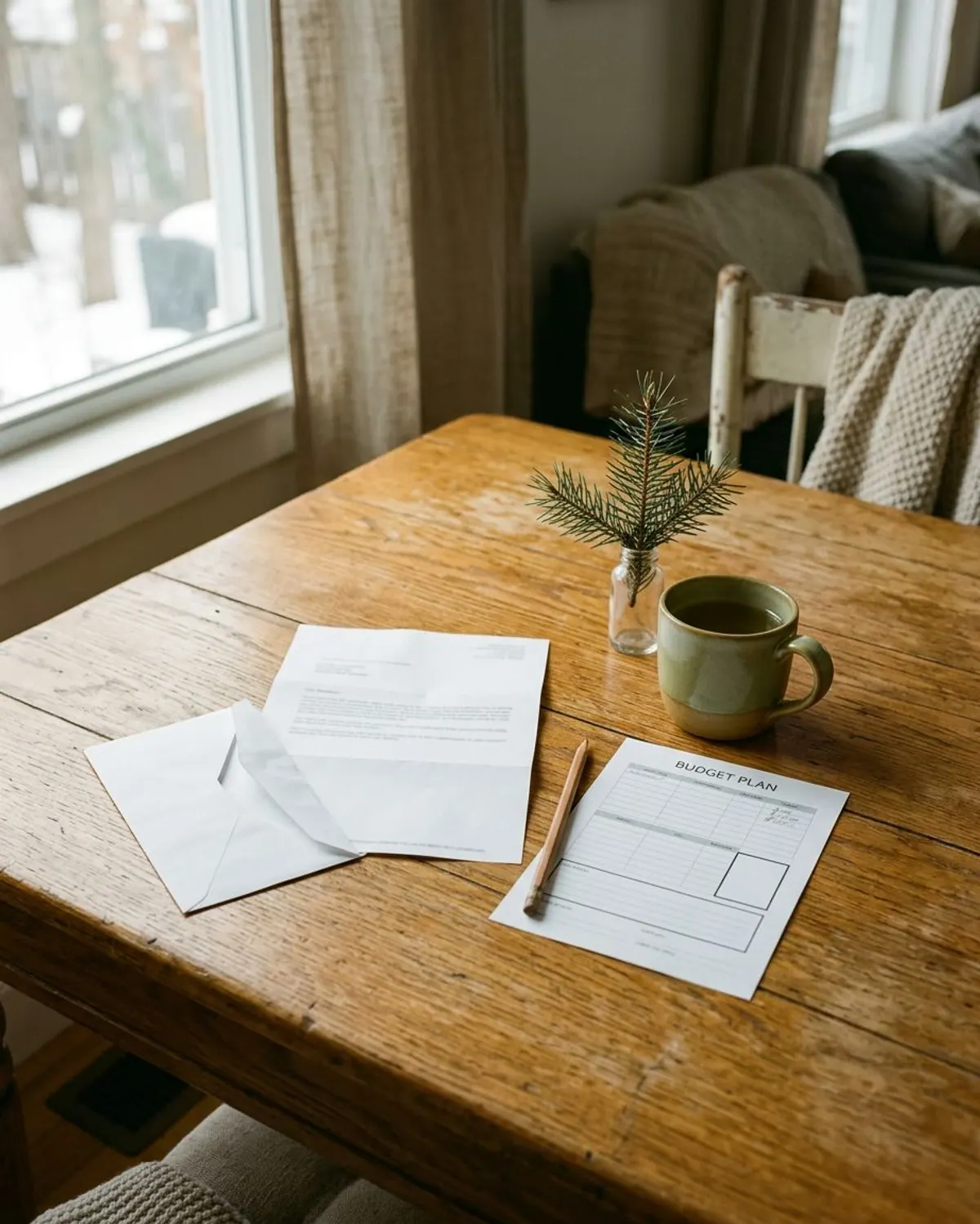
For the bigger reset after the Christmas bill is covered, see our 30-day financial reset for January. If you want the Christmas total to be smaller next year, the ways to save money on Christmas gifts show where to start.
The Yearly and Quarterly Bills That Land in January
A monthly bill table misses the bills that come around once or twice a year. Many renewals follow the calendar year, so some land in January. Use the 8-row table on page 3 to write down any of these that apply to you.
Check for these before January starts

Search your email for the word renewal and look at last January's bank statement. Both find yearly charges you forgot about. If a bill is due in January and one check cannot cover it, write it on page 3 now and decide which check carries it. A short list of renewals written down in November is a plan, and the same list found in January is a surprise.
Add Up Left After Bills Before You Spend Anything
The Left after bills line tells you what January really looks like. Write it down before you spend anything from the new paycheck. In the example, Check 1 leaves $347 and Check 2 leaves $939, so the first half of the month is the tight one.
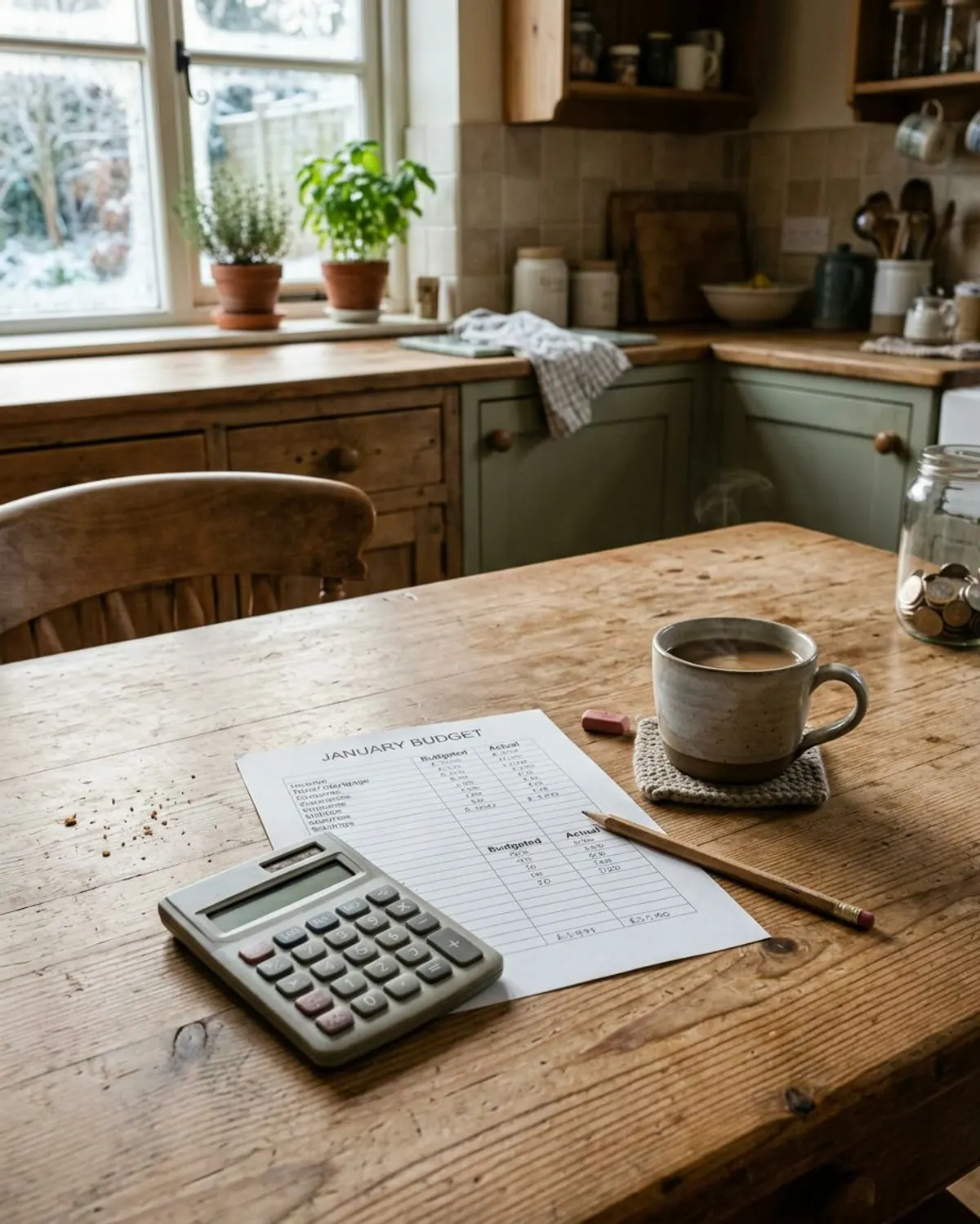
If a check leaves you short, move one thing at a time. Ask whether a due date can move to a later check, whether a bill can be paid in two parts, or whether one expense can pause for a month. If the number is still too small, the no-spend challenge for January shows what a low-spend month looks like in practice.
A Dated January Budget Plan From Nov 15 to Feb 1
Checked Sun Nov 15, 2026: Christmas is on Fri Dec 25, which is 40 days away, and New Year's Day is on Fri Jan 1, which is 47 days away. Here is one way to spread the work. The dates are examples, so move them to fit your own pay days.
| By | What to do | Where on the printable |
|---|---|---|
| Sun Nov 15 | Print pages 2 and 3 and list the bills you already know | Bills table |
| Fri Nov 27 | Write your Christmas number and a plan for the card | Christmas bill box |
| Sun Dec 27 | Add up what Christmas really cost, two days after Fri Dec 25 | Christmas bill box |
| Mon Jan 4 | First business day of the year: fill in both paycheck boxes | Paycheck 1 and 2 |
| Fri Jan 15 | Midpoint check: tick Paid and add up Check 1 | Left after bills |
| Fri Jan 29 | Look at January's last Friday and list what moves to February | Paid column |
| Mon Feb 1 | Start February's page with what you learned | Budget Planner 2027 page, if you use it |
Pay dates can shift around New Year's Day. Jan 1, Jan 15 and Jan 29 are all Fridays in 2027, so if you are paid every other Friday you may get three checks in January. If a holiday moves your pay date, ask payroll when the money will land, then write that date in the paycheck box.

If your January also needs a lower grocery bill, try the January budget meal plan. If you want a longer view than one month, see the new year budget plan you can do in one evening and the yearly budget planner for all 12 months. For a blank monthly sheet with no January focus, there is the free monthly budget template, and the bills tracker by paycheck tracks due dates all year.
Keep the Sheet Where You Pay Bills
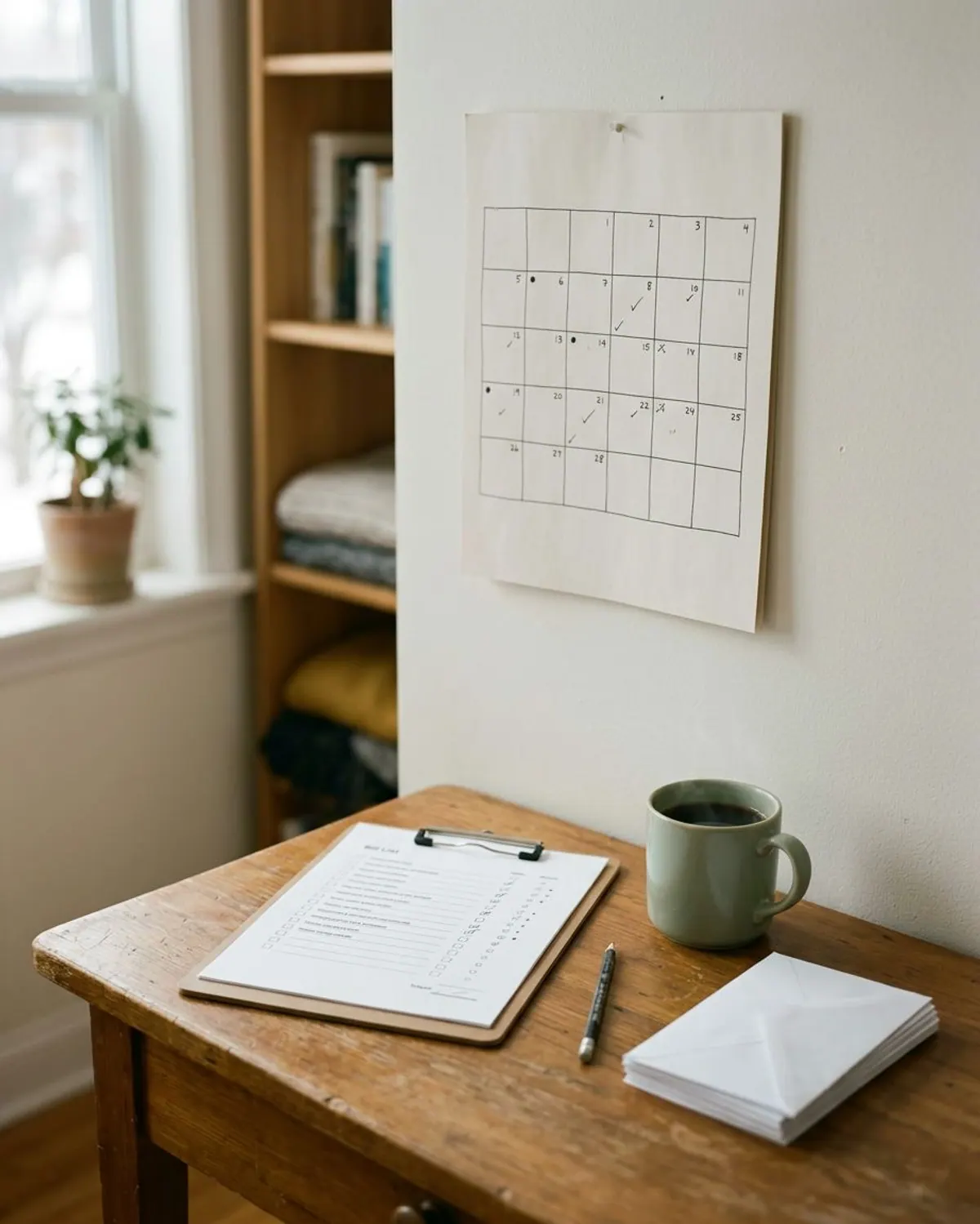
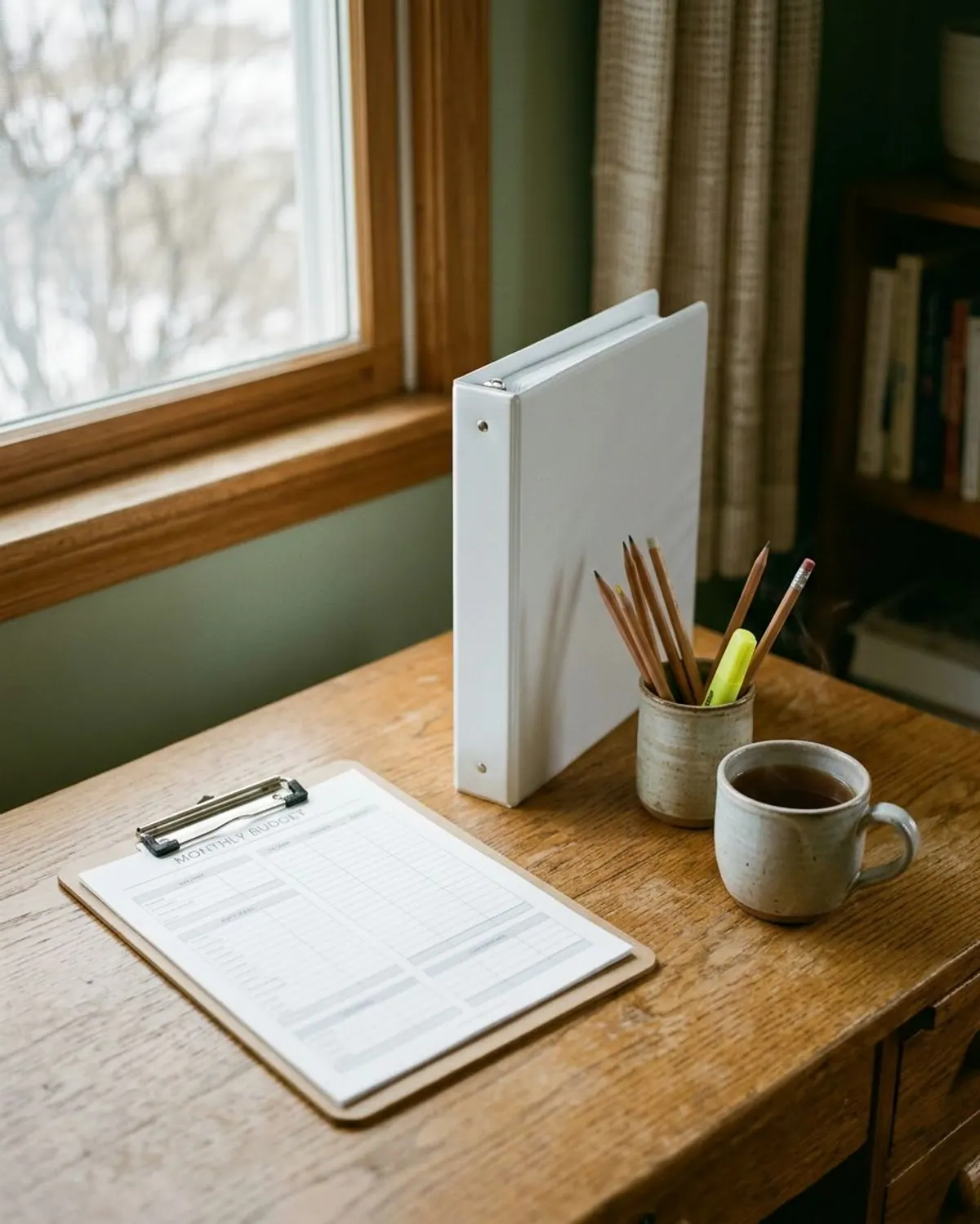
Keep the sheet next to the place where you pay bills, so you tick Paid the same minute the money leaves. A clipboard and a pencil are enough.
Helpful, not required
-
Letter-size clipboard
Typically $6 to $15
Keeps pages 2 and 3 flat and together by the place you pay bills.
Check price on Amazon for Letter-size clipboard -
Pencils with erasers
Typically $4 to $10
Amounts and due dates change, so write them in pencil.
Check price on Amazon for Pencils with erasers -
Highlighters
Typically $5 to $12
Mark the heavy bills on Check 1 so you see them at a glance.
Check price on Amazon for Highlighters -
One-inch three-ring binder
Typically $5 to $12
Keeps each month's sheet together so you can compare January with February.
Check price on Amazon for One-inch three-ring binder
When One Month Is Not Enough
The free sheet plans one month. If you want every month of 2027 planned, the Budget Planner 2027 ($12) has a guided January reset, 12 dated monthly pages, a payday calendar and a bills tracker with a 12-month paid grid, so February does not start from a blank sheet.
If you also want the savings, cash, debt and grocery pages in one binder, the Cozy Money Binder ($21) holds all six paid printables, and the code COZY20 takes 20% off at checkout, which makes it $16.80.
All amounts and dates here are examples for planning, not financial advice. Your own income, bills and debts come first, so if money is tight, start with the bills that keep your home, power and transport running.
Frequently asked questions
Is there a free January budget template I can print today?
Yes. The free 4-page January budget template has a bills table by due date, two paycheck boxes, a Christmas bill box and a yearly bills table. Enter your email in the form on this page and the PDF is sent to you, then print pages 2 and 3.
How do I split January bills across two paychecks?
Put each bill on the last paycheck that arrives before its due date. Then add up each check column and subtract it from that check's take-home. The example here splits $1,314 of bills into $953 on the first check and $361 on the second.
What if I get paid every two weeks and have three paychecks in January?
Jan 1, 15 and 29 are all Fridays in 2027, so a Friday every-other-week schedule could give three checks. Ask payroll for the real dates, because holidays can shift them. The sheet has two paycheck boxes, so use a line in the margin for a third.
How do I plan for the Christmas credit card bill in January?
Write the total and the due date in the Christmas bill box, then pick how many months to pay it over. In the example, a $520 bill over two months is $260 a month, which fits. Card interest is not included, so read your own statement.
Which bills only show up once or twice a year?
Annual renewals, six-month insurance, memberships and quarterly bills. Search your email for renewal and look at last January's bank statement to find them. Write each on page 3.
Is this the same as a January budget challenge?
No. This sheet plans bills and paychecks for one month. A challenge changes what you spend. If you want one, our no-spend January page has rules and a tracker you can use alongside it.
Save it for later
Pin this to your Budgeting Basics board so it's there when you need it.
Save to Pinterest