This post contains affiliate links. As an Amazon Associate we earn from qualifying purchases, at no extra cost to you. Read our disclosure.
Safety first: This is general money education, not personalised financial advice. Please read our financial disclaimer before you start.
Key takeaways
- Set one weekly number: your monthly grocery line divided by 4.33. A $650 month is about $150 a week (example).
- Log every trip, including quick stops, and subtract it from the number on the same day.
- Do a 5-minute check-in on Sunday and judge the month, not one week: in our example, one $6.30 over week still ended the month $14.05 under.
- Move leftover money to a buffer or savings, and change the weekly number only after four weeks of data.
- The free weekly tracker is a PDF you can print at home.
In this post10 sections
- What a Weekly Grocery Budget Tracker Tracks
- How to Set Up a Weekly Grocery Budget Tracker in 5 Steps
- Worked Example: What a $150 Grocery Week Looks Like
- Worked Month: Four Weeks and Where the Leftover Goes
- Get the Free Weekly Grocery Budget Tracker (Printable)
- Paper, Bullet Journal or Spreadsheet: Which Grocery Tracker Fits?
- 5 Mistakes That Break a Grocery Budget Tracker
- Make the Weekly Number Fit Your Household
- Keep the Grocery Line Inside Your Whole Budget
- FAQ
Quick note: product links go to Amazon search results or our own shop, and we may earn a small commission if you buy, at no extra cost to you. Dollar amounts are labelled examples, not advice about your money, and prices change by store and week. This is general information, not financial advice.
What a Weekly Grocery Budget Tracker Tracks
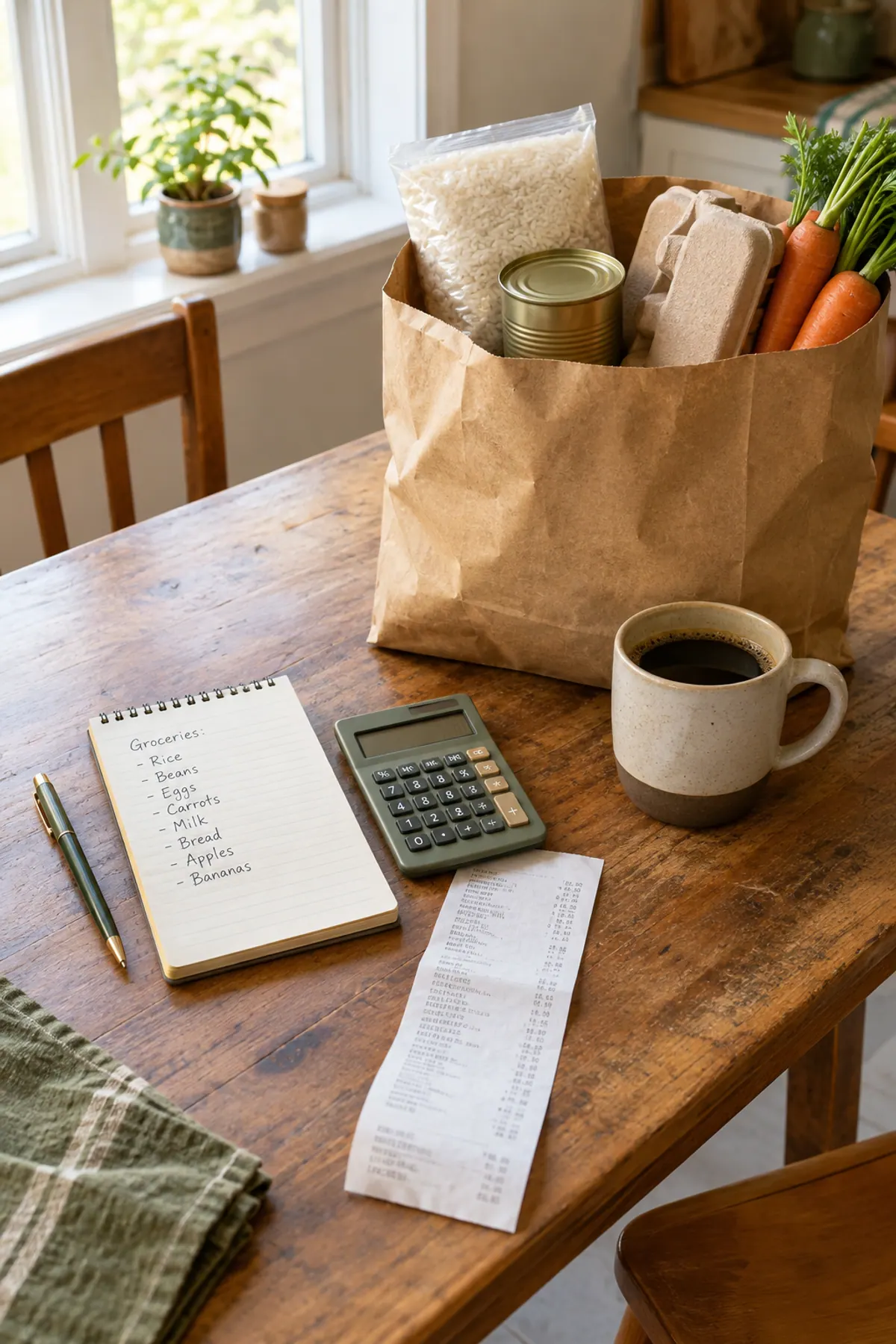
A grocery budget tracker is one sheet with one number on it: the most you plan to spend on food this week. Every time you shop, you write the date, the store and the trip total, then subtract it from the number. Whatever is left is what you can still spend before the week ends.
That is the whole system, and it works because you see the number after every trip, not at the end of the month. A $150 week with $87.60 left on Monday night changes what you buy on Thursday. The steps below take about 5 minutes a trip, and the free printable sheet is further down.
How to Set Up a Weekly Grocery Budget Tracker in 5 Steps
-
Step 1: Step 1: Pick one weekly number
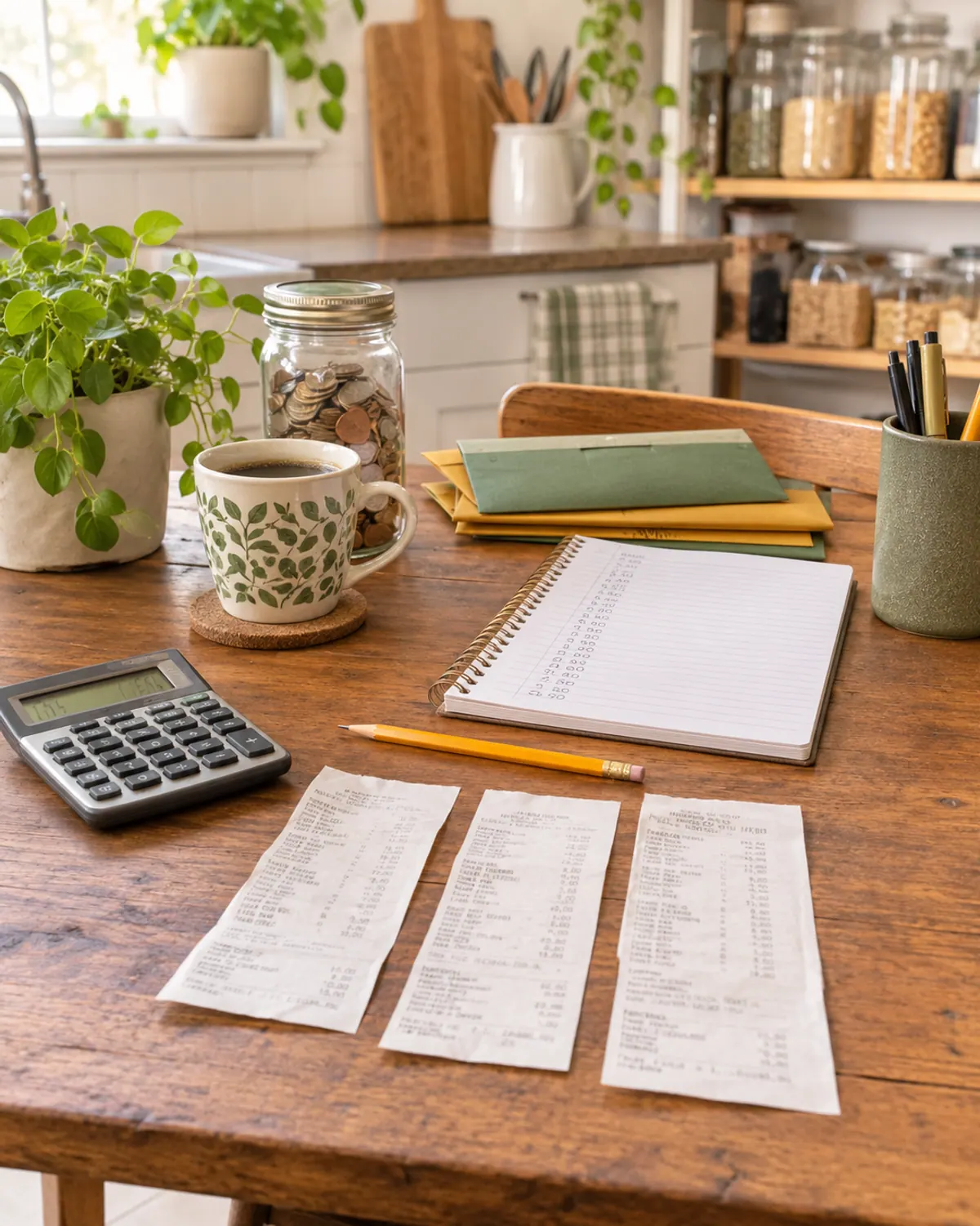
Take your monthly grocery line and divide it by 4.33, the number of weeks in an average month (52 weeks divided by 12 months). A $650 month comes to about $150 a week. If you do not have a monthly line yet, add up two weeks of receipts and round down a little. Our family grocery budget guide shows example tiers if you want a starting range.
-
Step 2: Step 2: Draw five columns
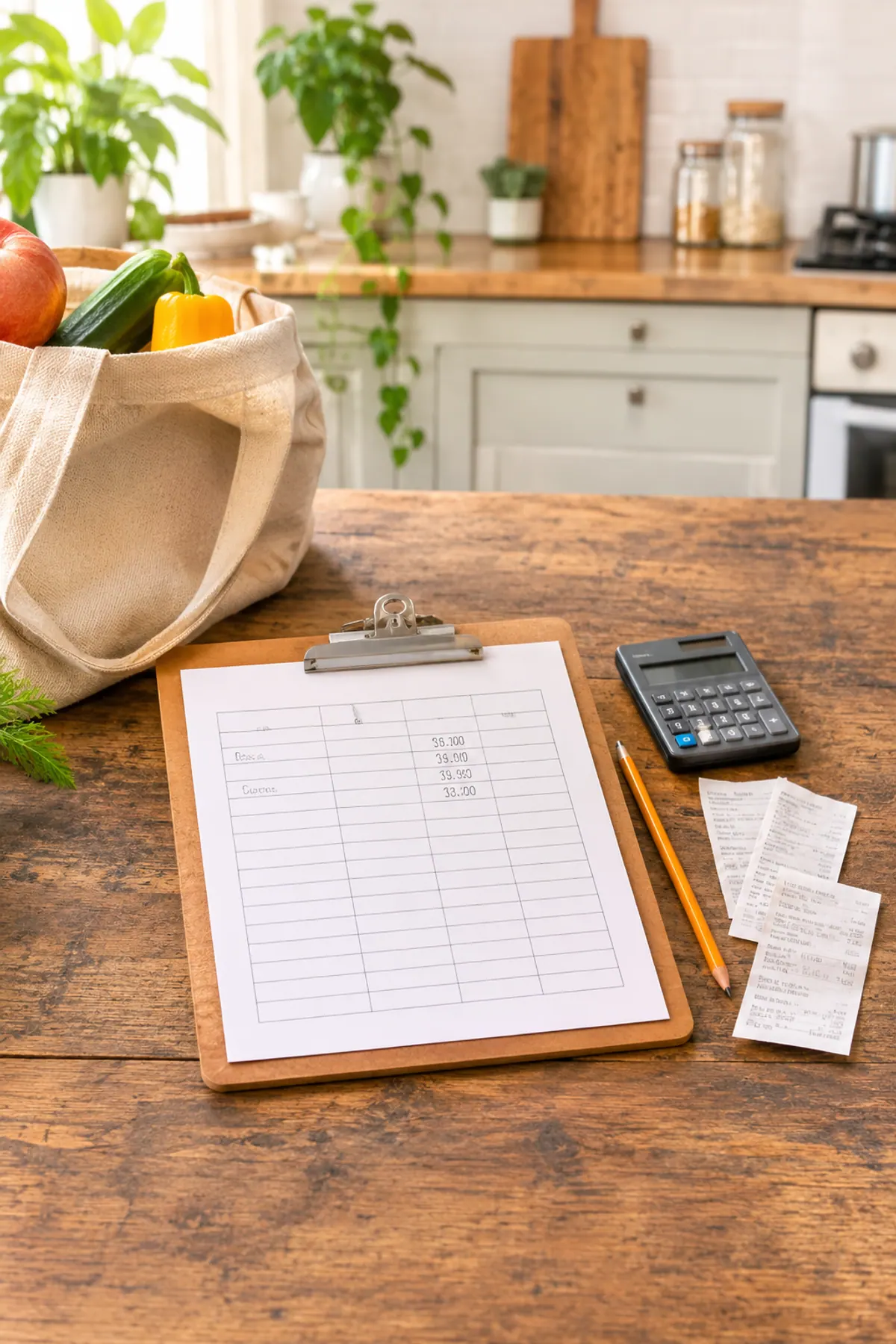
Write your weekly number at the top, then rule five columns: Date, Store, Trip total, Running total and Left this week. Three or four rows are enough for most weeks. A notebook page, a bullet journal spread or the free sheet below all work the same way.
-
Step 3: Step 3: Log every trip when you get home
Put the receipt in front of you, write the total, add it to the running total and subtract it from the weekly number. Count the quick stops too, like the $7 milk run, plus any delivery fee or tip if you order groceries. Keep receipts in one envelope until Sunday so nothing goes missing.
-
Step 4: Step 4: Do a 5-minute Sunday check-in
Add up the week and write the difference under the last row: under, over or exactly on the number. Look for the one trip that moved the total most, and note why in a few words. That note is the part that changes next week's shopping.
-
Step 5: Step 5: Move the difference, do not spend it
If you finished under, move the leftover to a grocery buffer line or to savings. If you went over, trim one thing next week instead of raising the number. Change the weekly number only after four weeks of data, so one odd week does not set your budget.


Worked Example: What a $150 Grocery Week Looks Like
Here is one example week with three trips. The store names are placeholders, the amounts are made up to show the arithmetic, and your own shops will look different.
| Day | Store | Trip total | Running total | Left of $150 |
|---|---|---|---|---|
| Monday | Store A, main shop | $62.40 | $62.40 | $87.60 |
| Thursday | Store B, produce and dairy | $38.15 | $100.55 | $49.45 |
| Saturday | Store A, top-up | $41.20 | $141.75 | $8.25 |
The week ended $8.25 under the $150 number. Because the Monday shop was logged before Thursday, the Thursday trip had a clear limit of $87.60, which is the whole point of tracking each trip instead of waiting for month-end.
Worked Month: Four Weeks and Where the Leftover Goes
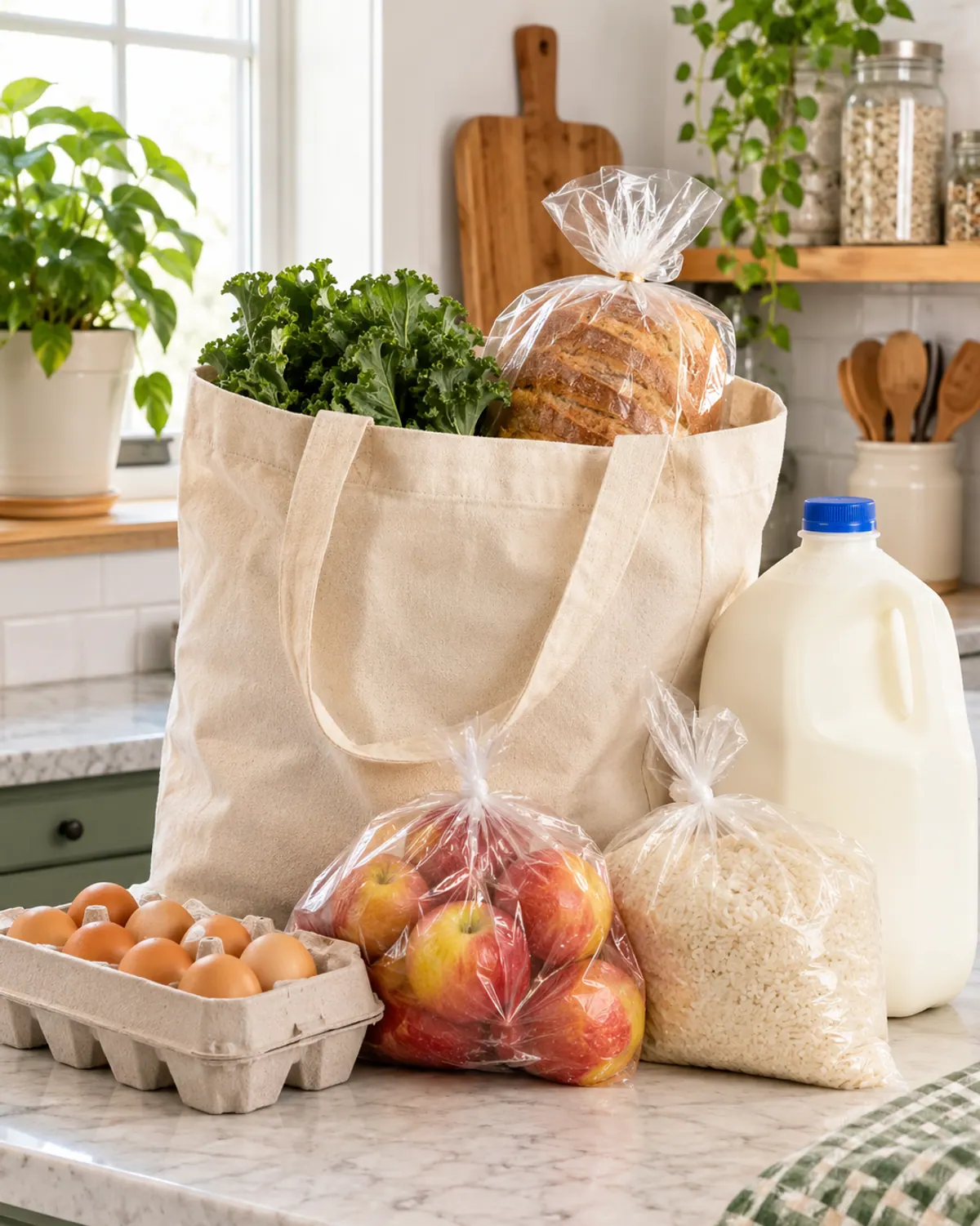
One week tells you little, so look at four. In this example, one week runs over, and the other three more than cover it.
| Week | Weekly number | Spent | Difference |
|---|---|---|---|
| Week 1 | $150 | $141.75 | $8.25 under |
| Week 2 | $150 | $156.30 | $6.30 over |
| Week 3 | $150 | $138.90 | $11.10 under |
| Week 4 | $150 | $149.00 | $1.00 under |
| Month | $600 | $585.95 | $14.05 under |
Get the Free Weekly Grocery Budget Tracker (Printable)
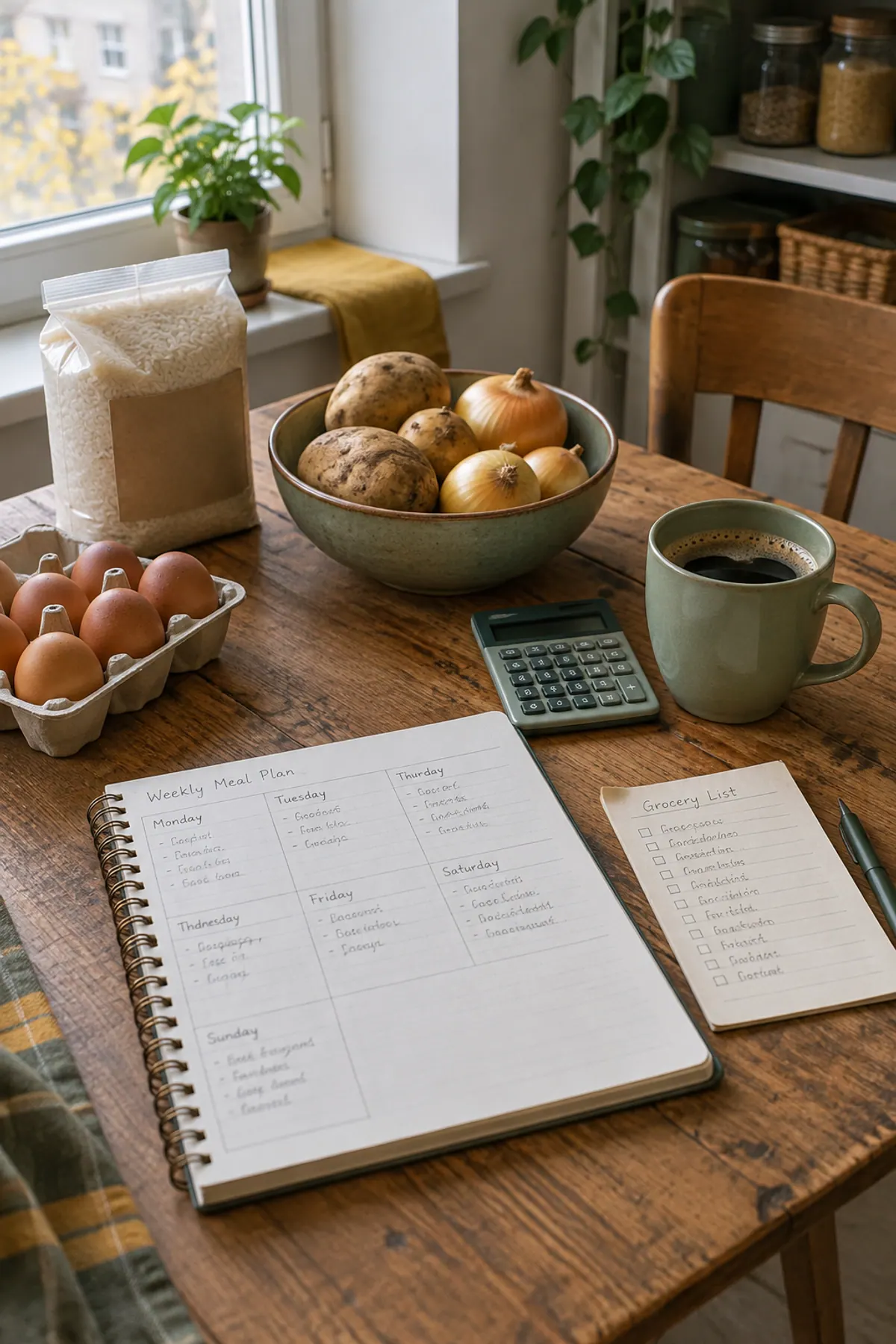
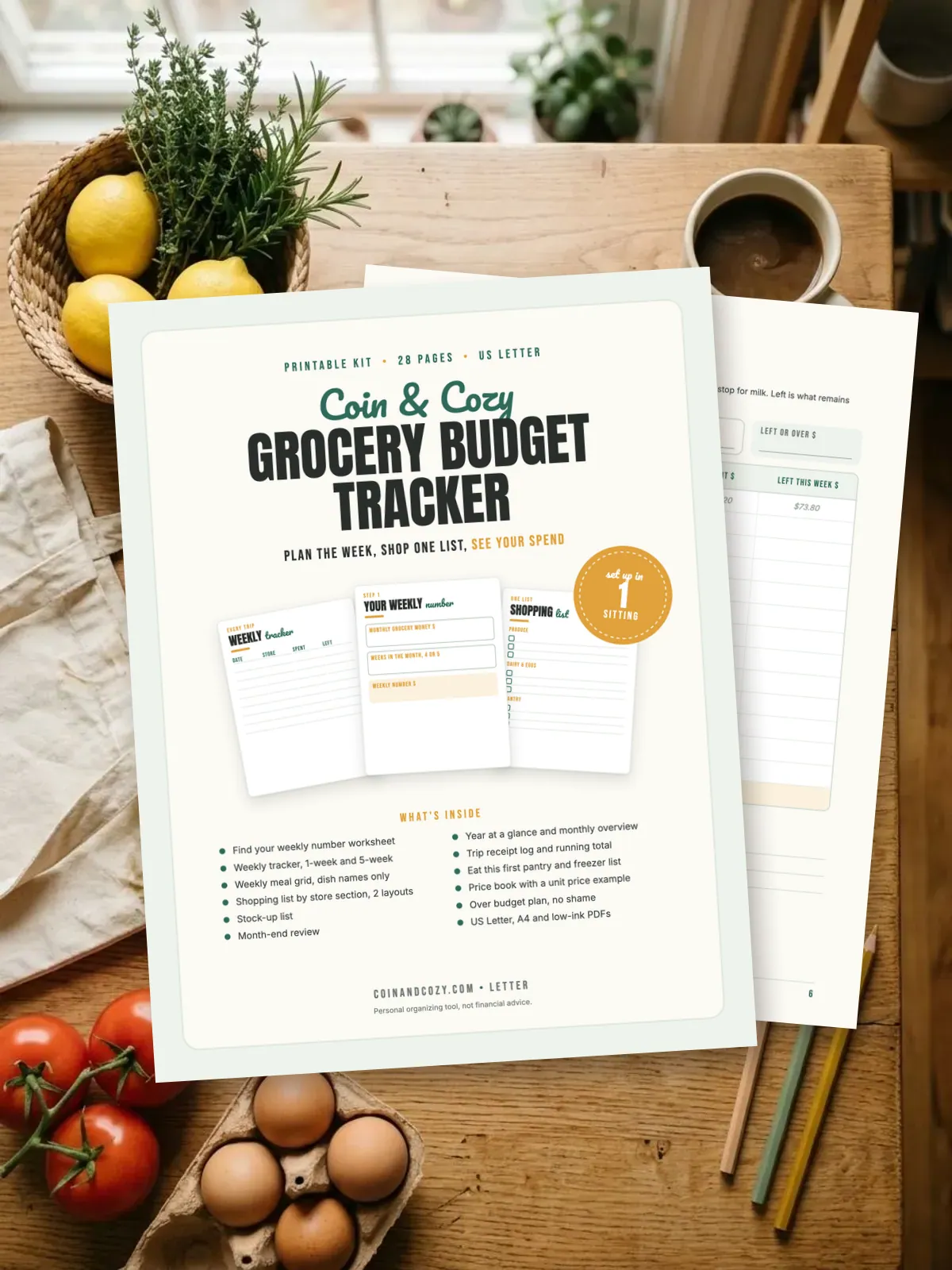
The free printable is a 3-page sample from our grocery kit: a one-page weekly tracker, a shopping list by store section and an Eat This First page. The tracker has a space for your weekly number and five columns: Date, Store, Budget for this trip, Spent and Left this week. They work the same way as the columns above, with the budget and spent numbers side by side. Download the free weekly grocery tracker (PDF), print it on US Letter paper and keep it on the fridge or in a binder. Print as many copies as you need for your own household.

What to have ready before you print
Paper, Bullet Journal or Spreadsheet: Which Grocery Tracker Fits?
The best tracker is the one you will open after a trip. Here is how the three common choices compare, based on how people usually use them rather than on a test.
| Format | Best for | Watch out for |
|---|---|---|
| Printed sheet | Fridge visibility and a quick pencil entry | Needs a fresh copy each week |
| Bullet journal spread | People who already keep a journal and like drawing | Takes setup time and needs ruling by hand |
| Spreadsheet or phone note | Pulling totals on the go | Easy to forget if it is not in sight |
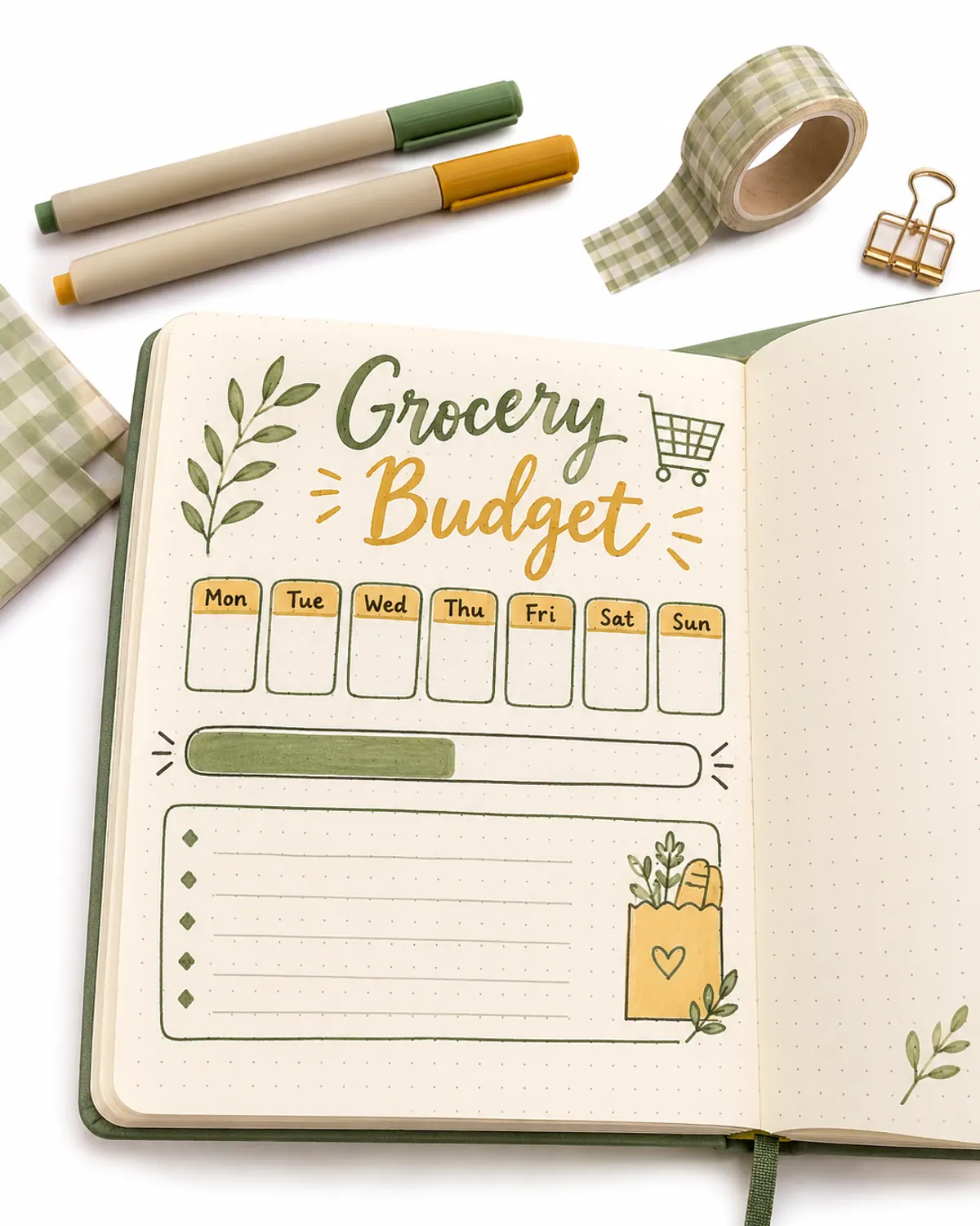
For a bullet journal, draw seven small boxes for the days, one bar for the weekly number and a short list for trip totals. Our spending tracker ideas for bullet journals has more layouts you can borrow.
5 Mistakes That Break a Grocery Budget Tracker
Most trackers fail in the same few ways, and all of them are fixable. Check this list if your numbers keep surprising you.
Common grocery tracker mistakes to avoid

Make the Weekly Number Fit Your Household
The right number depends on who you feed. A single adult, a couple and a family of five need very different weeks, so start from your own receipts. If you want a shopping list to match a number, try our $50 a week staples list, or the family of 4 grocery list and the family of 5 guide for bigger households.
Pair the tracker with a plan for what you will eat, so the list is written before the trip. Our $75 week meal plan and grocery saving tips show ways to bring the number down without skipping meals. Dinner ideas are names only here, because this page is about tracking, not cooking.
Keep the Grocery Line Inside Your Whole Budget
Groceries are one line in a bigger plan, and the weekly number only makes sense next to your bills and paydays. Your next step is the Cozy Budget Planner 2027 ($12): it has 12 monthly budget pages, a weekly spending check-in and a paycheck budget, so your grocery number sits beside rent, bills and savings in one printable. It is a personal organizing tool, not financial advice.
Simple supplies for your grocery tracker
-
Clear pantry storage containers
Typically $15 to $35 for a set
Seeing what you already have stops duplicate buys.
Check price on Amazon for Clear pantry storage containers -
Digital kitchen scale
Typically $10 to $20
Helps you portion bulk buys and compare price per ounce.
Check price on Amazon for Digital kitchen scale -
Reusable grocery tote bags
Typically $10 to $20 for a pack
Keep one tote as your tracker bag, with the sheet and a pencil inside.
Check price on Amazon for Reusable grocery tote bags
Frequently asked questions
How do I make a grocery budget tracker?
Write your weekly number at the top of a page, then rule five columns: date, store, trip total, running total and left this week. After each trip, log the total and subtract it from the number. The free printable on this page already has the columns.
How much should my weekly grocery budget be?
There is no single right number. Divide your monthly grocery line by 4.33 to get a weekly figure, or add up two weeks of receipts and round down slightly. A $650 month is about $150 a week, which is an example, not advice.
Should I track groceries weekly or monthly?
Weekly is easier to act on. A weekly number shows you the limit before your next trip, while a monthly total tells you only after it is too late to change anything. Use the monthly total to judge how the weeks added up.
Should household items count in the grocery budget?
Keep them on a separate line if you can. Mixing cleaning supplies and toiletries with food makes the food number hard to compare week to week. If you cannot separate them, track them together and say so at the top of the sheet.
What do I do if I go over my grocery budget?
Trim one thing next week instead of raising the number. Look at the biggest trip and note what drove it. If you are over for four weeks in a row, then it is time to raise the weekly number to match your real spending.