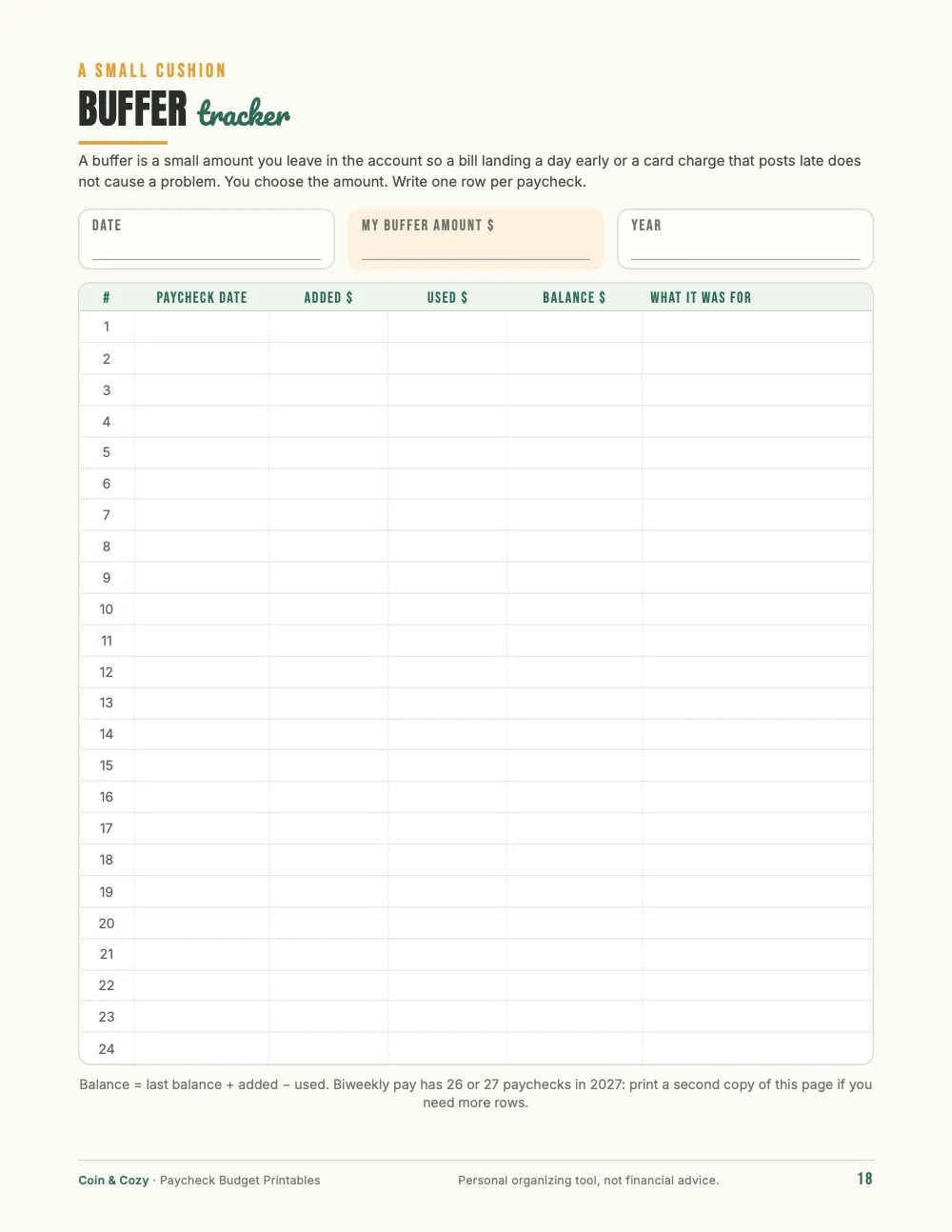
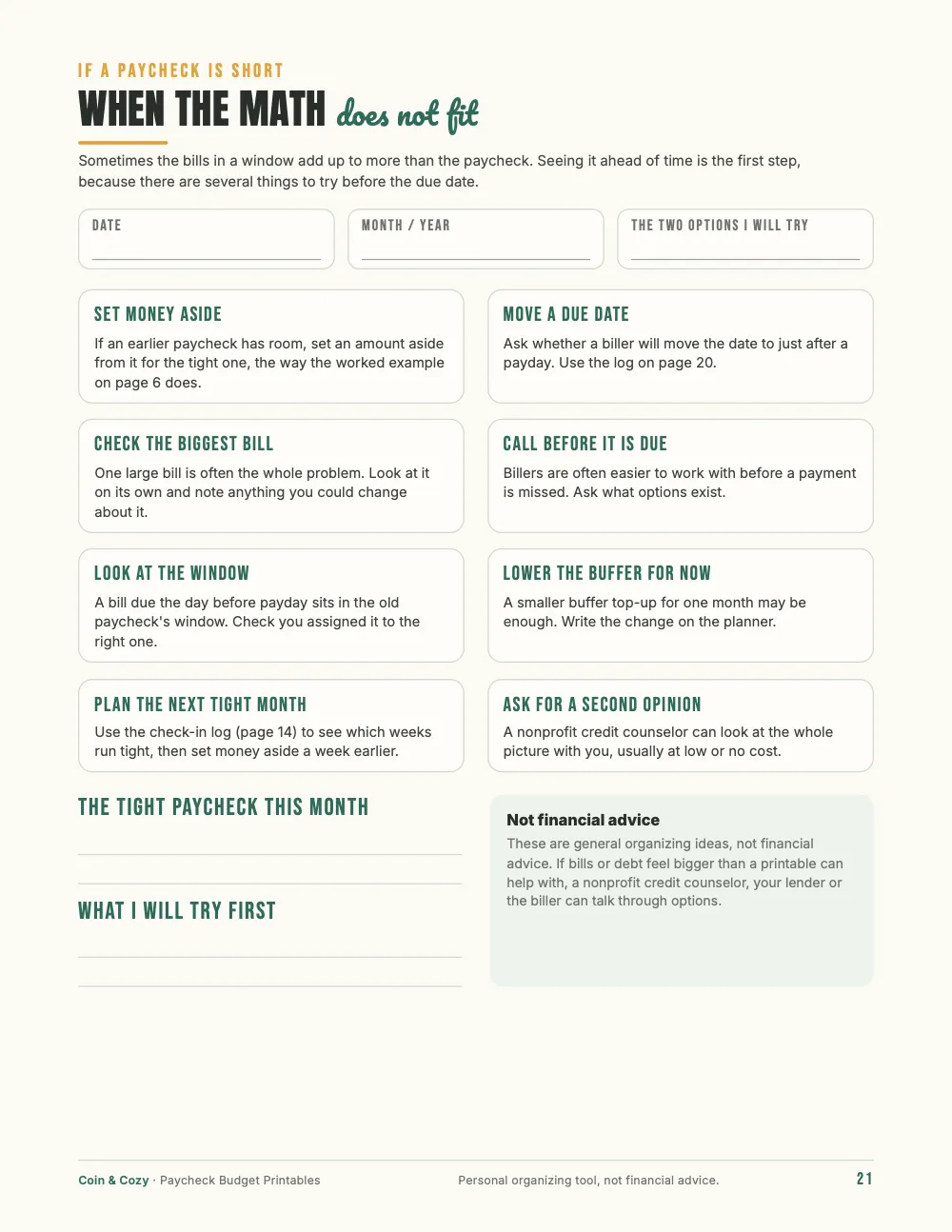
8 pages to flip through, of 22. Swipe or use the arrows.
$5.00
Paycheck Budget Printables: Assign Every Bill to a Paycheck and See What Is Safe to Spend
For weekly and biweekly pay, so the 1st of the month stops being a scramble
- 22 pages
- US Letter + A4
- Low-ink version
- Instant download
- Print as often as you need
Secure checkout by Dodo Payments. Instant PDF download after purchase.
Try 3 pages free
Get pages 7, 10 and 13 by email, exactly as they print from the full file.
A monthly budget treats your pay like one lump sum on the 1st. Real pay does not work that way. Rent is due the 1st, the car payment on the 5th, and your paychecks land on other days, so one paycheck ends up carrying most of the bills while the next one looks wide open. This kit puts the dates on paper so you can see it before the month starts. You can set it up in about one sitting.
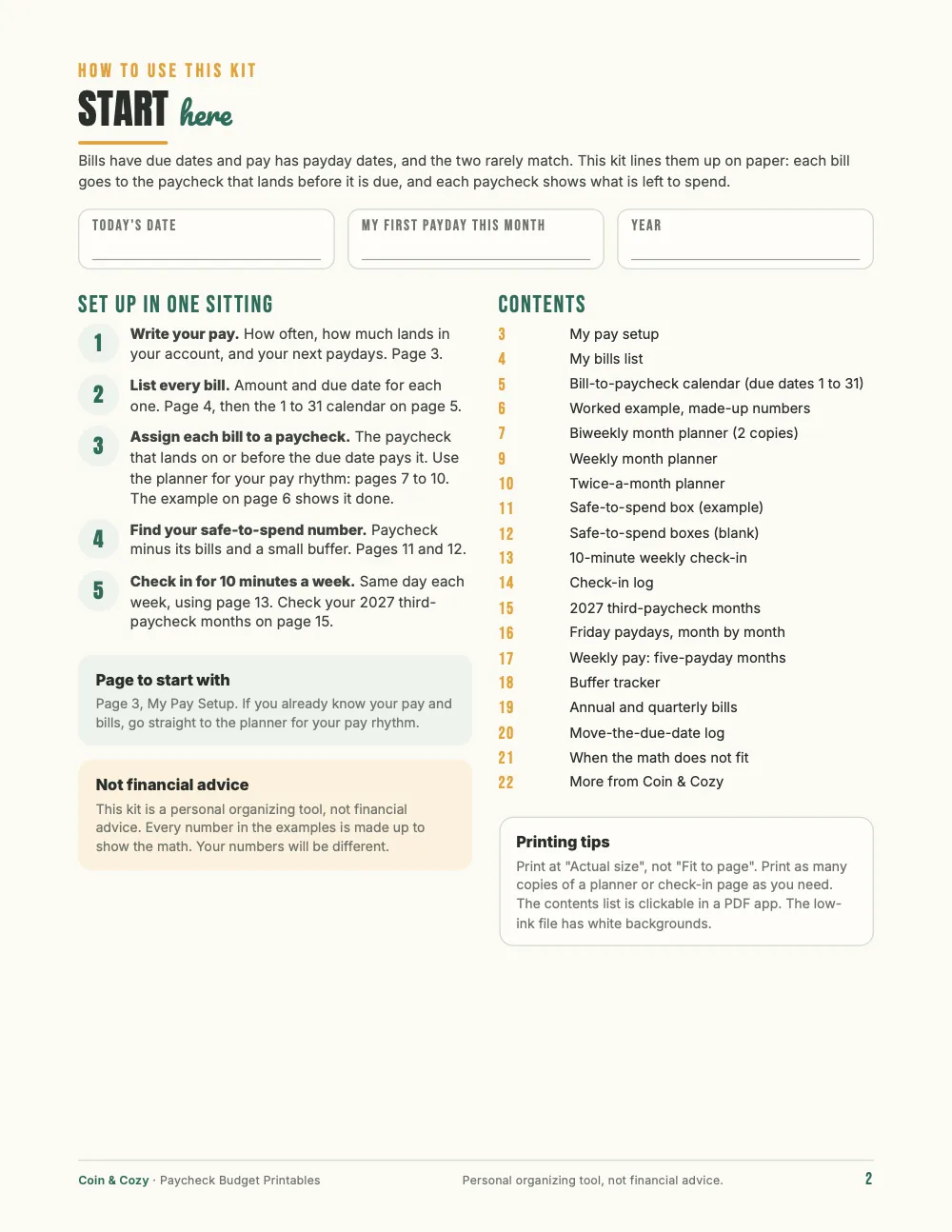
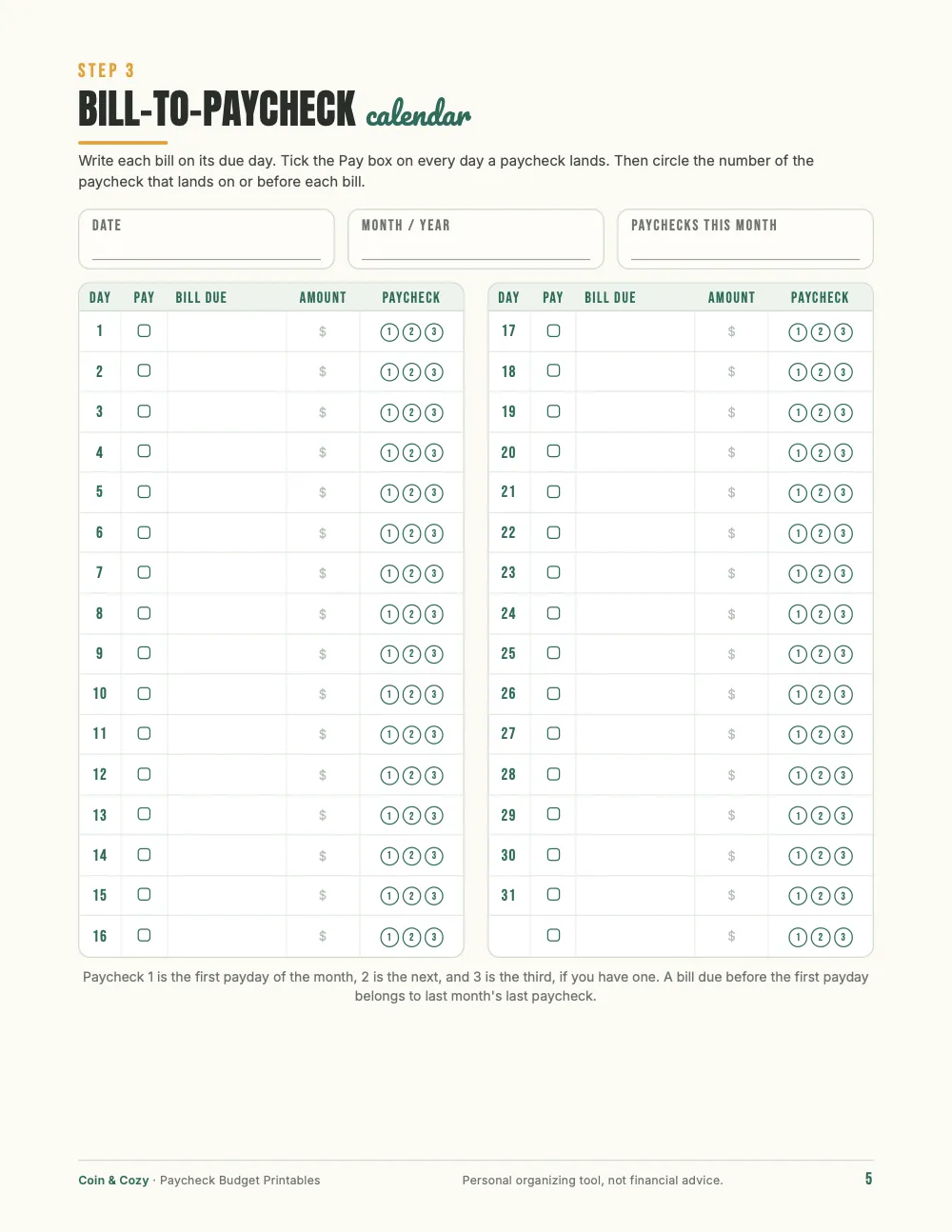
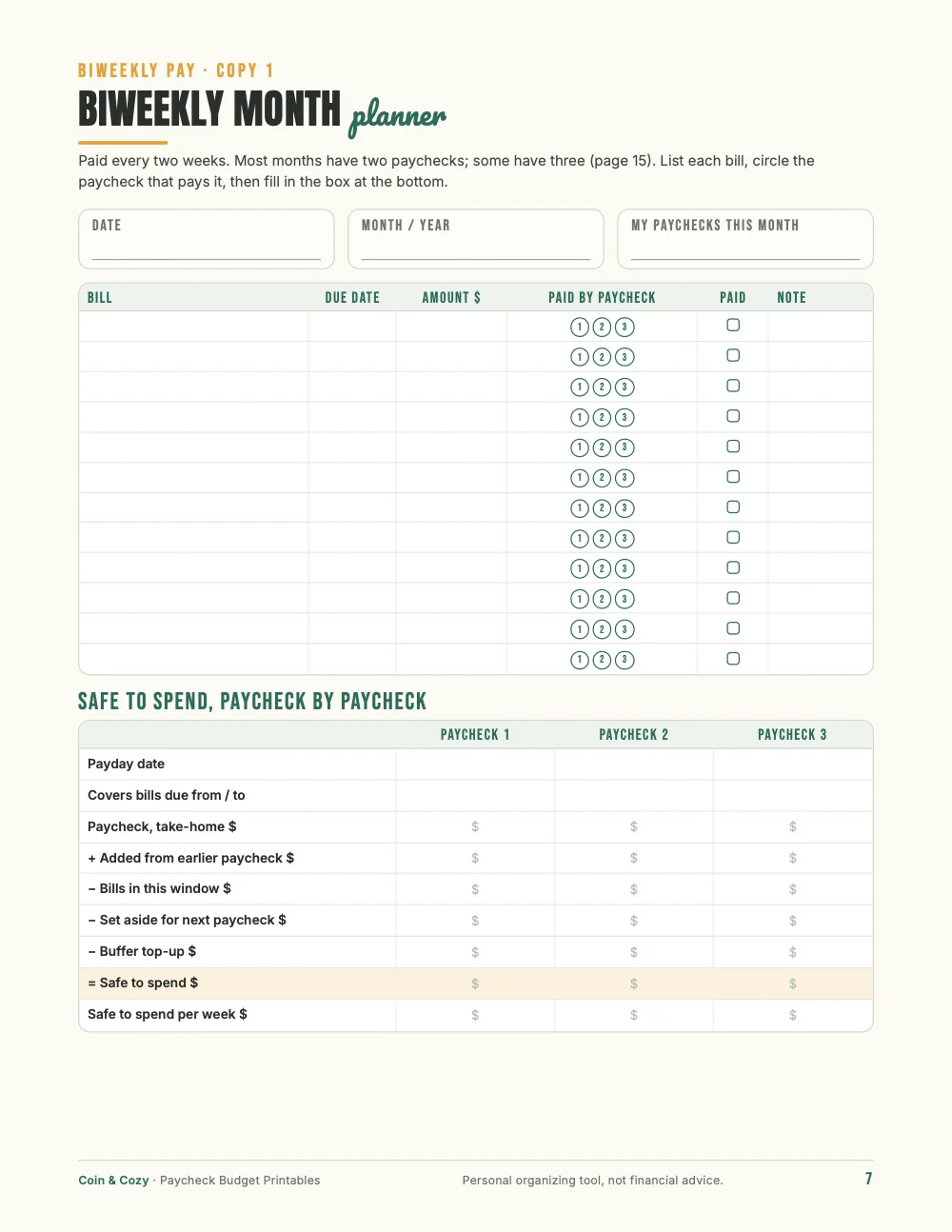
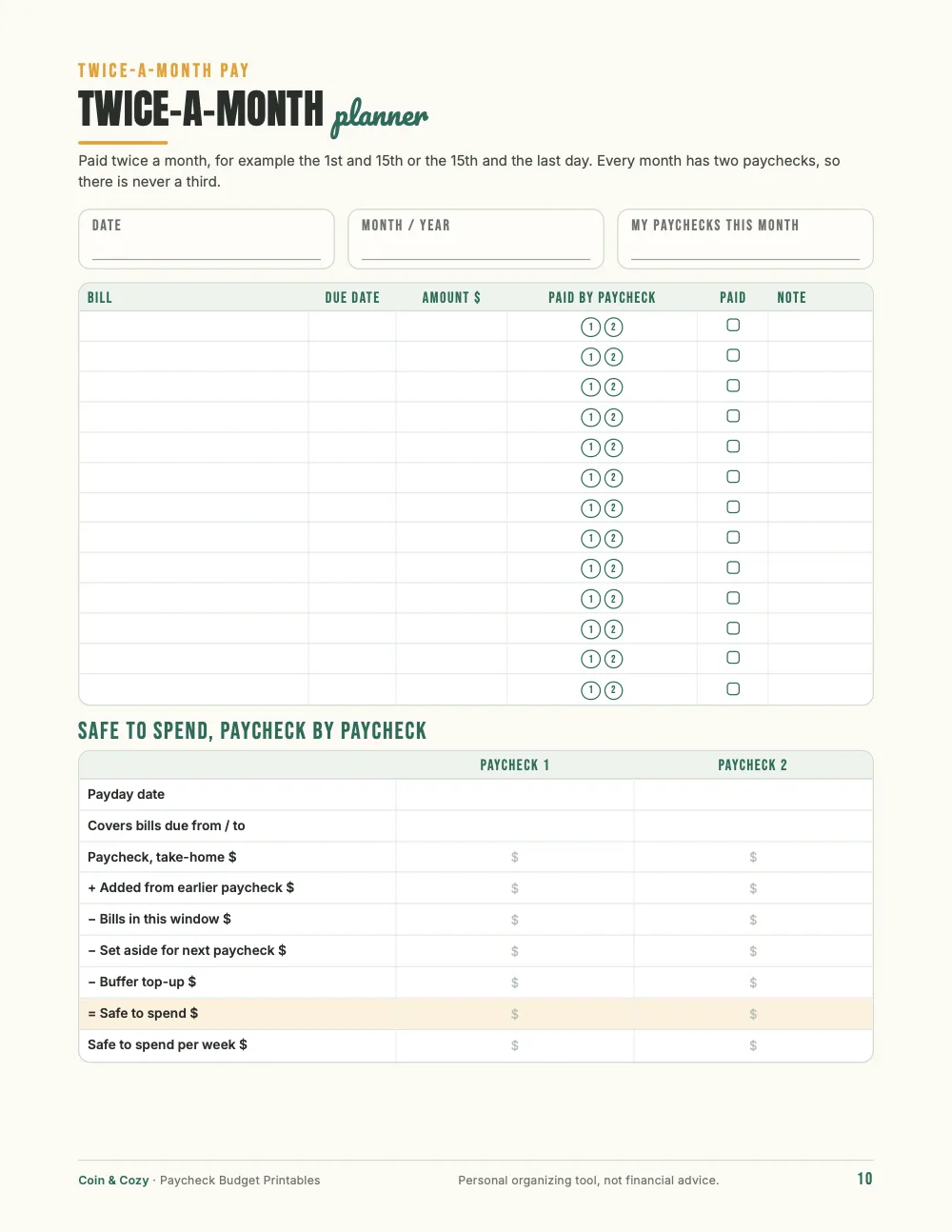
Start with My Pay Setup and the bills list. Then use the bill-to-paycheck calendar: write each bill on its due day and give it to the paycheck that lands on or before that date. A worked example with made-up numbers shows a whole month done, including a set-aside from a looser paycheck for a tighter one. Pick the month planner for your pay rhythm, biweekly, weekly or twice a month, and fill in the safe-to-spend box: the paycheck, minus the bills in its window, minus a small buffer, with a per-week number.
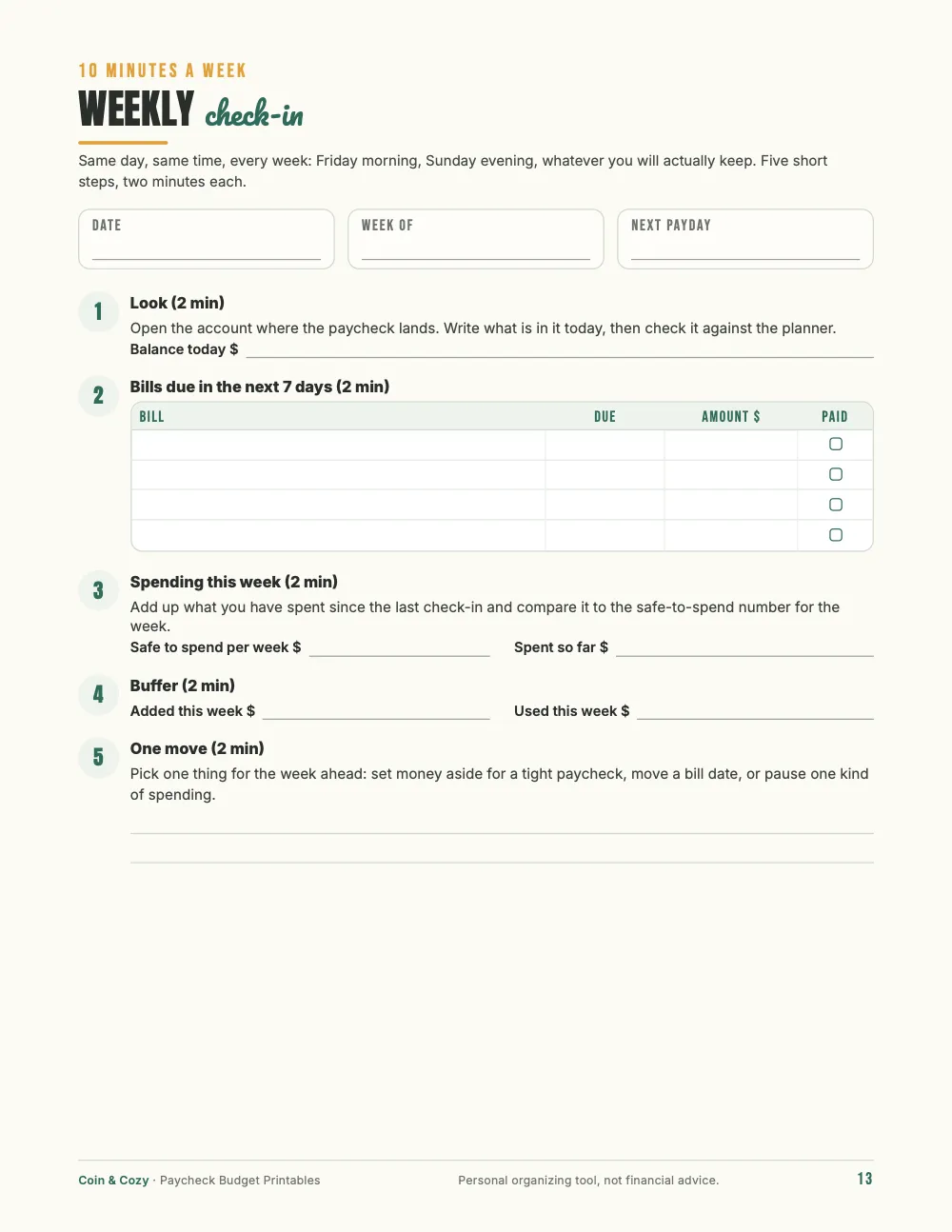
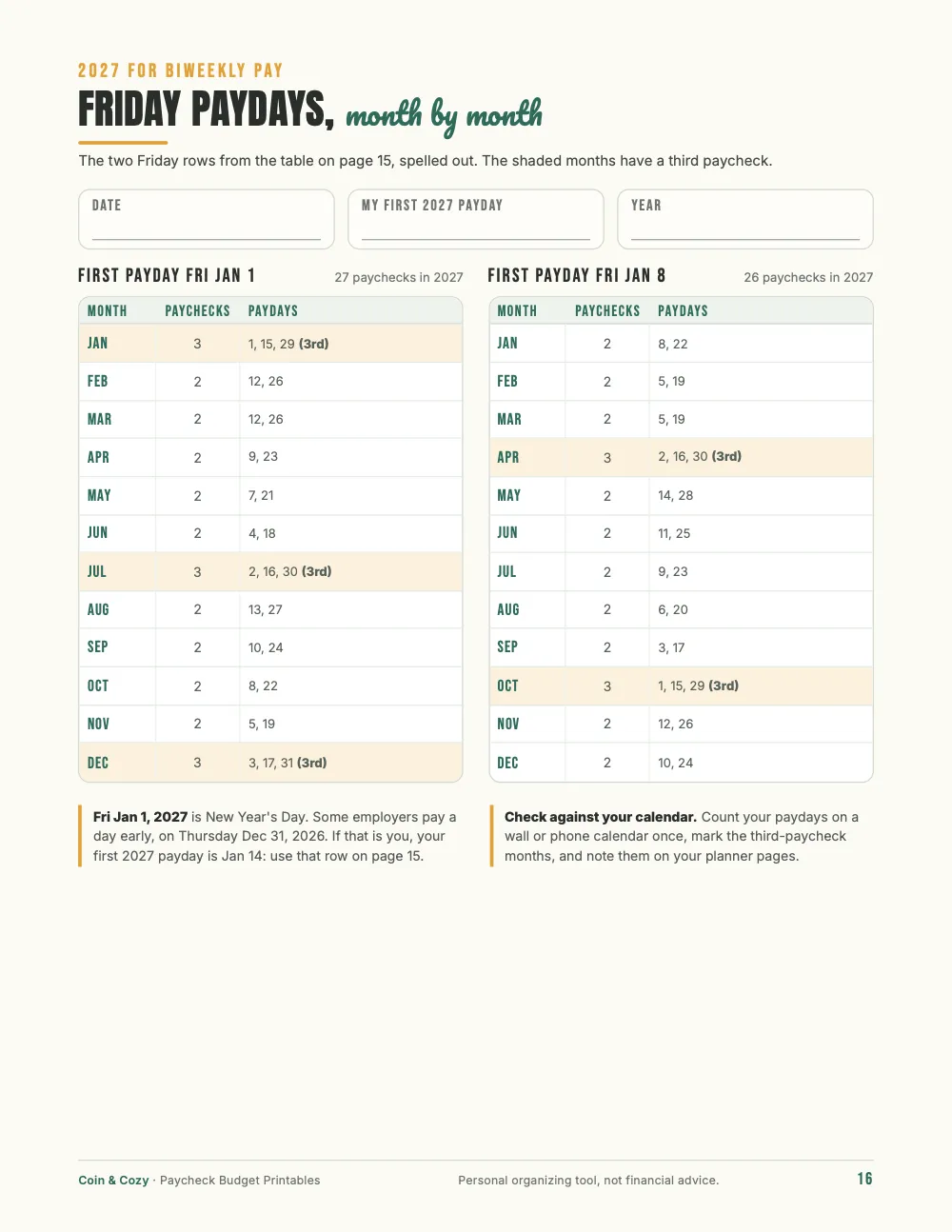
For 2027, the third-paycheck page shows which months have three paychecks for biweekly pay, for each possible first payday in January, with the Friday paydays spelled out month by month. Weekly pay gets its five-payday months. There is also a 10-minute weekly check-in with a log, a buffer tracker, a page for annual and quarterly bills, a move-the-due-date log and a page for when the math does not fit. The files are US Letter, A4 and low-ink PDFs. Personal organizing tool, not financial advice.
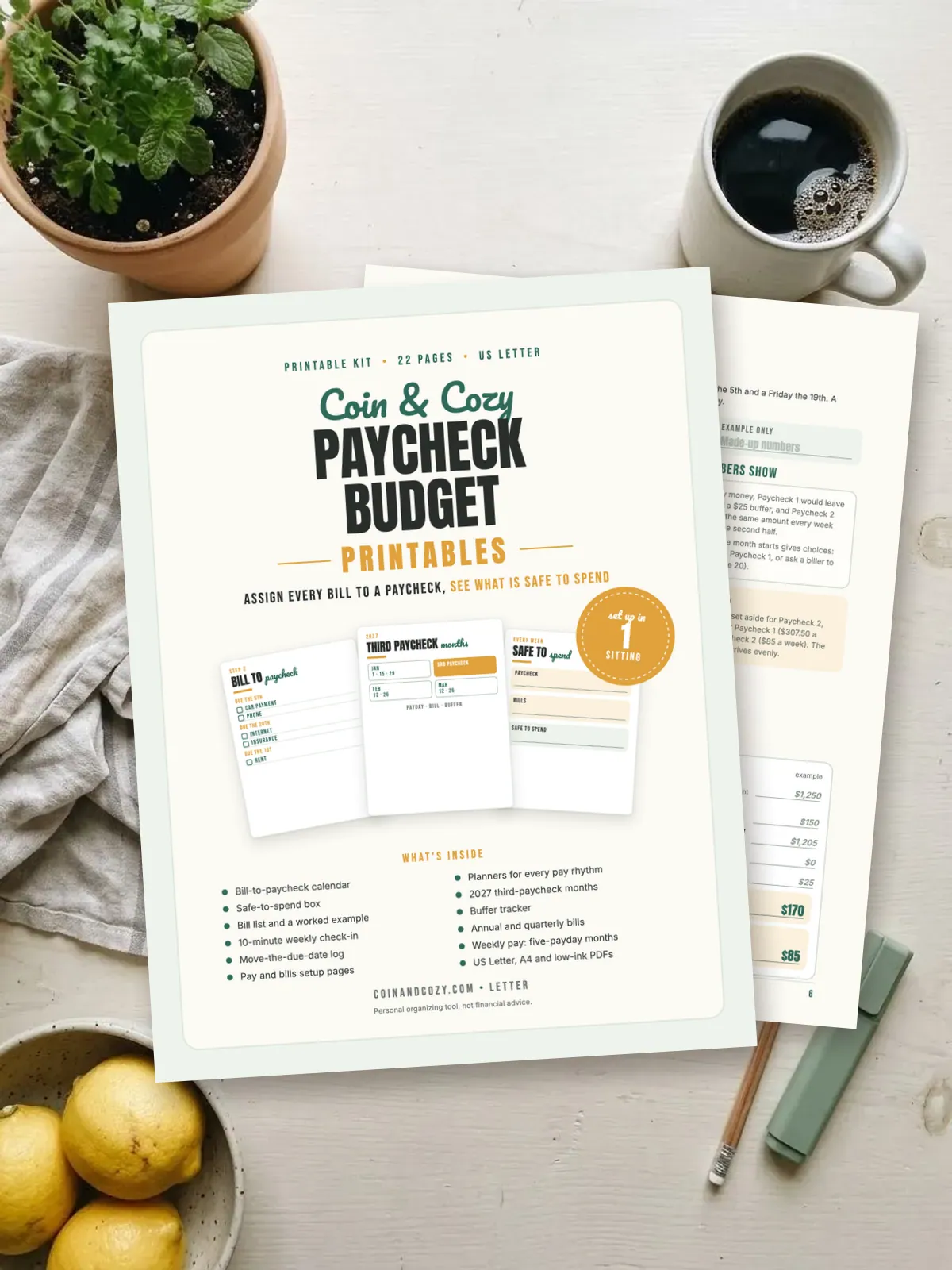
What's inside
- Bill-to-paycheck calendar for due days 1 to 31, plus a bills list with autopay and can-the-date-move columns
- Worked example with made-up numbers: eight bills assigned to two paychecks, with a set-aside from one paycheck for the next
- Month planners for biweekly pay (2 copies), weekly pay and twice-a-month pay
- Safe-to-spend box for each paycheck: paycheck, bills in its window, set-aside, buffer, and a per-week number
- 2027 third-paycheck months for biweekly pay, for each possible first payday in January, with the Friday paydays listed month by month
- Five-payday months for weekly pay in 2027, by weekday
- 10-minute weekly check-in and check-in log, buffer tracker, annual and quarterly bills page
- Move-the-due-date log and a page for weeks when the math does not fit
- US Letter, A4 and low-ink PDFs, 22 pages each, with a clickable contents page
What you'll need
- A printer, or a tablet with an app that lets you write on PDFs
- US Letter or A4 paper
- Black and white printing is fine: the low-ink version saves color ink
- A pen or pencil
Safety first: This is general money education, not personalised financial advice. Please read our financial disclaimer.
Frequently asked questions
Which pay schedules does it cover?
Weekly, every two weeks, and twice a month. There is a month planner for each. The 2027 third-paycheck page is for biweekly pay and the five-payday page is for weekly pay.
How do I know which months have a third paycheck in 2027?
Find your first payday in January 2027 on page 15 and read across. For example, if it is Friday, January 1, the third-paycheck months are January, July and December; if it is Friday, January 8, they are April and October. The dates were checked in code against a calendar.
What does safe to spend mean?
It is the paycheck minus the bills that paycheck covers, minus anything you set aside for a tighter paycheck, minus a small buffer you choose. What is left is what you can spend until the next payday. It is an organizing number, not a prediction.
Are the numbers on the example page real?
No. They are made up to show the steps. Every other page is blank for your own numbers.
Will it help me save a certain amount?
It makes no promise about results. It is a personal organizing tool, not financial advice.
Is this a physical product?
No. It's a digital download of 22 pages in US Letter and A4, plus a low-ink version. Nothing is shipped.
How do I get my files?
Right after payment the download opens on the order page, and our checkout partner Dodo Payments emails you a copy. If you can't find it, check spam or promotions, or write to [email protected].
Can I print it more than once?
Yes. Print as many copies as you need for your own personal use. Please don't share or resell the files.
Can I use it on a tablet?
Yes. Open the PDF in any app that lets you write on PDFs, such as GoodNotes, Notability or Xodo.
Can I get a refund?
Digital files can't be returned, so sales are final. If a file is defective, incomplete or not as described, email [email protected] within 14 days and we'll replace it or refund you.
More from Coin & Cozy
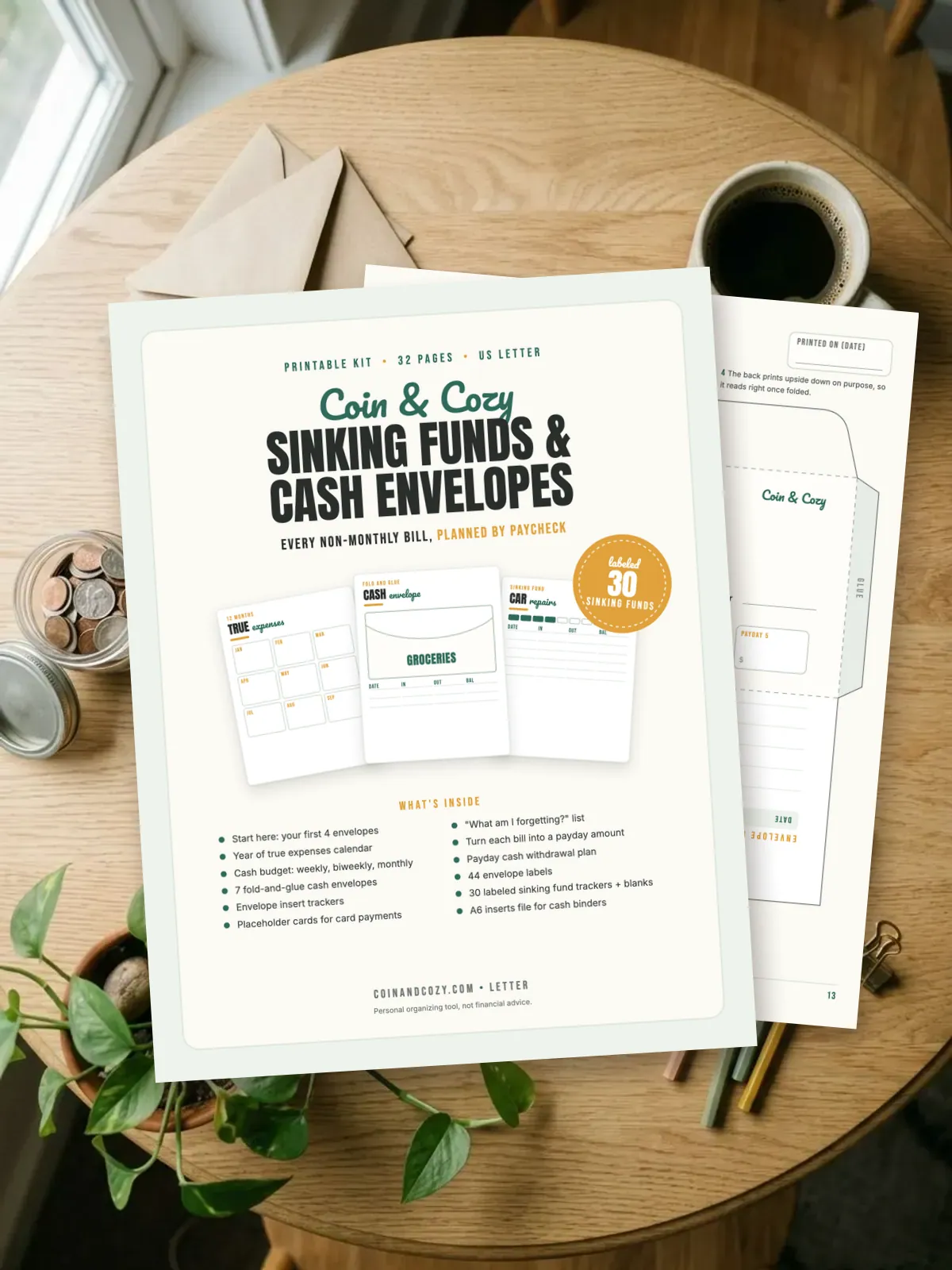
- $9.00 Sinking Funds and Cash Envelope Printables: Every Non-Monthly Bill Planned by Paycheck Get it · $9.00
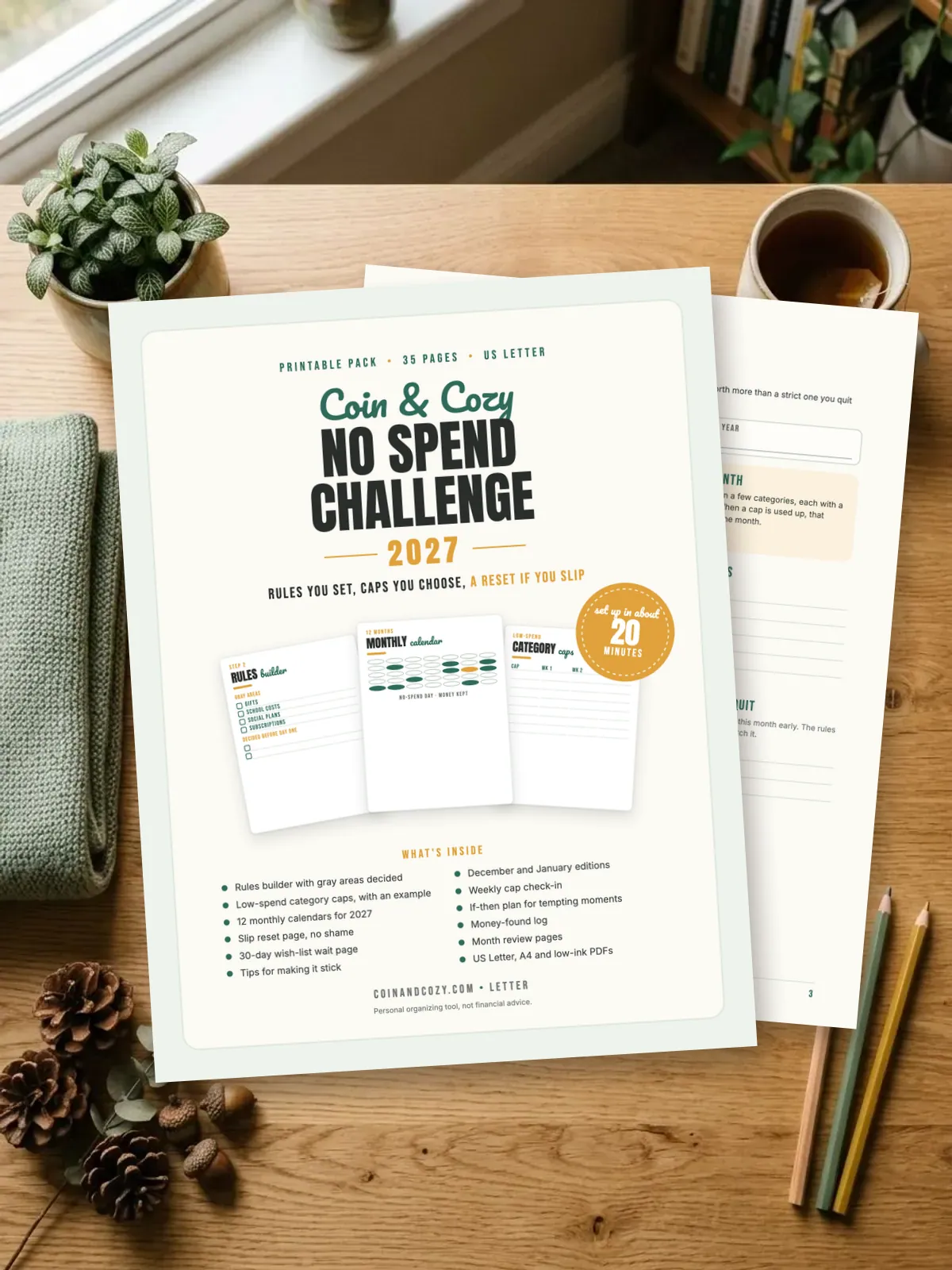
- $5.00 No Spend Challenge Printables 2027: Rules Builder, Low Spend Category Caps and 12 Monthly Trackers Get it · $5.00
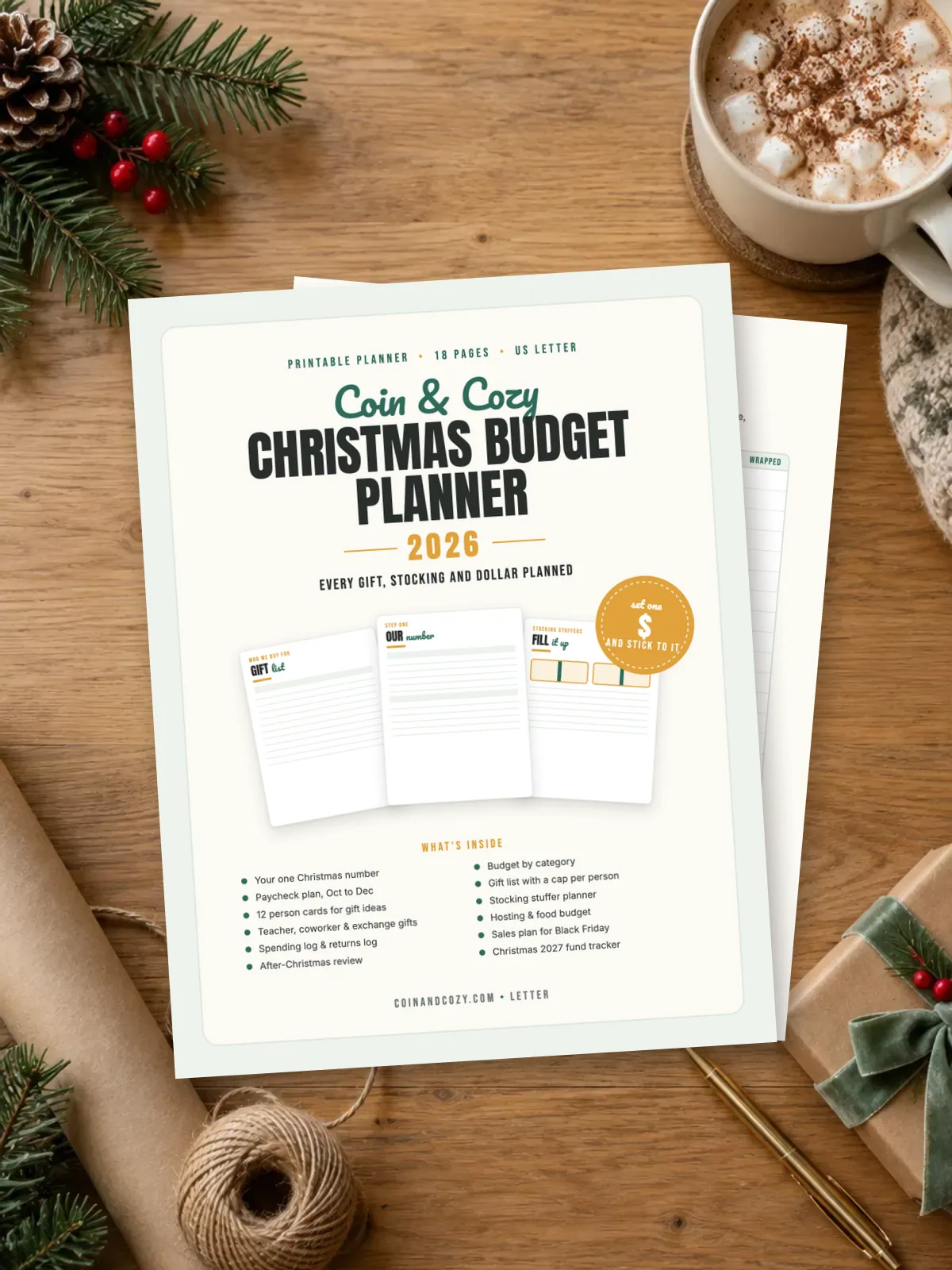
- $6.00 Christmas Budget Planner 2026: Every Gift, Stocking and Dollar Planned Get it · $6.00
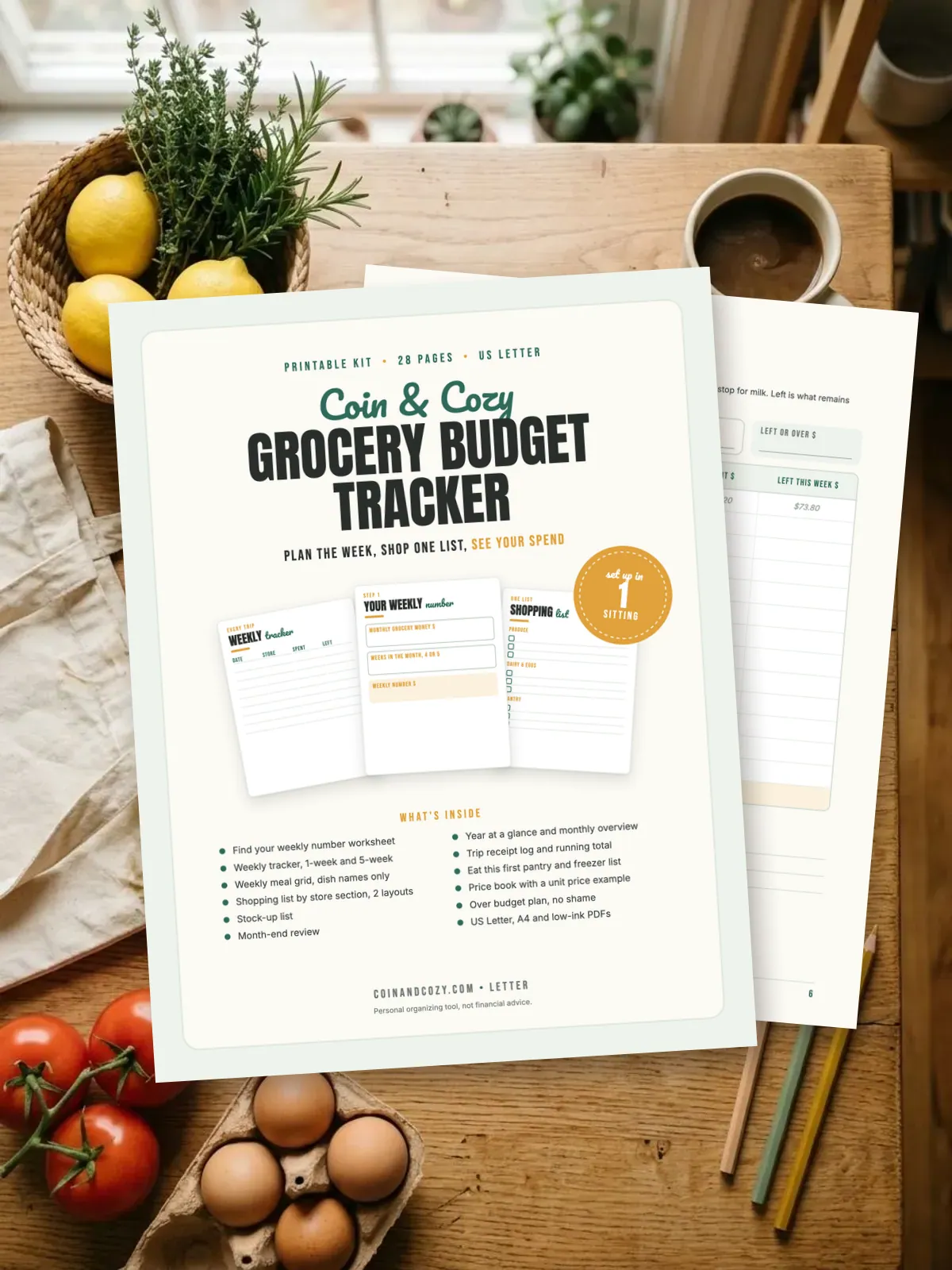
- $6.00 Grocery Budget Tracker Printables: Plan the Week, Shop One List, See Your Spend Get it · $6.00